
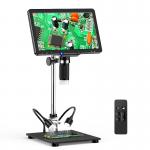
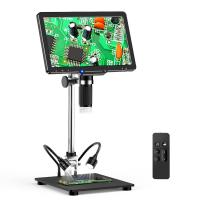
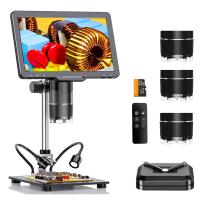
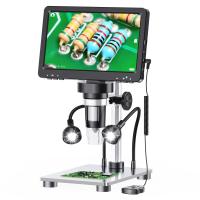
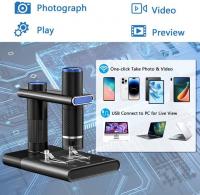
10.1-inch HDMI high-definition IPS screen professional high-definition digital microscope, 50-16000X magnification, touch dimming, capable of taking photos and recording, with wireless infrared remote control, compatible with PC Kentfaith
SKU: GW45.0074
Q
How to connect the digital microscope to the computer?
Answer Question
A
You can use the provided USB cable to connect the digital microscope to your computer. Once connected, you can use the appropriate software to view and process images or videos captured by the microscope.
Related products
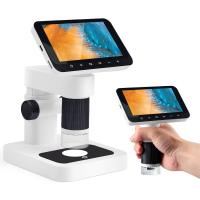
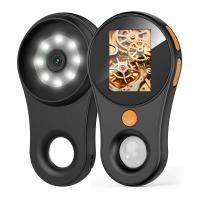
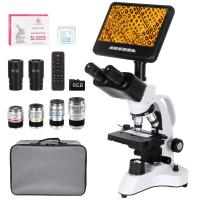
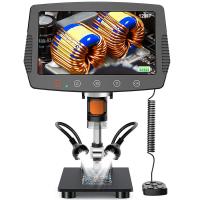
Guess you like products


Related articles




Guess you like articles


Related searches
Magnification Of The Microscope
The Magnification Of A Light Microscope
High Magnification Stereo Microscope
Hd High Definition Digital Video Camera
Parts Of The Microscope
High Definition Wireless Security Cameras
High Definition Wireless Ip Camera
High Definition Spy Camera Wireless
Digital Microscope With Screen
High Power Of Microscope