How To Install Video Surveillance Camera System?
Installing a video surveillance camera system can be both an exciting and strategic initiative. Whether you’re safeguarding your property, enhancing workplace security, or checking in on your pets while away, the process requires a bit of technical finesse. Done correctly, it’s an incredibly empowering achievement. This detailed guide will walk you through the most crucial steps to ensure your surveillance setup runs smoothly.
Planning Your Surveillance Setup
Before diving headfirst into installation, take a breath and plan strategically. This phase is just as critical as mounting the cameras. Here’s what you need to consider:
1. Define Your Needs and Goals: Ask yourself: Are you monitoring indoors, outdoors, or both? What specific areas are more prone to vulnerabilities—doorways, backyards, driveways, storage rooms? Knowing this will help determine the quantity and quality of cameras and the level of coverage required.
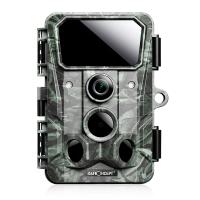
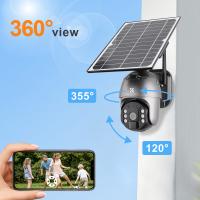
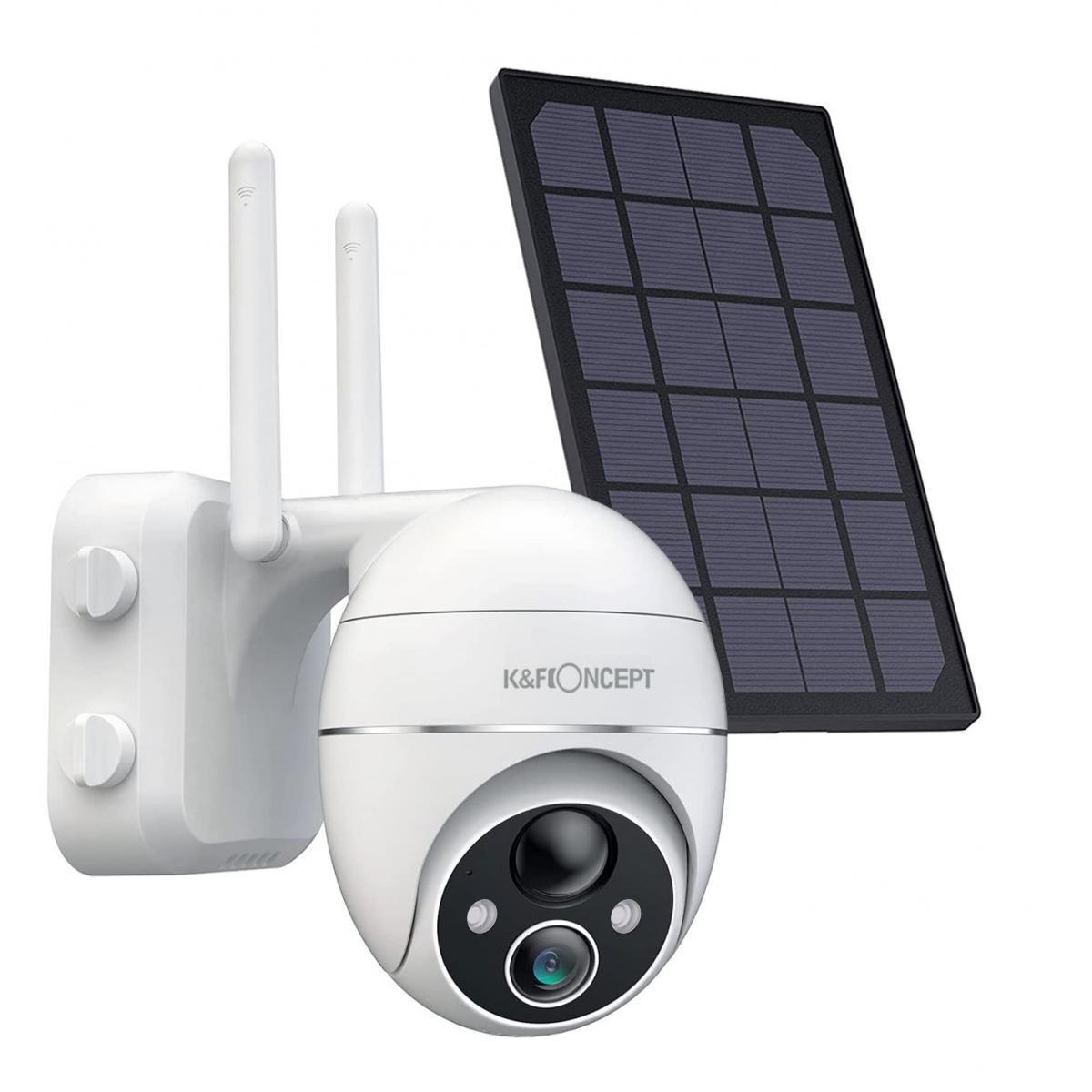
2. Choose Your Camera Type: Video surveillance systems come with variations of cameras, such as bullet, dome, PTZ (pan-tilt-zoom), and wireless. Bullet and dome cameras are great for fixed-point monitoring. PTZ cameras can swivel and zoom, making them ideal for dynamic coverage. Wireless cameras are hassle-free but may depend on strong Wi-Fi signals.
3. Wired vs. Wireless System: Wired systems are often more reliable but can require significant cabling efforts. Wireless cameras are easier to install but can suffer issues like network interference. Choose wisely and weigh your priorities.
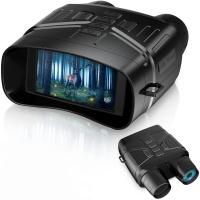
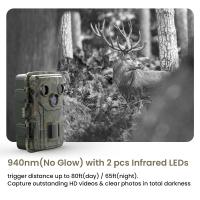
4. Consider Lighting Conditions: Unless you enjoy watching blurry shadows of thieves at night, make sure your cameras support night vision or infrared capabilities. Lighting can make or break your surveillance effectiveness.
5. Physical Security for Cameras: Ironically, the very devices safeguarding your property can themselves be vulnerable to theft and vandalism. Consider placing cameras out of easy reach and use tamper-proof mounts.
Gathering Your Equipment
Once you’ve planned, it’s time to gather the essentials. Here's a checklist of components typically needed for a complete system setup:
- Surveillance cameras
- Digital Video Recorders (DVR) or Network Video Recorders (NVR)
- Ethernet cables (for wired systems)
- Power adapters or PoE (Power over Ethernet) injectors
- Router and/or switch (for IP cameras)
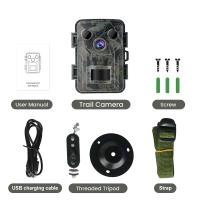
- Mounting brackets and tools (screws, anchors, drill, screwdriver)
- Storage drives for recording (ensure proper capacity for long-term storage)
Pro tip: Always buy equipment from trusted manufacturers. Compatibility among devices is key for seamless operation.
Physical Setup: Camera Mounting and Placement
Now that the strategic groundwork is complete, let’s tackle the physical setup.
1. Optimal Positioning: Mount cameras where they provide the best vantage point. Common placements include directly above doors, driveway entrances, and hallways. Aim outdoor cameras downward to minimize glare from the sun.
2. Camera Angles: For wide areas, a corner-mounted camera offers overlapping fields of view. Test angles thoroughly before finalizing placement.
3. Mounting the Cameras:
- Drill mounting holes for screws and anchors.
- Attach brackets securely to walls, ceilings, or poles.
- Mount the cameras on brackets and adjust them to desired angles.
4. Cable Management (Wired Systems): Run cables discreetly to reduce tangling hazards or expose wires to elements. Consider conduits to organize connections neatly.
Connecting and Configuring the System
The next phase involves connecting and configuring your camera system. This part can feel intimidating if you’re not tech-savvy, but don’t worry—it’ll all make sense soon.
1. Connect Cameras to DVR/NVR:
- For analog cameras, connect video cables to the DVR unit.
- For IP cameras, use Ethernet cables to connect cameras to an NVR or simply connect them to your router if using standalone software.
2. Power Up:
- Wired cameras often require direct electrical connections; make sure you have accessible power points.
- For PoE cameras, connect to the router or switch—data and power flow through the same Ethernet cable.
3. Configure Settings:
- Access the DVR/NVR software through a monitor or use the web interface/app for IP-based systems.
- Set time zones and recording preferences—continuous recording, motion detection, or scheduled recording.
- Adjust resolutions, frame rates, and storage quotas for maximum efficiency.
4. Connect to Viewing Devices:
- Most systems allow remote access through an app or desktop software. Download the app provided by your camera manufacturer, log in, and test the live feeds.
- For analog systems, connect the DVR to a monitor or TV for live view.
Testing and Optimization
Now it’s time to confirm that all the puzzle pieces fit together. Run through a solid checklist:
1. Image Quality Check: Review live footage to ensure clarity and optimal field of view. Adjust angles or lighting if necessary.
2. Motion Sensors: Trigger motion and test detection accuracy. Avoid false alarms caused by pets, rustling leaves, or passing shadows.
3. Remote Access Verification:
- Ensure mobile access is functional through your surveillance app.
- Test playback features to confirm proper recording has begun.
4. Backup System: If you value your recorded data, configure secure backups to cloud storage or network-attached devices. No one wants to lose crucial footage of last night's raccoon raid because of faulty drives!
Maintaining Your Surveillance System
You’re not off the hook yet—videography and security require ongoing attention. Here are some quick tips to keep your system alive and kicking:
1. Regularly Clean Camera Lenses: Dust and moisture can obstruct visibility. Wipe lenses every few weeks with a microfiber cloth.
2. Inspect Cabling: Extreme weather conditions may damage wiring, especially for outdoor setups. Check for frayed or exposed areas.
3. Monitor Storage: Over time, recordings can overwhelm your disk space. Adjust retention policies or periodically clear unnecessary data.
4. Software Updates: Manufacturers frequently release patches for security and performance improvements. Keep your firmware and apps updated.
5. Conduct System Tests: Schedule occasional “security drills” to ensure cameras, motion sensors, and remote viewing still work smoothly.
Wrapping It Up
Installing a video surveillance camera system isn’t rocket science, but it does demand careful planning, attention to detail, and a willingness to experiment and troubleshoot. Confidence is key! You’ve now entered the realm of self-reliance—armed with a security setup worthy of protecting your castle (or cocoon). Whether you're sending burglars packing or catching your pets in the act of sofa invasion, you're officially the Sherlock Holmes of surveillance.
And hey, the next time your nosy neighbor asks if you’ve got eyes on their driveway, confidently reply, “No worries—my cameras have got us both covered."