
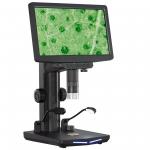
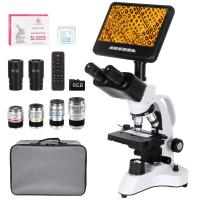
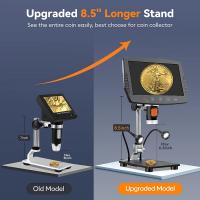
10.1-inch IPS high-definition display HDMI digital electron microscope, 10-1300 magnification, HDMI on screen display, with wireless infrared remote control, compatible with PC
SKU: GW45.0075
Q
How to use the wireless infrared remote control of digital microscope?
Answer Question
A
Using the wireless infrared remote control, you can control the functions of the digital microscope by pressing the corresponding buttons, such as adjusting magnification, switching modes, operating shooting, etc. Make sure there is no obstruction between the remote control and the digital microscope, and use it within a reasonable range.
Related products
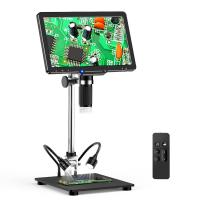
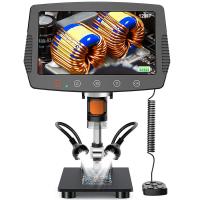
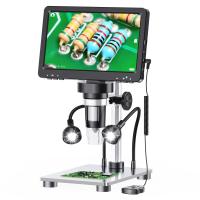
Guess you like products
Related articles


Guess you like articles


Related searches
Parts Of The Microscope
Magnification Of The Microscope
Digital Camera Wireless Remote Control
The Field Of View Microscope
Digital Cameras With Wireless Remote Control
Wireless Camera Remote Control
Wireless Remote Control Tripod
The Magnification Of A Light Microscope
Digital Camera With Remote Control
Remote Control Digital Video Camera