
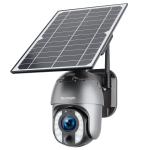
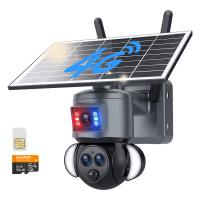
4G Wireless Security Camera with 10X Optical Zoom 5MP 2K Full-color 8W 10400mAh Solar Power Kentfaith
SKU: GW50.0102EU
Q
How to use the optical zoom feature?
Answer Question
A
Sharpen Your View in 3 Easy Steps: ①Find Your Focus: Make sure there's an object in front of the camera for it to reference. This helps the camera lock in and achieve optimal focus. ②Zoom It In: Use the zoom controls on the app to get the image closer. ③Fine-Tune the Clarity: Once zoomed in, use the focus adjustment to get the sharpest possible image. Pro Tip: Switch to HD mode for the best viewing experience.
Related products
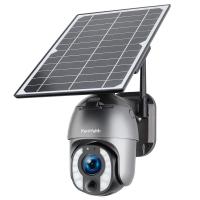
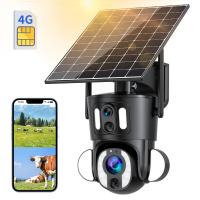
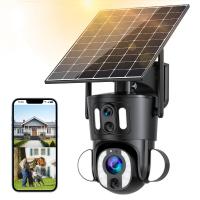
-200x200.jpg "4G Solar Security Camera with WiFi Connection 2-in-1, 2PCS Kentfaith Outdoor Surveillance Camera with IP66 Waterproof Rating & 10X Optical Zoom")
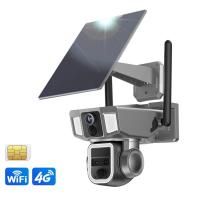
-200x200.jpg "4G Solar Security Camera with WiFi Connection 2-in-1, 3PCS Kentfaith Outdoor Surveillance Camera with IP66 Waterproof Rating & 10X Optical Zoom")
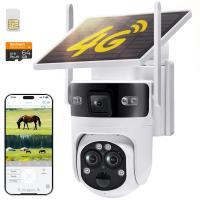
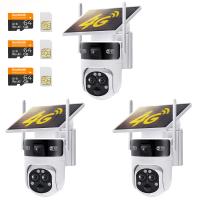
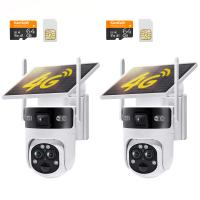
Guess you like products


Related articles



Guess you like articles

Popular products
4g wireless security camera
solar powered security camera with night vision UK
zooming binoculars
solar powered cctv camera with sim card
solar powered security camera with night vision UK
digital camera optical zoom
solar powered wireless security camera system
solar powered outdoor wireless camera
wireless security camera system outdoor wifi
solar powered wireless outdoor security camera
Related searches
Wireless Security Camera Optical Zoom
Optical Zoom Wireless Camera
Security Camera With Optical Zoom
Webcam With Optical Zoom
Drone With Optical Zoom
Drones With Optical Zoom
Wireless Ip Camera Optical Zoom
4k Optical Zoom Security Camera
High Optical Zoom Security Camera
Optical Zoom Surveillance Camera