What Is Time Lapse On Dash Cam?
Dash cams have evolved drastically over the years, transforming from basic road-recording devices into multi-functional tools that can help ensure your safety, provide insurance evidence, and even capture breathtaking scenery during lengthy drives. One feature that epitomizes this evolution is the "time lapse" mode. If you're reading this, chances are you’re either wondering whether it's worth enabling this setting on your own dash cam or simply scratching your head, thinking, "What is time lapse, and why should I care about it?"
Fear not; by the time you reach the end of this article, you'll be armed with the knowledge to fully grasp how this feature works, where it excels, and what limitations you ought to consider.
So, What Exactly IS Time Lapse?
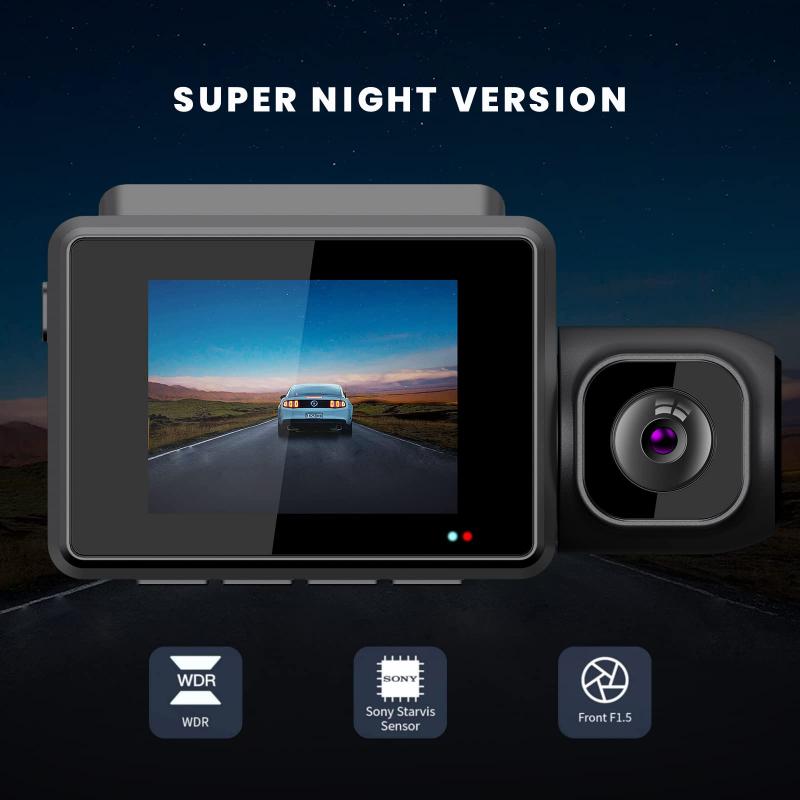
Let’s start simple: time-lapse photography or videography compresses hours of footage into mere seconds or minutes. The basic concept revolves around capturing one frame every few seconds (instead of continuously recording every millisecond), then stitching those frames together into a video. The result? A sped-up, concise playback of the original recording.
On a dash cam, time lapse does something similar. Rather than recording an enormous amount of data during your hours-long road trip, the dash cam takes intermittent snapshots (or pieces of video) and arranges them in a quick-sequence video file. Imagine a long drive condensed into a snappy montage — perfect for saving storage space while neatly summarizing your entire route.
Why Would You Use Time Lapse on a Dash Cam?
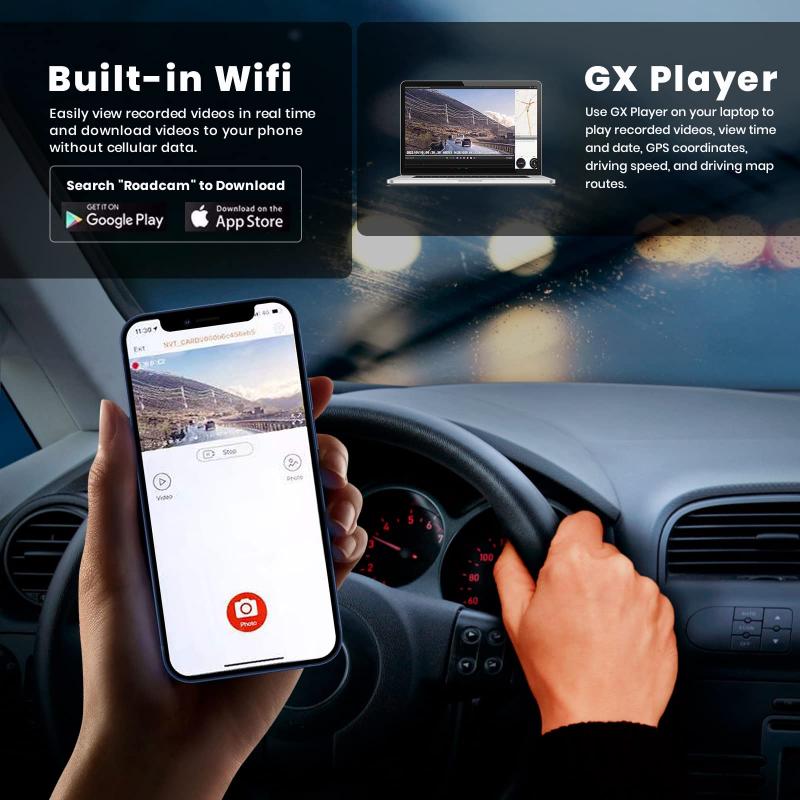
Let’s face it: driving isn’t always action-packed drama (and thank goodness, because who has the energy to dodge meteors while commuting?). A significant portion of your footage will often consist of mundane moments — stretches of highway, traffic lights, endless queues, parking lot monotony, and more. This is where time-lapse mode shines the brightest.
Time lapse is particularly useful for three key scenarios:
1. Preserving Memory for Long Durations:
A regular dash cam operating in traditional recording mode eats up memory like your uncle eats cake at weddings — quickly and unapologetically. A standard HD recording may take 3–6GB per hour. If you've got a 32GB SD card, you'll fill it up before you get halfway to your weekend getaway. Enabling time lapse mode significantly reduces the amount of space used since you’re capturing fewer frames over the same period.
2. Creating Artistic Road Trip Videos:
If you're embarking on a scenic drive, time-lapse mode can turn your footage into an engaging, fast-paced testimony of the journey. The gentle hills, winding curves, sunrise through fogged pine forests — all wrapped up in a visually stunning package that your friends and social media followers won't be able to scroll past.
3. Continuous Parking Surveillance:
Time lapse isn't just for moving vehicles; it’s incredibly handy for motion-free scenarios too. If you use your dash cam for parking mode to keep an eye on your car overnight, regular recording would waste storage capturing nothing but still backgrounds. Time lapse can take periodic snapshots to create a condensed view of activity near your parked car — allowing you to quickly spot intruders or unusual events without wading through hours of idle footage.
How Does It Work Technologically?
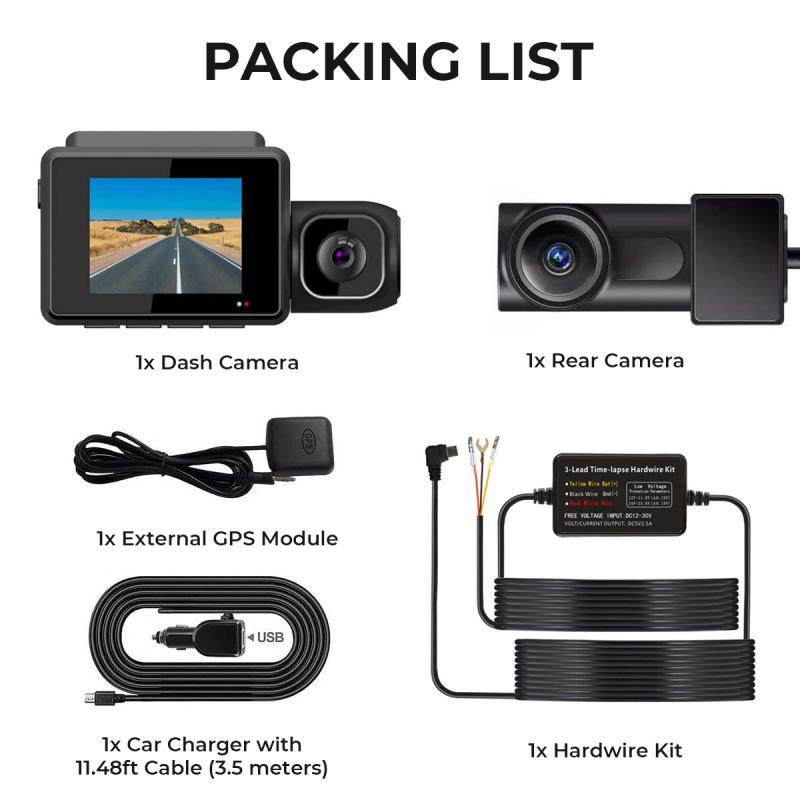
Dash cams with a time-lapse mode aren’t conjuring magic; they’re simply deploying clever engineering principles.
Most dash cameras let you choose the interval rate between frames (e.g., 1 second, 5 seconds, or 10 seconds). For example, at a 5-second interval, the dash cam records one video frame every five seconds. After two hours of driving, the camera has only stored a snapshot of the road every 5 seconds — much less data than continuous recording. When you review the footage later, the video created will playback much faster because of the condensed intervals.
The genius here is multitasking compression. The dash cam eliminates most redundant visual information while still capturing enough for a coherent playback experience. If a meteorite crashes into the highway ahead while you're driving, the time-lapse video will display critical snapshots showing the event even though the recording wasn’t continuous.
When To Avoid Time Lapse Mode
Time lapse is clever, but it’s not a universal panacea. Depending on your situation, enabling this mode might be unwise. Here’s why:
1. Legal Evidence:
In case of an accident, an insurance claim, or a court dispute, you'll want comprehensive footage showing every millisecond of what happened. A standard recording mode is your best bet here since time lapse skips frames and risks losing important details — like whether a driver signaled their turn before impact or how quickly they were zooming into your blind spot.
2. High-Speed Scenarios:
On high-speed routes, such as highways, where objects move quickly across the screen, time lapse reduces the video’s ability to capture motion accurately. Fast-moving events may appear choppy or distorted when compressed into fewer frames.
3. Security Details:
Parking time lapse can miss fine details during incidents. If someone vandalizes your car but does it subtly, the frame-by-frame approach could skip the crucial second when their angry key met your door.
How to Enable Time Lapse Mode (General Steps)
While the exact steps vary across manufacturers, here’s a general idea:
1. Access your dash cam’s settings (usually accessible via buttons on the device or a connected smartphone app).
2. Navigate to video settings or advanced features.
3. Look for "Time Lapse Mode" or similar terms.
4. Select your preferred interval rate depending on your situation (like 1-second or 5-second intervals).
5. Confirm settings, and voila — your dash cam is now operating in time-lapse mode.
Conclusion: To Compress or Not to Compress?
Time lapse mode on dash cams operates in the crossroads of function and creativity. It’s capable of transforming hours of uneventful driving into minutes of concise, digestible footage. Perfect for long-haul documentation, minimizing file space, or keeping an eye on your parked car overnight. Just ensure you're considering the context: if you’re dealing with high-motion activities or need detailed evidence, time lapse might not be your best ally.
Ultimately, the decision to use time lapse boils down to your priorities. So, strap yourself in, flip open that user manual (that you definitely didn’t throw into your glove compartment and forget), and test out the feature. You just might find yourself itching to create that viral road-trip montage — or at the very least, not panicking about storage space every time you drive!
Safe travels and happy compressing!