What Laser Engraver For Metal?
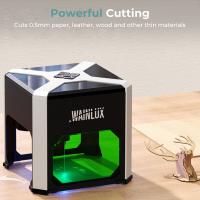
Choosing the right laser engraver for metal can feel like trying to pick the best burrito at a taco truck—it all depends on what you're looking for, and there are some technical ingredients you just can't ignore. Whether you're a hobbyist planning to monogram your gadgets or a professional seeking precision markings for industrial prototypes, the process boils down to understanding power requirements, wavelength compatibility, cooling mechanisms, and beam quality… and those are just the tip of the iceberg. So, let’s dive deeper into what makes a laser engraver shine—quite literally—on metal.
Power Output: Watt Matters
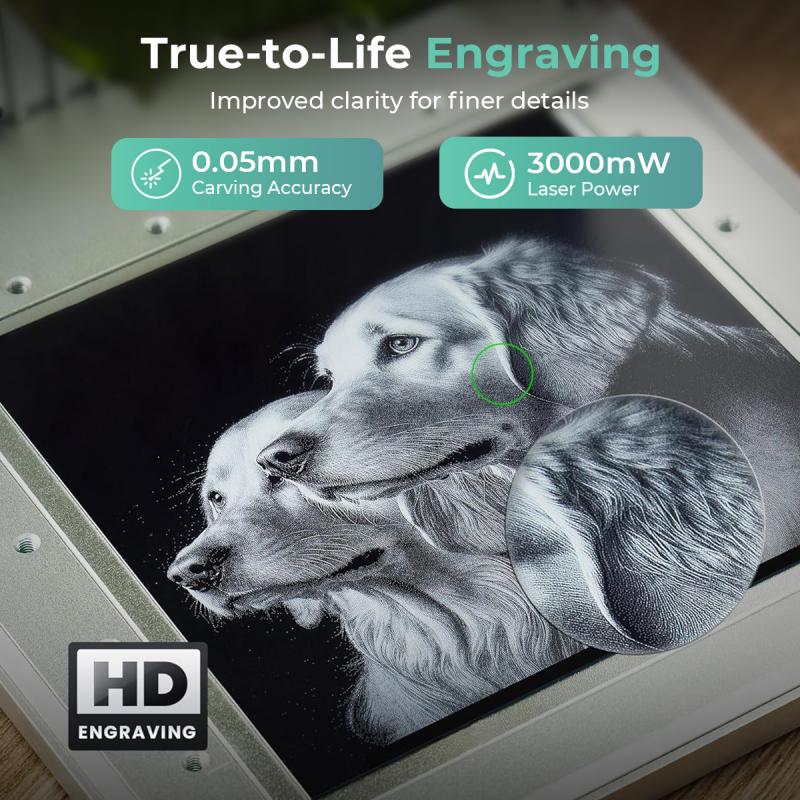
Let's address the elephant with gemstones: power. Metal engraving is no tea party for a low-power laser. The metal requires high-energy bursts to effectively mark its reflective and often stubbornly hard surface. This means you need to consider engravers with fiber lasers or perhaps high-powered CO2 systems with an appropriate wavelength. Fiber lasers are particularly efficient for metal because their wavelengths (usually around 1064 nm) match well with the absorption traits of metals, which translates into faster and deeper engraving.
A fiber laser engraver with a power output of 20W or higher is your sweet spot for most standard applications. If you're working with denser metals like steel, titanium, or brass—or you dream of cutting through metal rather than engraving on it—you're going to need something up to 50W or more. But keep in mind: you don't need a nuclear reactor strapped to your desk if all you want is to etch a logo on aluminum water bottles. Stay realistic about your power needs, and your budget won't hate you in the morning.
Beam Quality and Spot Size
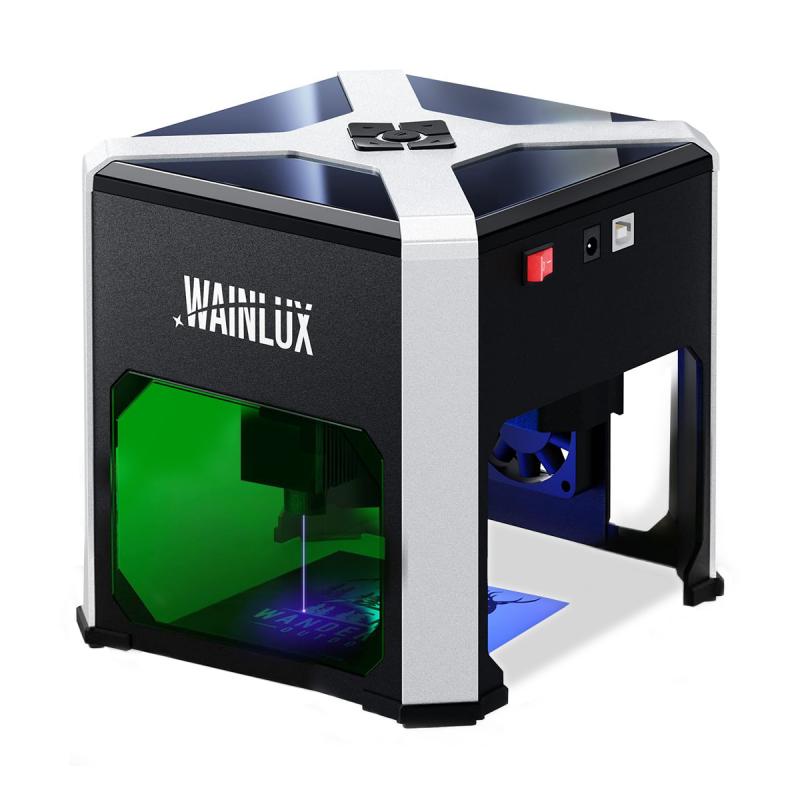
Not all laser beams are created equal. The quality of a laser's output beam affects how precise your engravings will look—and believe me, precision matters when you're laser-etching on expensive metals. Even if you’re just slapping your initials on a stainless-steel pocket knife, you'll appreciate crisp, clean results over fuzzy lines that look like a toddler's doodle.
Good laser engravers offer a small focus spot size, often in the range of microns (not millimeters). This is key for engraving fine details without bleeding over the edges. Look for systems that tout low divergence rates and high beam quality. Some manufacturers use metrics like "M² factor" to quantify beam quality. Lower is better, and anything approaching "1.0" will be crisp enough to impress your neighborhood watch.
Cooling: A Hot Topic
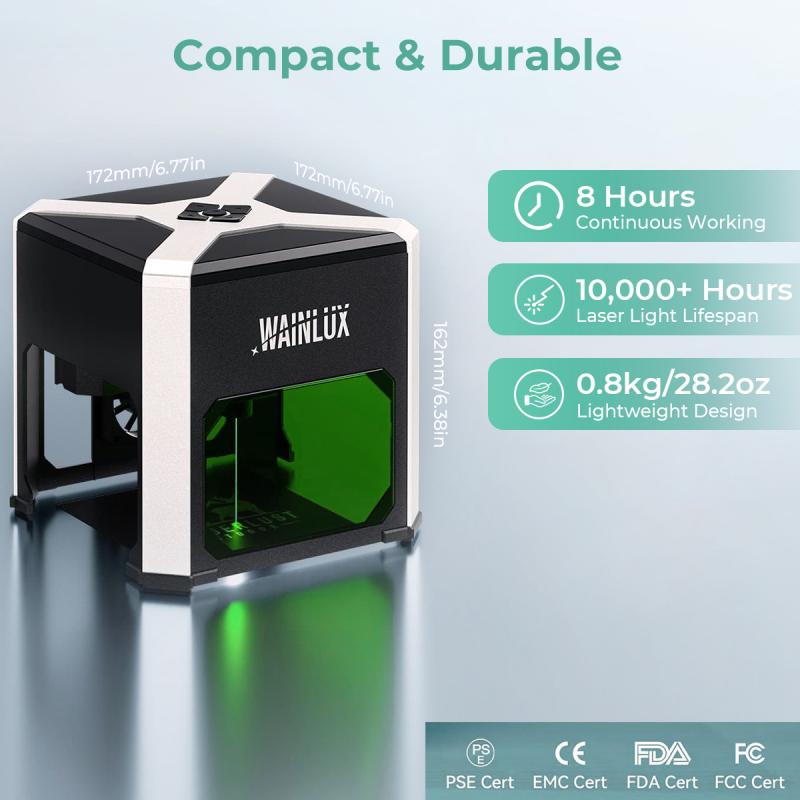
Engraving metal isn’t just about harnessing raw power; it’s also about keeping cool under pressure. Lasers can convert electricity into an absurd amount of heat, and unmanaged heat leads to two things: premature damage to your engraver and results that look like melted pigeon poop instead of precise etchings.
Fiber lasers typically manage heat more efficiently than their CO2 cousins because of their solid-state architecture, but all systems need some form of cooling—whether it's passive air cooling or an active water circulation setup. If your engraver's power goes beyond 50W, you’ll need to look into laser systems equipped with built-in water cooling. Pro tip: If the product documentation doesn’t explicitly address cooling systems, run far away. No cooling means your prized engraver may turn into your worst nightmare: a glorified paperweight.
Software Compatibility and Ease of Use
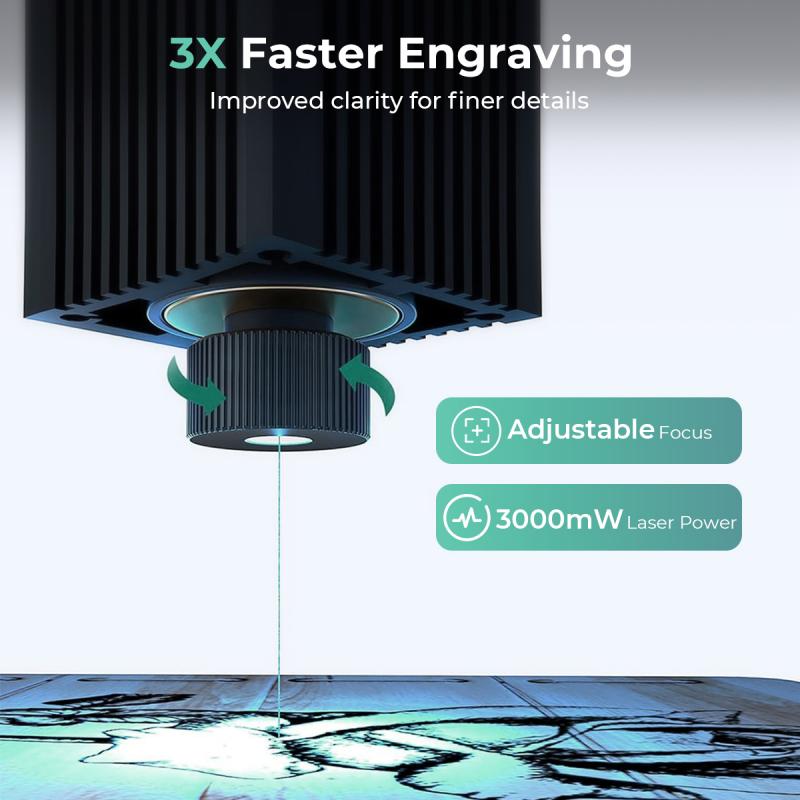
Software can make or break your engraving experience. When a hobbyist stumbles into laser engraving, they’re often baffled less by the machinery and more by the software hurdles. Choosing a machine with intuitive software can save you from back-to-back Google searches on how to convert images for laser engraving.
Look for engravers that support commonly used platforms like LightBurn or EZCAD, which are user-friendly and compatible with a wide range of operating systems. Ideally, your laser engraver should enable seamless integration with multiple image formats (JPEG, SVG, DXF, etc.), offer good control over engraving depth and speed, and provide support for odd-shaped objects that need rotary engraving.
Material Compatibility: It’s Not One-Size-Fits-All
Think of metals like team players—you’ll want the appropriate tool based on which metals are in play. Fiber lasers tend to work beautifully on hard metals like steel, titanium, brass, and copper, as well as alloys. They're also efficient at engraving aluminum and anodized surfaces.
Keep an eye out for specifications that mention compatibility with odd materials like gold or silver, especially if jewelry engraving is on your radar. If you're working with softer metals—think brass and aluminum—that require minimal alteration without tarnishing, fiber lasers might still be your best bet, though you may need lower power levels to avoid going deeper than desired.
CO2 lasers, on the other hand, are better reserved for non-metal materials like wood, leather, and acrylic. Despite exceptions that involve specialty coatings or treatments on metal surfaces, it's safe to say CO2 systems should sit out the game when pure metal engraving is concerned unless you're working on uniquely coated or treated materials.
Maintenance and Lifespan: What’s the Catch?
Laser engraving machines demand care—as you'd expect from tools wielding compressed light beams capable of cutting through steel at 1064 nanometers. Fiber lasers, luckily, are relatively low-maintenance compared to CO2 lasers. Diode-based systems in fiber machines can last tens of thousands of hours, easily putting conventional engraving tech to shame.
Pay close attention to warranties, replacement part costs, and after-sales support. A machine may be enticingly priced upfront but could cost a fortune in diode replacements or bulb swaps later. For DIY repairs, some brands offer modular designs that simplify part replacement, meaning you could swap out a cooling fan or beam lens without summoning the Ghostbusters.
Pricing: The Bottom Line
The price of a laser engraver for metal varies wildly, from budget-ready desktop fiber lasers (~$2,000–$4,000) to industrial beasts that scale north of $20,000. You should set your budget based on 1) how frequently you plan to use it, and 2) what level of precision and power output your projects demand.
Small businesses and workshops would do fine with mid-range machines like OMTech 50W or 60W fiber lasers, while personal home engraving might call for sleek desktop units like the xTool M1. Professionals tackling demanding industrial prototypes might look at high-powered options like Trotec SpeedMarker or Epilog Fusion Pro.
Conclusion: The Perfect Match?
So, which laser engraver should you grab for metal projects? Start by assessing your needs and narrow choices based on power, cooling configurations, precise beam quality, and compatibility with software and materials. If you’re a hobbyist, don’t jump straight into breathtakingly expensive machines with industrial-grade cooling systems. For professionals, don’t skimp on power or software features unless you want constant headaches.
Ultimately, a good laser engraver for metal isn’t just about picking an off-the-shelf device—it’s about finding something that aligns with your ambitions. And trust me, once you figure it out, watching a beam of light carve into metal will feel nothing short of wizardry.