How Do Wireless Outdoor Security Cameras Work?
Wireless outdoor security cameras have become a cornerstone of modern home security, combining advanced technology with the convenience of wire-free setup. These devices promise to deliver peace of mind by monitoring your property without the messy wiring and complex installation associated with traditional security systems. But how do they actually work? Let’s dive into the inner workings of these high-tech devices and separate the reality from popular misconceptions.
The Basics: Wireless ≠ Cable-Free
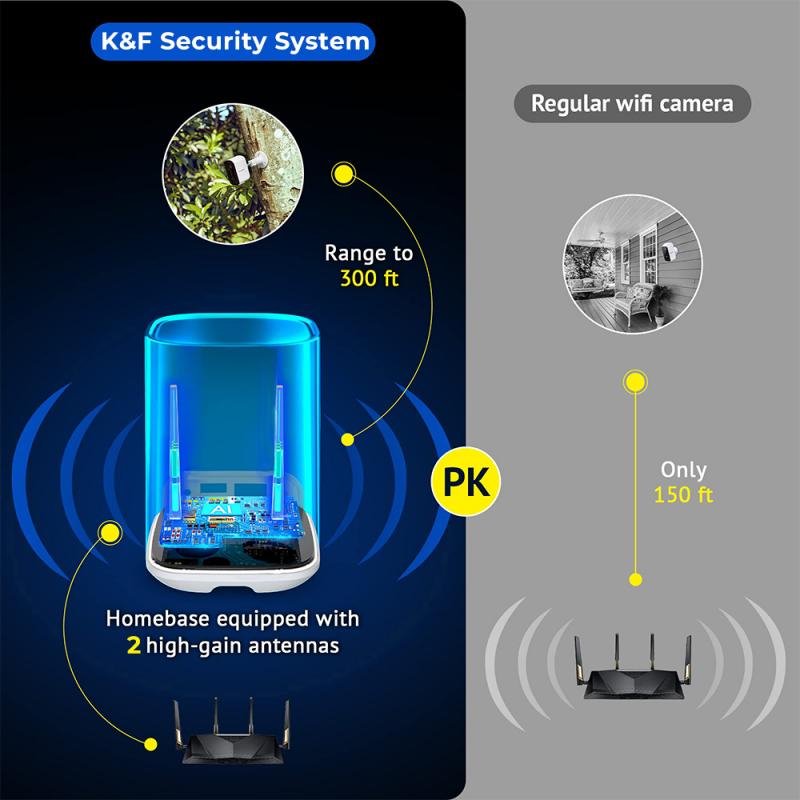
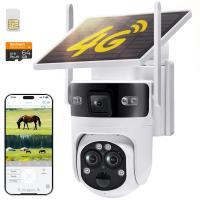
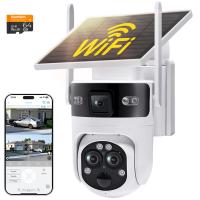
First, let’s clear up a common source of confusion: "wireless" doesn’t always mean completely wire-free. In the world of outdoor security cameras, "wireless" typically refers to the camera's communication system, which uses Wi-Fi or other forms of wireless networking to transmit video footage. However, many so-called "wireless cameras" still require a cable for power, unless they’re battery- or solar-powered.
Core Components of Wireless Outdoor Security Cameras
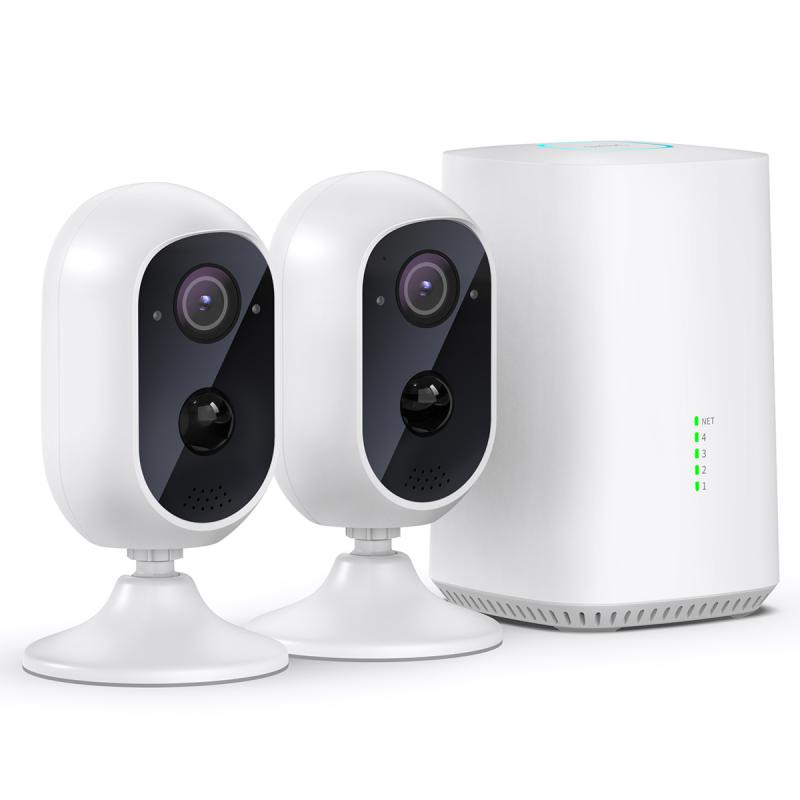
At the heart of any wireless outdoor security camera are three main systems:
1. Image Sensor and Lens: The camera itself captures images and records videos. Modern cameras often support resolutions ranging from 720p to 4K, with features like a wide-angle lens, night vision, and HDR (High Dynamic Range) technology to adapt to varying lighting conditions effectively.
2. Communication Module: This part facilitates wireless communication, most commonly using Wi-Fi. Some models also support other wireless protocols, such as Zigbee, Z-Wave, or proprietary low-power networks. A secure and stable connection is crucial, as weak signals can result in dropped footage—a quintessential example of Murphy’s law at work just when you need the camera most!
3. Power Supply: Cameras may be powered in one of three ways:
- Using a battery, which offers complete cable independence but requires periodic recharging.
- Plugging into an electrical outlet, which ensures continuous operation but involves cable management challenges.
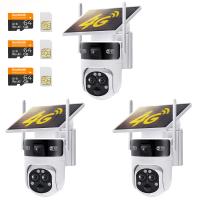
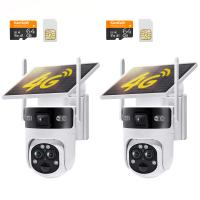
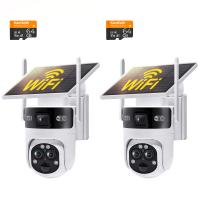
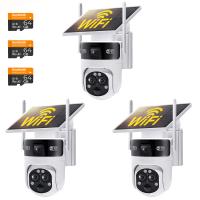
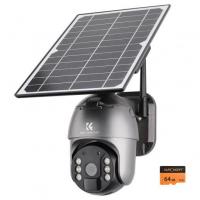
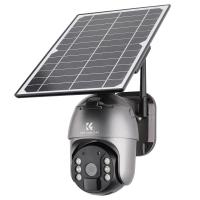
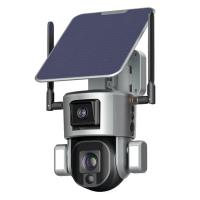
- Solar panels, which marry convenience and sustainability, although they depend heavily on consistent sunlight.
How Wireless Outdoor Cameras Transmit Data
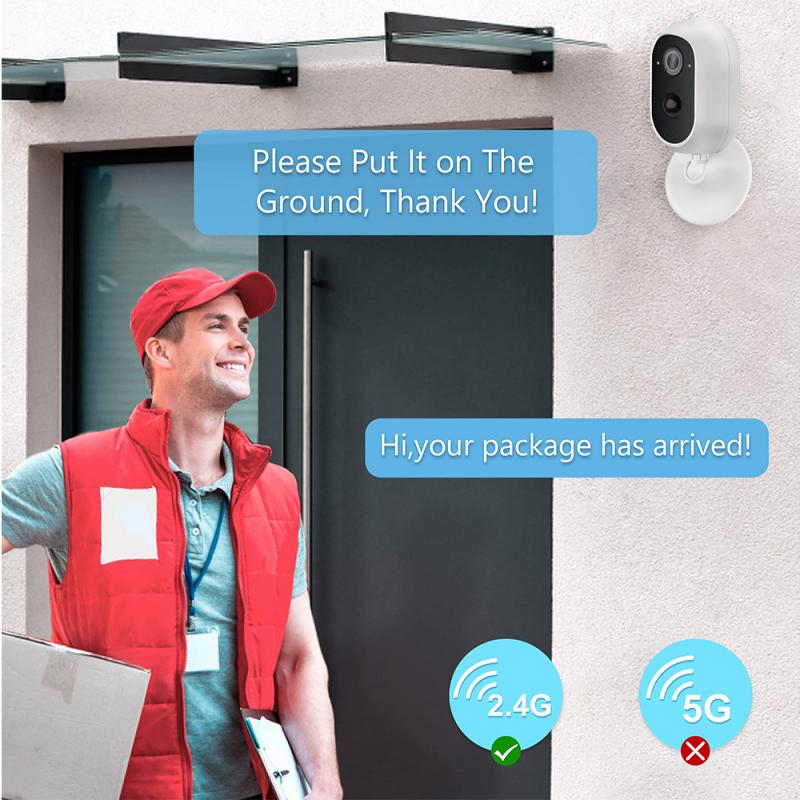
Once powered up, the camera begins its primary function: capturing and transmitting video footage. Here’s how the process works:
1. Image Capture: The lens and image sensor convert light into digital data.
2. Encoding and Compression: The raw video data is encoded into a format like H.264 or H.265 to minimize file size without significantly compromising quality. This ensures smoother transmission over your network.
3. Wireless Transmission: The encoded footage is sent wirelessly, typically via your home Wi-Fi router, to a storage destination (e.g., a cloud server) or a local device (e.g., an SD card or Network Video Recorder).
4. Remote Access and Notifications: Most systems integrate with a companion app on your smartphone or computer. This allows real-time video streaming, remote control of camera settings, and instant alerts when motion or other triggers are detected.
Key Features That Make Them Effective

Wireless outdoor security cameras come with a range of features designed to maximize security:
Motion Detection: Cameras use infrared sensors or AI-driven visual analysis to identify movement, reducing false alarms caused by non-threatening factors like tree branches swaying in the wind.
Two-Way Audio: The ability to hear and speak through the camera can deter intruders or facilitate communication with visitors.
Cloud Storage: Footage can be stored securely in the cloud, allowing for remote access and safeguarding against camera theft.
Night Vision: Equipped with IR LEDs or advanced low-light sensors, these cameras provide clear footage even in pitch-dark conditions.
Weather Resistance: Designed to withstand wind, rain, and temperature extremes, outdoor cameras are housed in rugged, sealed enclosures.
PoE (Power over Ethernet): An Alternative
Although this article focuses on "wireless" systems, it’s worth noting the growing adoption of PoE cameras for outdoor setups, particularly in enterprise environments. PoE combines data and power delivery through a single cable, offering a good middle-ground solution for robust, high-resolution cameras.
The Pros and Cons of Wireless Outdoor Cameras
Pros:
1. Ease of Installation: Few or no cables make installation a DIY-friendly task.
2. Flexibility: Brackets can typically adhere to walls, ceilings, or poles without consideration for power wiring.
3. Compatibility: Many models integrate with smart home ecosystems like Alexa, Google Assistant, or Apple HomeKit.
Cons:
1. Battery Maintenance: For completely wireless models, batteries require frequent replacement or recharging, which can be a chore.
2. Reliance on Wi-Fi: Connection hiccups can disrupt footage transmission or live viewing. A solid mesh Wi-Fi network often becomes an unplanned extension of the setup.
3. Security Concerns: While reputable brands utilize advanced encryption protocols, any network-connected device comes with a theoretical risk of hacking.
Gotchas and Best Practices
Wi-Fi Dead Zones: If your outdoor area has patchy Wi-Fi, consider investing in a range extender or opting for dual-band cameras that connect to both 2.4GHz and 5GHz networks.
Cloud Options: Many cameras require paid cloud subscriptions for advanced features. Always check what's included in the base price vs. add-ons.
Customize Motion Zones: Reduce false alarms by defining specific areas for motion detection (e.g., the walkway as opposed to a busy street in view).
Keep Firmware Updated: Outdated firmware is a gateway for cyberattacks. Stay on top of updates issued by the manufacturer.
Frequently Asked Questions
1. Can wireless cameras function without internet?
Yes, but with limitations. Without an internet connection, real-time streaming, cloud storage, and notifications won’t work, although local storage via an SD card or hard drive may still record footage.
2. How long do batteries last?
Battery life varies by model but often ranges from 3 to 12 months under typical usage. High-activity zones deplete batteries faster.
3. Is installation tricky?
Most wireless cameras are DIY-friendly. However, placement is critical—too high, and you might miss important details; too low, and the device becomes vulnerable to tampering.
Closing Thoughts
Wireless outdoor security cameras represent a fusion of convenience and cutting-edge technology, making home surveillance more accessible than ever. They’re not a one-size-fits-all solution, and there’s a learning curve to get the most out of them, but when properly deployed, they can be your eyes and ears outside your home, whether you’re at the office, on vacation, or just too lazy to get up from the couch. A little research goes a long way in figuring out which model suits your unique setup. Now, if you’ll excuse me, I need to go adjust my own outdoor cameras—because the neighbor’s cat keeps “breaking” security protocols.