
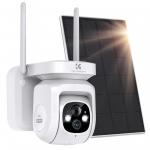
Reviews
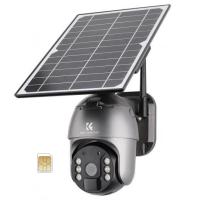
Very good camera. Highly recommended.
I nearly returned it!
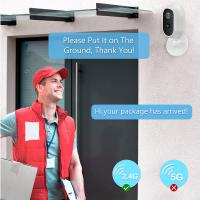
Final check confirmed my "smart modem" is dual bands, transmitting both 2.4 & 5GHz.
The tricky part is it is showing only one network name! No obvious way to select 2.4GHz from 5GHz under Wi-Fi listing.
If your modem is dual bands but only one network name appears, try this:
1/ From your phone, get into the modem page via default IP.
2/ Remove the "tick" from the "Band Steering".
3/ Save the settings.
4/ Power off the modem for 2 mins then try network list on your phone. There should be two entries with one is -5G, the other one therefore 2.4. (If not, it's time to call your service provider about the "dual bands".)
Now you can select 2.4 SSID and follow simple steps to setup.
It's in the sun since I got it. Will see how it performs in rainy days.
Final check confirmed my "smart modem" is dual bands, transmitting both 2.4 & 5GHz.
The tricky part is it is showing only one network name! No obvious way to select 2.4GHz from 5GHz under Wi-Fi listing.
If your modem is dual bands but only one network name appears, try this:
1/ From your phone, get into the modem page via default IP.
2/ Remove the "tick" from the "Band Steering".
3/ Save the settings.
4/ Power off the modem for 2 mins then try network list on your phone. There should be two entries with one is -5G, the other one therefore 2.4. (If not, it's time to call your service provider about the "dual bands".)
Now you can select 2.4 SSID and follow simple steps to setup.
It's in the sun since I got it. Will see how it performs in rainy days.
10/07/2022
Related products
Guess you like products


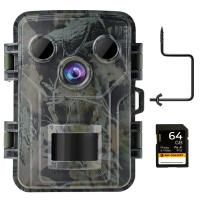
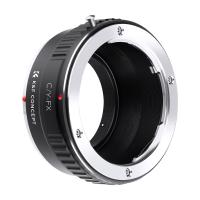
£35.99 £26.60
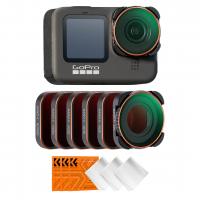

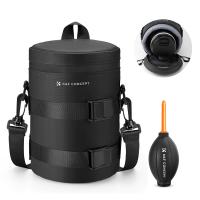
Related articles

Guess you like articles




Related searches
Security Camera With Two Way Talk
Two Way Talk Security Camera
Outdoor Security Camera With Human Detection
Security Camera With Human Detection
Human Detection Security Camera
2 Way Talk Outdoor Security Camera
Two Way Wifi Camera
Two Way Audio Outdoor Security Camera
Wifi Security Camera Two Way Audio
Two Way Security Camera