How Do Digital Photography Wifi Cameras Work?
The evolution of photography has delivered some truly incredible technologies, and the Wi-Fi-enabled digital camera is one of the crown jewels of this era. We’ve graduated from bulky analog cameras and time-consuming darkroom processes to sleek devices that can beam your shots to the cloud, your phone, or your social media profile faster than you can say “Duckface selfie.” But have you ever stopped to wonder: How do Wi-Fi-enabled digital cameras actually work? Let’s unravel the mystery behind these nifty gadgets.
The Wi-Fi Module: Your Camera’s Networking Brain
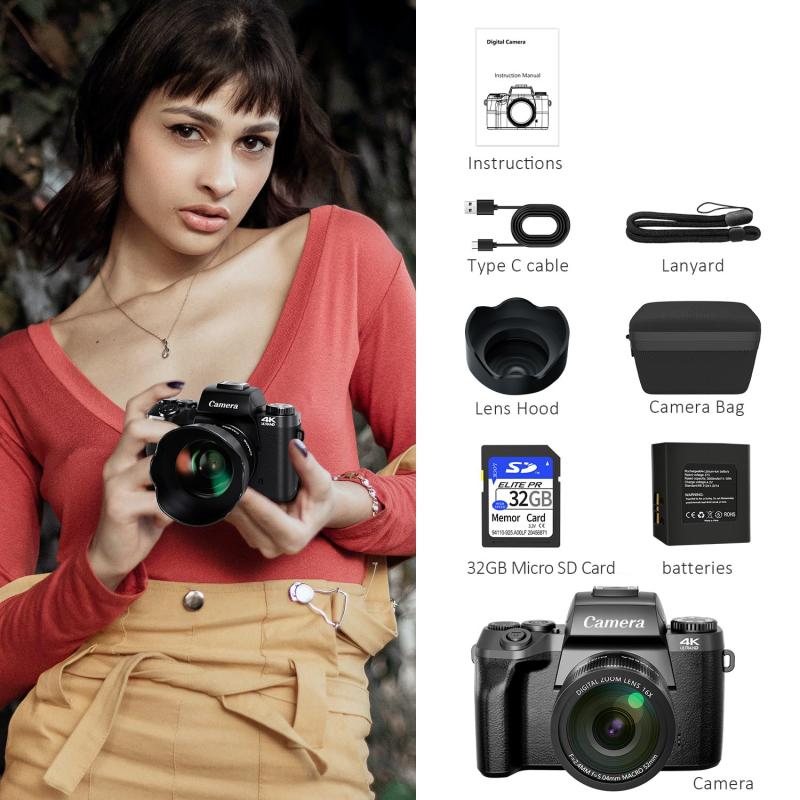
At the heart of any Wi-Fi-enabled digital camera is its built-in Wi-Fi chip, otherwise known as the wireless networking module. This tiny piece of hardware is similar to the Wi-Fi chip inside laptops, smartphones, and tablets but is customized for camera usage. When a camera advertises Wi-Fi functionality, it essentially means it can connect to wireless networks like your home router or establish a peer-to-peer connection with a device—such as your smartphone—via protocols like Wi-Fi Direct.
Wi-Fi-enabled cameras produce their own network (on certain modes) or join an existing Wi-Fi network. This makes it possible for the camera to send data—your images and videos—to other devices or servers without needing physical cables. You might note that Wi-Fi technology doesn’t inherently improve the photography itself; instead, it streamlines the workflow associated with managing and sharing images.
Wireless Transfer: Say Goodbye to SD Card Shuffling
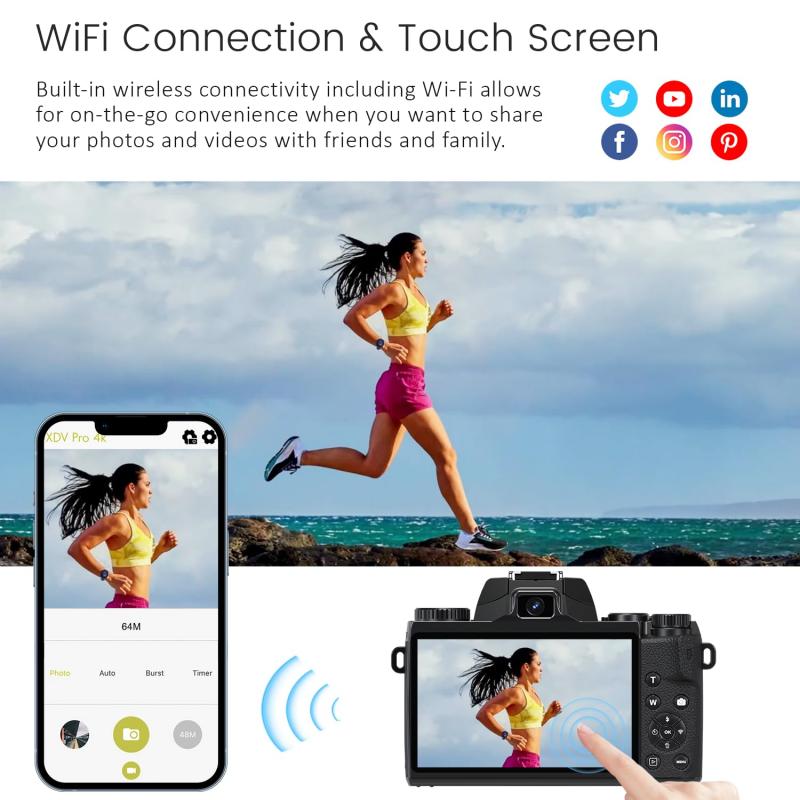
One of the primary benefits of Wi-Fi-enabled cameras is the ability to wirelessly transfer images and videos to storage locations or compatible devices. Consider this scenario: You’re at a wedding, clicking away, and suddenly someone asks, “Could you email me that photo right now?” Pre-Wi-Fi cameras would have met this question with a blank stare—the only solution requiring you to remove the SD card, find a card reader, and manually transfer files to your laptop.
With a Wi-Fi-enabled camera, however, images can be sent instantly to your smartphone using dedicated camera apps. Brands like Canon, Nikon, Sony, and Fujifilm have developed proprietary apps (e.g., "Nikon SnapBridge" or "Canon Camera Connect") to facilitate seamless transfers. Once the photos land on your smartphone, you have the world at your fingertips—you can text them to a friend, post them on Instagram, or upload them to cloud storage within moments.
This capability hinges on the camera's ability to operate as either a server or a client in networking parlance. When the camera acts as a server, it allows you (on your phone or laptop) to request and retrieve files, akin to downloading images from a website. When the camera acts as a client, it sends data actively to specified destinations, such as uploading images to a cloud server or syncing them with online galleries.
Remote Control & Live View: The Spy Thrill You’ve Been Waiting For
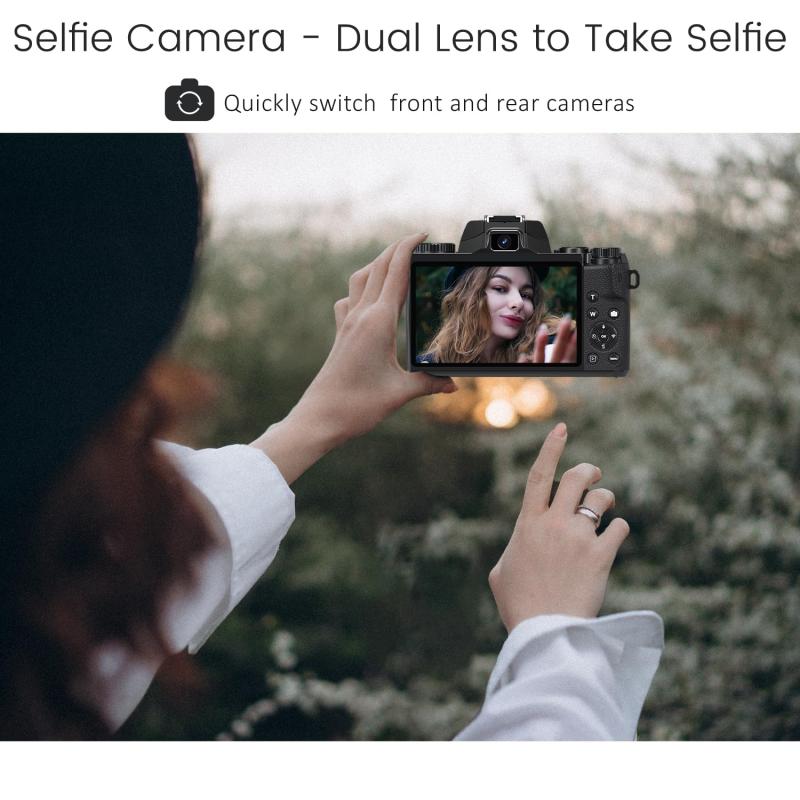
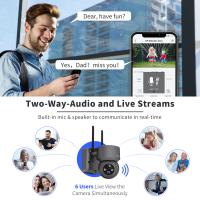
Did you know Wi-Fi-enabled cameras let you play photographer from afar? Many models allow you to control the camera remotely via a paired smartphone or tablet. This is particularly helpful in scenarios like wildlife photography, where you don’t want to scare off animals, or group selfies, where you want to arrange everybody perfectly without rushing back to the camera before the timer goes off.
Remote control functionality typically includes live view options—you can see exactly what the camera “sees” in real time on the paired device’s screen. Furthermore, you can tweak settings like aperture, shutter speed, and ISO, and then hit the virtual shutter button, all while lounging under a shady tree several meters away. Of course, this depends on the range of your camera's Wi-Fi module, which can vary anywhere from 10 to 50 meters based on environmental conditions and interference.
This works using similar principles as remote desktop applications, wherein your paired device temporarily acts as an interface for the camera hardware. Advanced models even incorporate Bluetooth alongside Wi-Fi for simultaneous low-power operations such as waking up the camera from sleep mode or geotagging photos.
Direct Upload: Hello, Infinite Gallery
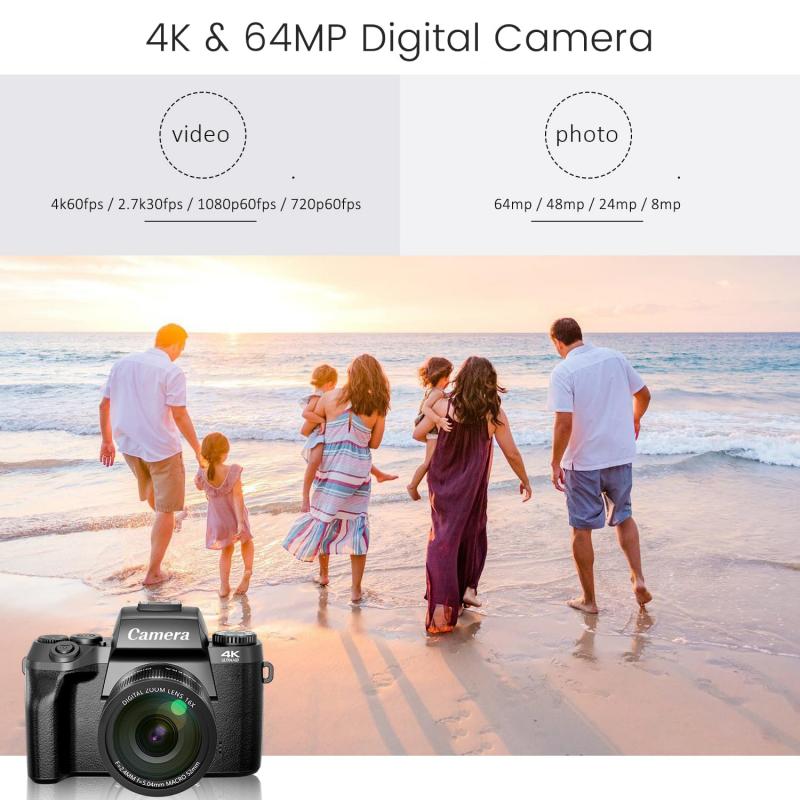
Let’s talk cloud storage. Many Wi-Fi-enabled cameras are capable of uploading photos directly to services like Google Drive, Dropbox, or proprietary manufacturer accounts (think Nikon Image Space). This eliminates the middleman—your PC—and creates a backup of your work even on the go.
To achieve this, your camera must be connected to an active Wi-Fi network (like your home Wi-Fi or a portable hotspot). Once connected, the camera uses transfer protocols such as FTP (File Transfer Protocol) or HTTP (Hypertext Transfer Protocol) to send the files. Some high-end cameras even allow you to sync folders, meaning every image clicked automatically gets uploaded to the designated cloud folder—you don’t need to lift another finger.
Multitasking Photography: Streaming and Social Sharing
Wi-Fi cameras are no one-trick pony. In addition to transferring files, some models allow continuous use of Wi-Fi for other activities. For instance, if you’re a budding content creator, you can use certain Wi-Fi-enabled cameras to live-stream your shoots. Cameras like the Canon EOS R5 or Panasonic Lumix GH5 come equipped with broadcasting features that can stream video directly to platforms like YouTube or Twitch.
And for those who can’t wait to share their masterpiece with the world? Social media integration on some cameras lets you push photos directly to Instagram, Twitter, or Facebook. These functions may bypass intermediate devices altogether or require them only for login credentials. Imagine shooting a sunset and broadcasting it live without so much as unzipping your laptop bag.
The Achilles Heel: Power, Speed, and Security
If this article seems like it’s painting Wi-Fi cameras as all-powerful devices, let’s pause for a reality check. Wi-Fi doesn’t work without power. Battery life can take a noticeable hit when Wi-Fi is enabled, as the networking module is constantly scanning or transferring data. Secondly, Wi-Fi transfer speeds—especially with high-res RAW images—are slower compared to direct file transfers using memory cards or USB cables. For professionals who demand zero lag, Wi-Fi alone might not cut it.
There’s also the issue of security. Most cameras that use Wi-Fi offer encryption, but poorly configured settings can make your device prone to intrusion. Always opt for WPA2 encryption protocols or newer standards, and avoid connecting your camera to public Wi-Fi networks unless absolutely necessary.
Wrapping Up: The Wi-Fi Camera Balancing Act
Wi-Fi cameras are an exciting amalgamation of photography and networking ingenuity, delivering functionalities that seamlessly fit into the modern workflow. Whether you’re wirelessly transferring files mid-shoot, controlling your camera remotely for dramatic shots, or uploading to cloud storage before you sip your post-shoot latte, these devices make life easier for hobbyists and professionals alike.
But like all tools, they have their trade-offs—occasional slowdown, added complexity, and annoying battery drain, to name a few. The key is to determine how Wi-Fi capabilities fit your particular needs. If bulk photo sharing or hands-free operation sounds like your kind of convenience, it’s time to embrace the connectivity revolution.
Now go forth and conquer your photography ambitions. Just don’t forget to keep your Wi-Fi password secure—you’d hate for your neighbor to accidentally start controlling your camera during your big shoot!
![4K Digital Camera for Photography & Video [Autofocus and Stabilisation] 48MP 16X Digital Zoom 3” 180° Flip Screen Vlog Camera with 32G SD Card, Flash Kentfaith](https://img.kentfaith.de/cache/catalog/products/de/GW41.0065/GW41.0065-1-200x200.jpg "4K Digital Camera for Photography & Video [Autofocus and Stabilisation] 48MP 16X Digital Zoom 3” 180° Flip Screen Vlog Camera with 32G SD Card, Flash Kentfaith")