How To Power On Bluetooth Earbuds?
In today’s era of compact technology, Bluetooth earbuds have become synonymous with convenience—small, wireless, and powerful. But what happens when your brand-new pair arrives, and you stare at it quizzically wondering where the "on" button is? Don’t worry; that feeling is completely normal. Entrusting yourself to the sophisticated circuitry of tiny gizmos can indeed be daunting. In this guide, we’ll unravel the mystery of powering on those elusive earbuds and tackle some common misconceptions and troubleshooting dilemmas along the way.
A Tale of Tiny Power
First, let's acknowledge the problem. Bluetooth earbuds often have a minimalist design, which is both sleek and confusing. Unlike traditional headphones with large, conspicuous power buttons, earbuds tend to house their power functions under multi-use buttons. But the simplicity is by design—manufacturers aim for an intuitive experience, where one button (or a sequence of tactile gestures) operates power and other controls.
Here are the steps to activate almost any pair of Bluetooth earbuds:
Locate the Primary Button
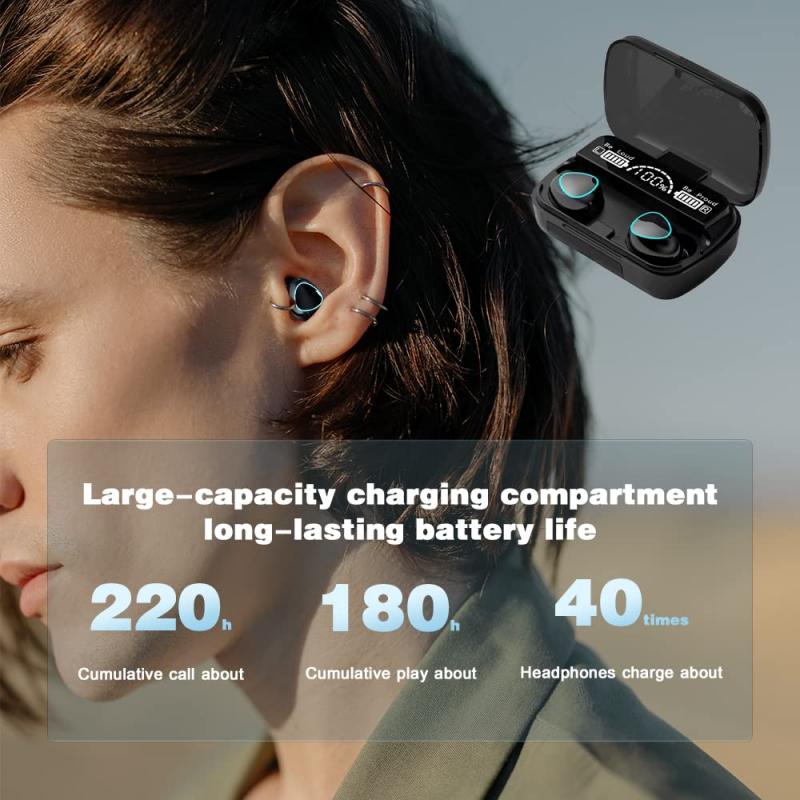
Most Bluetooth earbuds sport a "multifunction button" (MFB) clearly visible or subtly camouflaged. It could be positioned centrally on the earbud, along the side, or even integrated into the touch-sensitive surface. Some models feature buttons on both earbuds for balanced usability, while others limit this functionality to a master bud—usually the right one. This button is your golden ticket to initiating power.
Press and Hold

Powering on typically requires pressing and holding the MFB for 3–5 seconds. Instead of just tapping, a sustained press is key. This sequence is not accidental; it prevents accidental activation every time you reach for your earbuds. You should see an LED light flash when successful: typically blue, white, or red, depending on the model. Some earbuds even provide voice cues like "Power On" to signal their readiness.
Check the Charging Case
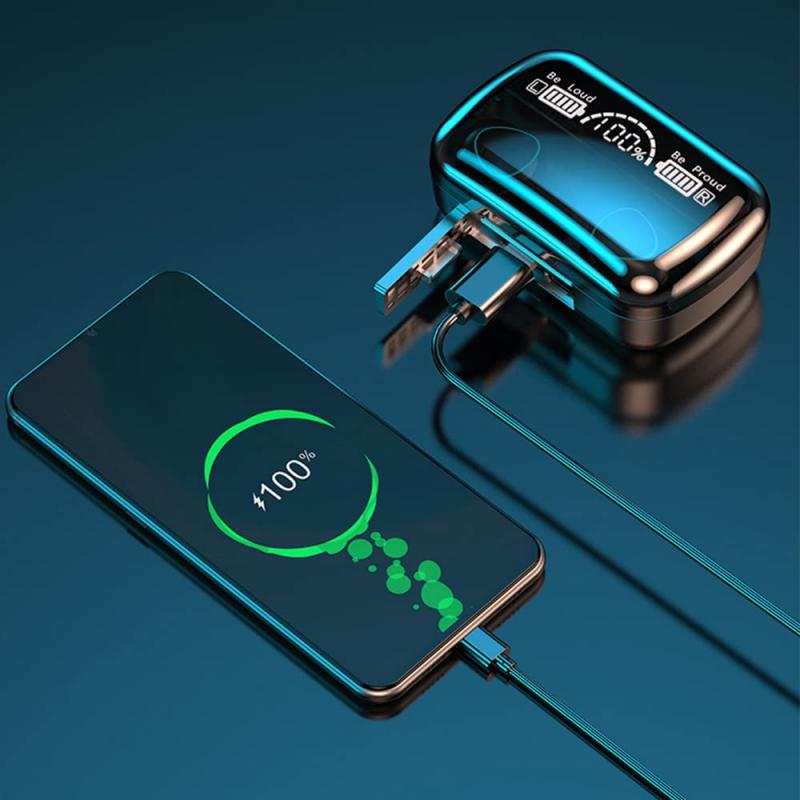
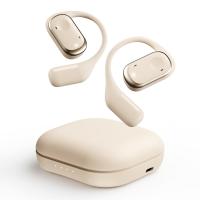
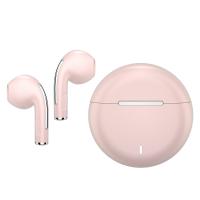
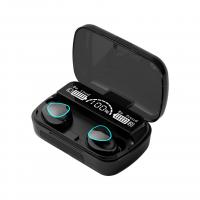
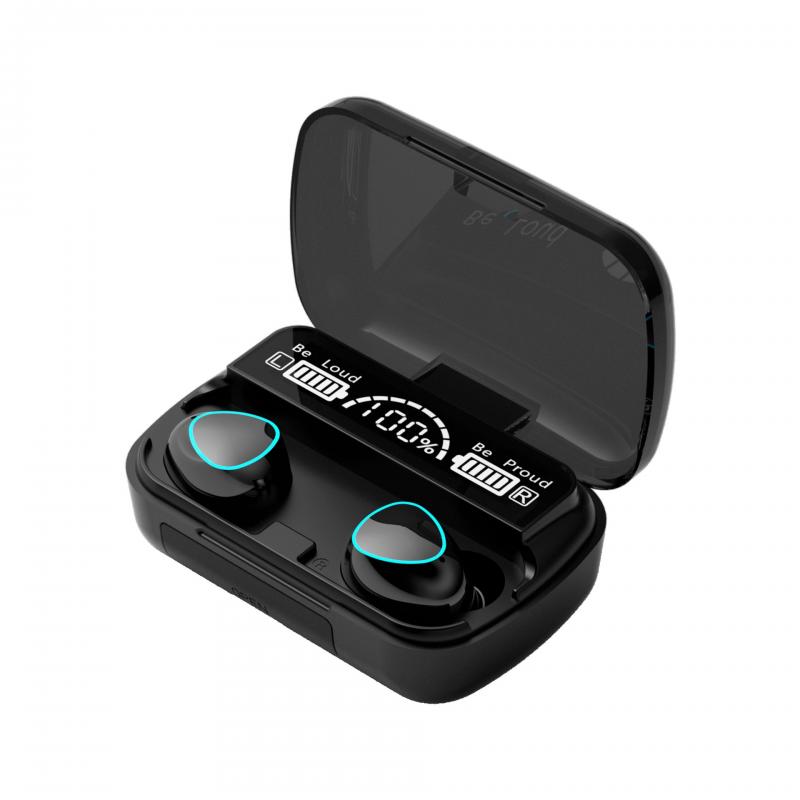
Ah, the charging case—a tech marvel in itself. Many newer models power up automatically when removed from their case. If you're unsure whether your earbuds are powered on, try placing them back in the case and then removing them again. Watch for blinking lights or listen for the subtle connection chime. Make sure the case itself isn’t out of battery; a dead charging case equals a powerless pair of buds.
Explore Touch Controls
If your earbuds are truly cutting-edge, they may forego physical buttons entirely. Instead, they could rely on tap or swipe gestures. In these cases, consult the user manual or online guide for specific instructions. For example, some models power on with a double-tap on the outer shell, while others activate after a single tap coupled with removal from the charging case.
The Common Pitfalls
Now that you know how to turn on your earbuds, let’s address a few scenarios where your attempt might not pan out as expected. Technology doesn't always behave the way we hope—sometimes, it boldly resists our efforts. Here are a few considerations:
Dead Battery Dilemma
If pressing buttons yields neither lights nor sound, you may have flat batteries on your hands. Charge your earbuds immediately and ensure your charging case has sufficient juice. Note that some models indicate charging needs via blinking lights—watch for colors like orange or red.
Improper Button Usage
Pressing the power button for too short a duration might only reset Bluetooth pairing status rather than powering on the device. Conversely, holding it too long might unintentionally put your earbuds into pairing mode or initiate factory reset. The sweet spot is typically 3–5 seconds, and feedback from visual indicators or voice cues should confirm success.
Faulty Hardware
No blinking lights? No sound? Unfortunately, this could point to manufacturing defects or hardware issues. Test your earbuds on different devices, and if they still don’t cooperate, reach out to the manufacturer or retailer for a replacement or repair.
Bonus: Advanced Tips for Smooth Pairing Post-Power Up
Many of us get stuck not after turning on the earbuds, but in connecting them to a favorite device. Here’s how to streamline the process once your earbuds are powered up:
1. Prepare the Host Device: Make sure Bluetooth is enabled on your smartphone, tablet, or laptop. For better visibility, toggle your device into "discoverable" mode.
2. Engage Earbud Pairing Mode: Some earbuds automatically enter pairing mode on power-up; in others, you might need to double-press or long-hold the MFB after powering on. Look for rapidly blinking blue or white lights that signal they’re actively searching for a connection.
3. Select Your Device: In your Bluetooth settings, look for the name of the earbuds (e.g., "AirPods Pro") and tap to pair. If prompted, confirm pairing and enter the default PIN (usually 0000 for most devices).
4. Audio Test: Once connected, test with audio playback. If no sound plays, verify that the earbuds are recognized as the default audio output.
If pairing becomes troublesome, reset your earbuds, forget the device from your Bluetooth settings, and start fresh.
Fun Fact: The Language of LED Lights
Did you know your earbuds are secretly fluent in LED-based Morse code? Interpreting the blinking patterns can save you from guessing games. For example:
Slow Blinking Blue: Powered on and paired.
Rapid Blinking Blue/White: Pairing mode.
Red or No Lights: Dead battery.
Solid White or Blue: Fully charged.
These light signals might vary slightly by brand, but the principle remains consistent. Referencing the product manual can help decode your earbuds' personalized lexicon.
Final Thoughts
Powering on Bluetooth earbuds is no rocket science—it’s a blend of simple button-press techniques and logical troubleshooting. The key lies in familiarity with your specific model and its idiosyncrasies. Whether it’s holding down the MFB, tapping the touch sensor, or extracting the buds from their charging nest, the process becomes intuitive once learned. Next time your earbuds arrive fresh in their case, you’ll know exactly what to do—minus the moment of panic.
So go on, power those buds, play your favorite song, and bask in the wireless freedom these clever gadgets afford. They're not just earbuds; they're tiny gateways to a more liberating and manageable digital life.