How To Mount Lens On Tripod?
Mounting a lens on a tripod may initially seem like a simple task, but accomplishing it correctly takes a bit of know-how so you ensure safety, stability, and optimal photographic performance. The process involves compatibility checks, proper attachment, and an understanding of weight distribution. Let’s dive into what you need to know to securely and effectively mount a lens on a tripod—while making the whole experience feel like you’re upgrading your photographic game rather than battling a puzzle.
Know Your Gear Before Diving In
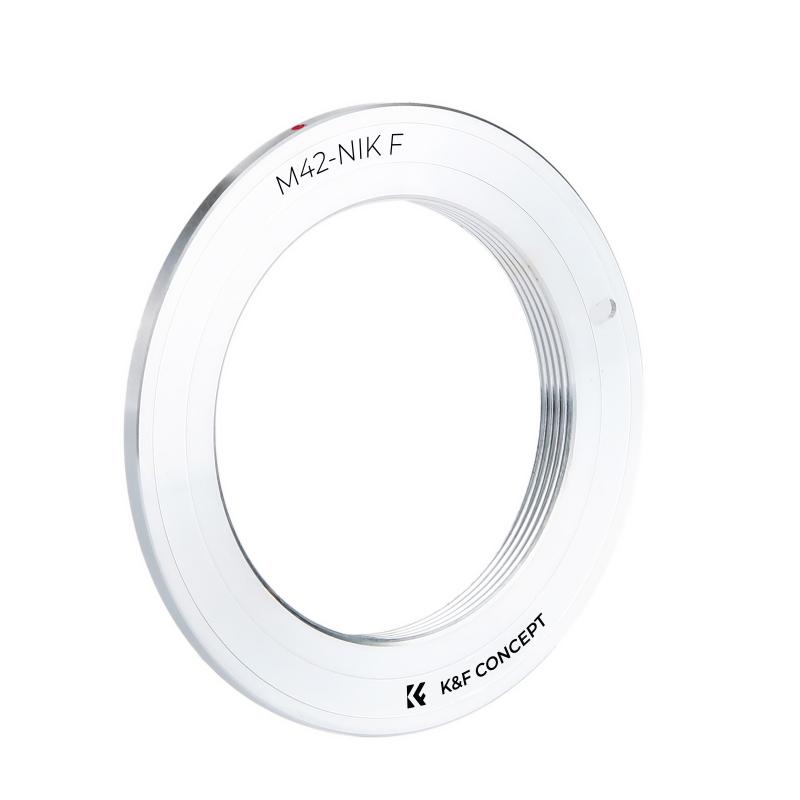
First off, you should identify if your lens has a tripod collar. A tripod collar is essentially a mount point designed for balancing larger, heavier lenses on a tripod, especially telephoto or macro lenses. Not all lenses are created equal—smaller prime or zoom lenses may not require collars as they don’t shift the camera’s center of gravity much. For these, you’ll likely mount the camera itself directly onto the tripod, bypassing the lens.
If your lens does come with a tripod collar, make sure this component is included, intact, and functional. Some photographers neglect to use the collar and instead mount the camera body, which is a surefire way to stress your camera and lens mount. That’s like relying on a soda straw to suspend a bowling ball—not ideal.
Choosing the Right Tripod and Plate
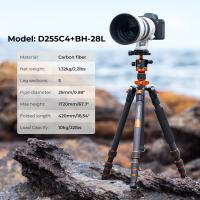
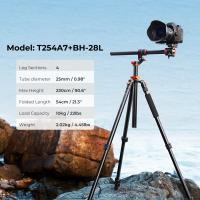
Your tripod needs to have the load capacity to handle the combined weight of your camera body and lens. A flimsy tripod paired with a massive telephoto lens is a recipe for disaster—it might tip over or vibrate at the slightest breeze. As such, pay close attention to the specifications provided by the manufacturer.
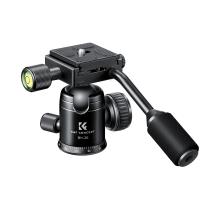
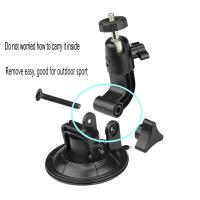
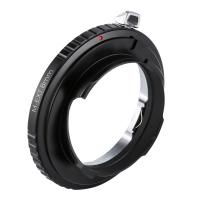
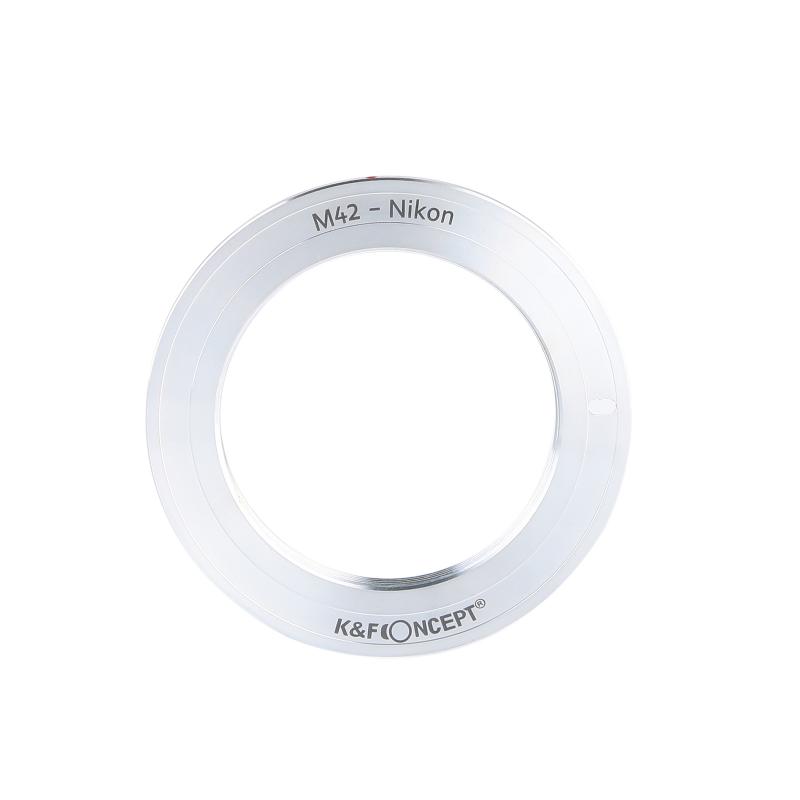
Additionally, to connect your lens to the tripod securely, you’ll need a tripod head and quick-release plate that match your lens collar’s mounting style. Most collars work with an industry-standard Arca-Swiss style plate, which provides stability and quick adjustments. If your collar has screw threads or proprietary designs, you may need an adapter or specialized plate.
Step-by-Step Mounting Process
1. Attach the Quick-Release Plate to the Tripod Collar
Usually, the tripod collar has a small foot with a screw thread hole. Attach the quick-release plate to this foot by turning the screw on the plate until it’s firmly fixed, but don’t over-tighten. Some plates feature an anti-slip rubber base that prevents shifting, which is particularly helpful if you’re working at odd angles.
2. Ensure the Tripod Head Matches the Plate
Confirm that your tripod has the right head—the ball head, pan head, or gimbal head type—that supports your shooting style and equipment. For heavy telephoto lenses employed in wildlife photography, for instance, a gimbal head allows effortless pivoting and tracking.
3. Lock the Plate Onto the Tripod Head
Slide the quick-release plate into the tripod head until you hear or feel a “click.” Double-check that the plate locks securely and won't wiggle about. Anti-slip mechanisms are your best friend here because no photographer wants their gear to end up in the dirt—or worse, in the ocean—because of a hasty attachment job.
4. Align and Tighten the Collar Position
Back to the lens tripod collar—make sure the attachment is in line with the center of gravity of your setup. Most collars have a rotatable design so you can make adjustments as necessary. If you plan on shooting both landscape and portrait orientations, this is a game-changer.
5. Balance Your Setup
Once mounted, test for balance. Your lens shouldn’t tilt forward or backward on its own. Minor shifts are permissible, especially with zoom lenses that extend, but if there’s excessive lean, reposition the collar, or re-evaluate your tripod’s sturdiness. Having everything balanced will mitigate camera shake and reduce wear on your tripod.
Pro Tips for the Best Experience
1. Lens Size Matters
When using large lenses, always use the collar for mounting. The longer and heavier the lens, the more it will throw off your setup’s equilibrium. A camera body mount cannot provide the level of stability required for professional-grade shots or secure usage under windy conditions.
2. Use a Ground Stabilizer in High Winds
Ever witnessed an epic scene in nature, only for your tripod to suddenly become wobbly because of gusts of wind? Here’s a secret weapon: Find a small sandbag or portable stabilizer, and hang it from your tripod’s central column. A grounded tripod reduces vibration and keeps your lens steady.
3. Tighten Without Over-Tightening
Cranking screws too tightly can risk damaging threads or mechanisms. Firmly fastened should not mean weapon-grade pressure—everything should feel snug but safe.
4. Test Shots Before Finalizing Placement
Before settling into capturing your masterpiece, take a few test shots. This lets you check not only the stability but also your ability to rotate or tilt freely without resistance. Also, inspect for any creeping (slipping after adjustment), as this could ruin your composition mid-shot.
Avoid Common Pitfalls
Pitfall #1: Relying Solely on the Camera Mount
This rookie mistake puts undue stress on the camera body mount and can damage your gear. Use the collar for longer lenses—always. It’s not negotiable.
Pitfall #2: Ignoring Weight Ratings
Underestimating weight capacity can end in a shattered lens or camera. Sturdy tripods are an investment worth making and should handle your equipment without wobbling.
Pitfall #3: Poor Placement of the Collar
Mounting the collar improperly leads to imbalance. Always adjust it to your setup’s center of gravity, or you’ll be fighting physics the whole shoot.
The Ultimate Payoff
Once your lens is securely mounted, you’ll be amazed at the fluidity and control it adds to your workflow. Whether you’re panning majestically across a landscape or zooming in on an elusive bird, the trust you’ll have in your setup means you can focus wholly on making meaningful photographs rather than worrying about gear stability.
So, next time you’re prepping for a shoot, ditch the guesswork. Proper lens mounting might seem a minor detail, but nailing it means the difference between capturing shaken, amateurish images and delivering crisp, professional-grade photography fit for awards. ✅