What Sd Card For Dslr Camera?
Selecting the right SD card for your DSLR is akin to choosing the perfect set of tires for a high-performance sports car—you want speed, reliability, and compatibility. Just as seasoned photographers obsess over lenses and lighting, the humble SD card demands equal scrutiny. That innocuous little rectangle significantly affects your camera’s ability to unleash its full potential during intense shooting sessions. Let’s break it all down, layer by layer, so you never have to worry about storage slowing down your creative efforts in the future.
Know Your DSLR’s Appetite for Data
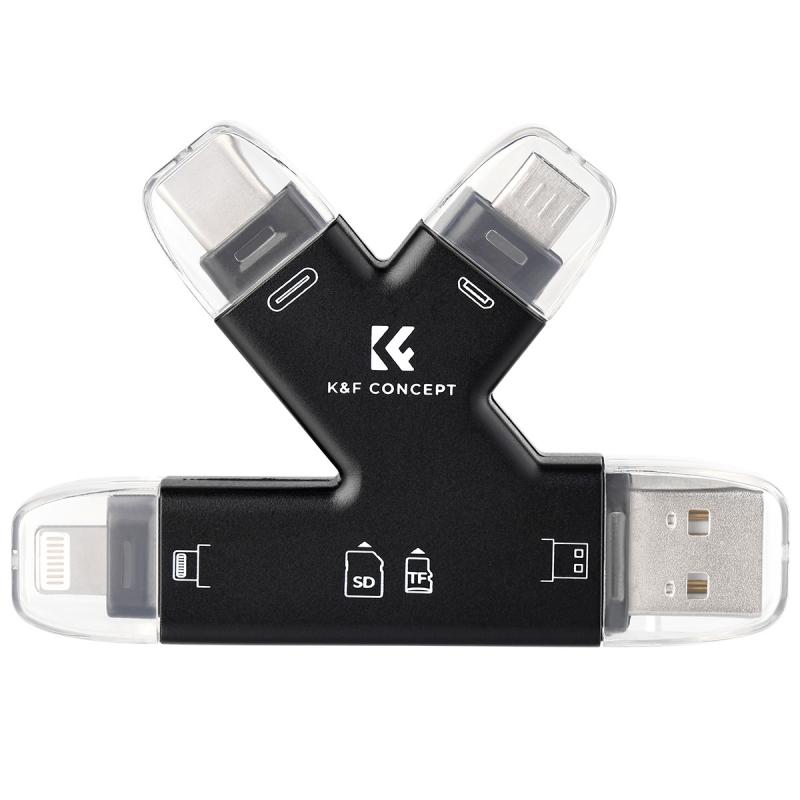
Your camera is essentially a data glutton, voraciously consuming space on your SD card as soon as you hit the shutter release. Whether you’re a hobbyist dabbling in JPEGs, or a professional photographer capturing RAW+JPEG files simultaneously, storage speed and capacity requirements will differ. DSLR cameras typically support SD, SDHC, and SDXC cards, all of which have their distinctions.
SD vs. SDHC vs. SDXC
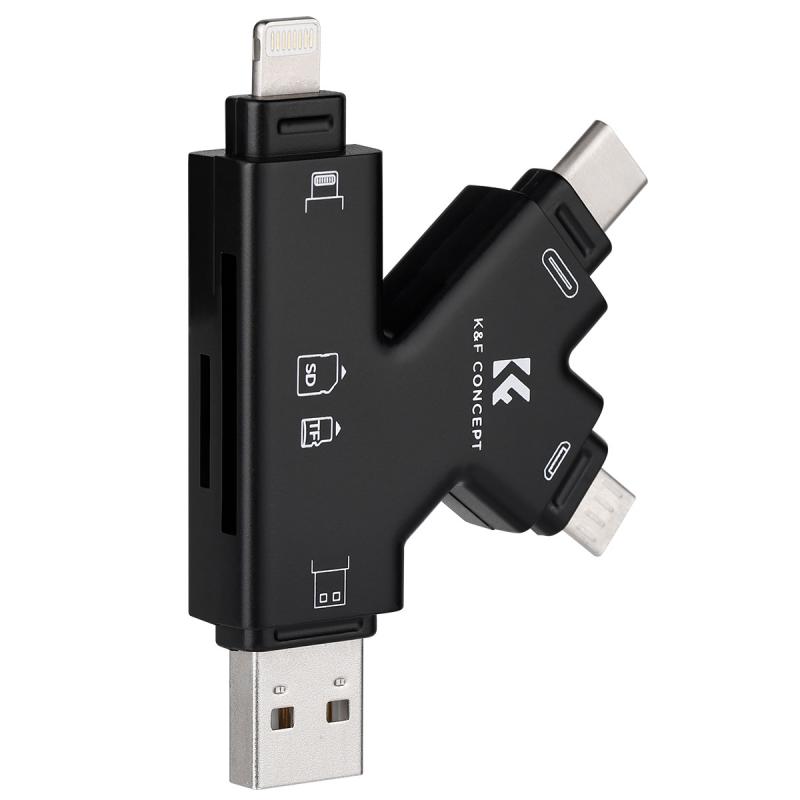
1. SD Cards (Secure Digital):
These are the first-generation cards, capped at a modest 2GB. If your DSLR was manufactured in prehistoric times (okay, maybe 2005 or earlier), SD cards might still make sense. However, for today’s DSLRs, these cards are practically irrelevant.
2. SDHC (Secure Digital High Capacity):
Supporting storage capacities between 4GB and 32GB, these cards are common for mid-level DSLRs. SDHC can handle video shooting at moderate resolutions and burst photography with smaller file sizes. Beware: Legacy camera models may not be able to read SDHC cards.
3. SDXC (Secure Digital Extended Capacity):
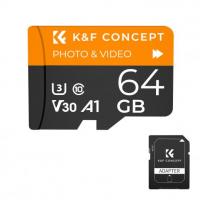
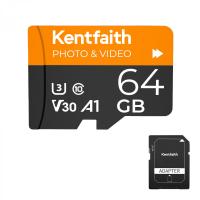
Here’s where things get interesting. SDXC cards start at 64GB and go well beyond—some cards can hold data up to a whopping 2TB. For modern DSLRs, especially those optimized for video recording in 4K or continuous RAW burst mode, SDXC cards are the clear winners.
Speed Demands: How Fast Is Fast Enough?
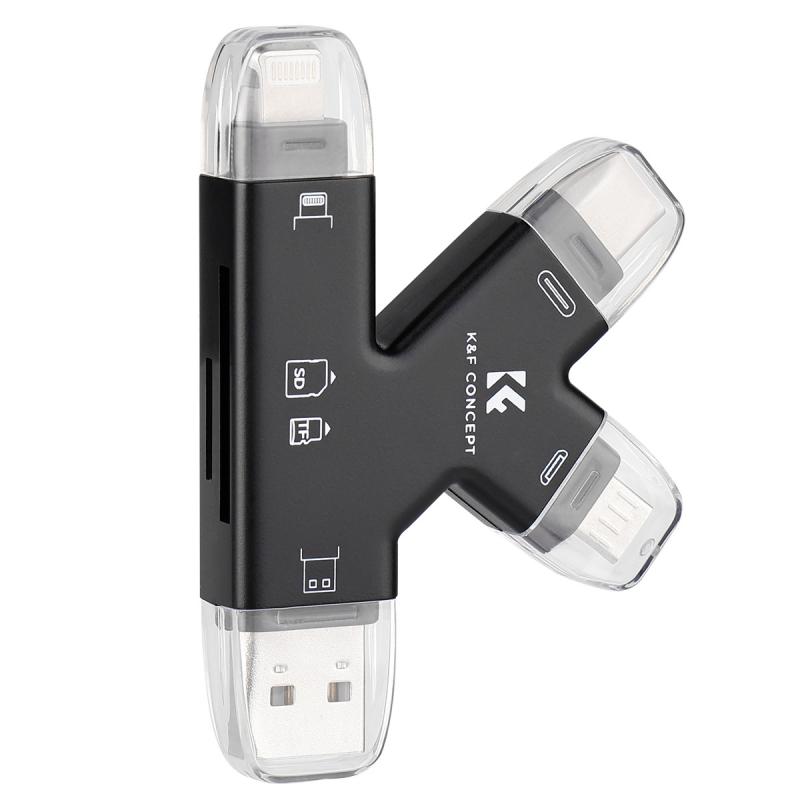
When choosing an SD card, understanding speed classes and ratings will help you match the card’s capabilities to your camera’s requirements. Delays in your workflow caused by slow write speeds can turn high-pressure shoots into nightmares. Let’s crack open speed ratings to demystify them.
Speed Class: The Bare Minimum
SD cards feature "speed classes," represented by a number inside a circle. Common options include Class 4, Class 6, and Class 10. The number corresponds to the minimum write speed in megabytes per second (MB/s).
Class 4: Not going to cut it for DSLRs unless you’re exclusively shooting low-resolution JPEGs.
Class 6: Mostly acceptable for basic photography, but you’ll hit roadblocks with larger file formats or video recording.
Class 10: The gold standard for DSLRs shooting high-quality images and Full HD, or even 4K videos in some cases.
While Speed Class is helpful, it’s rudimentary. For DSLR users aiming for peak performance, UHS (more on this shortly) and V ratings are essential.
UHS Speed Ratings: The DSLRs’ Friend
Modern SD cards frequently feature UHS-I and UHS-II classifications, serving as upgrades to basic Speed Classes. If your DSLR camera supports UHS-I or UHS-II, their differences are crucial:
UHS-I: Maximum theoretical speed of up to 104 MB/s. Great for casual photographers and vloggers shooting Full HD.
UHS-II: Light years ahead at speeds up to 312 MB/s—ideal for professionals handling 4K video and high-speed RAW bursts. Watch out, though; UHS-II cards are compatible only with cameras featuring compatible slots.
Unless your DSLR explicitly has UHS-II support, choosing these cards is akin to putting rocket fuel in a regular car—it’s wasted potential. Always verify your camera’s compatibility.
V Ratings for Videographers
For video enthusiasts, SD cards are often rated with “V” classes that denote minimum write speeds tailored to video recording:
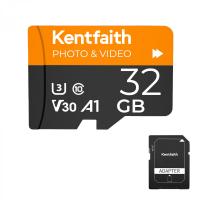
V30: High-quality Full HD video recording (perfectly adequate for most DSLR users).
V60: Created with demanding videographers in mind—smooth 4K or RAW video work starts here.
V90: The Rolls Royce rating, enabling uncompressed 8K recording. Unless you’re working on feature film production, this is likely overkill for a DSLR.
Capacity Matters: How Much Storage Is Enough?
Size is critical, especially during travel or long-day shoots. While some photographers believe in carrying multiple smaller-capacity cards for redundancy, others favor buying larger cards to minimize swapping during busy sessions. Here’s the breakdown:
32GB to 64GB: Perfect for weekend warriors or casual photographers capturing RAW files and Full HD videos.
128GB to 256GB: A solid choice for photographers who shoot higher-resolution images, RAW+JPEG formats, or 4K video clips.
512GB and Above: Reserved for demanding projects requiring high-capacity storage, such as long-form videography or uninterrupted photography during weddings and sporting events.
Don’t Forget Reliability and Robustness
Your SD card is a lifeline for your photography. A corrupted or unreliable card can ruin deadlines, shoots, and reputations. Pay attention to the following:
1. Brand: Stick to trusted manufacturers like SanDisk, Lexar, and Kingston. You wouldn’t risk expensive equipment with off-brand peripherals, would you?
2. Durability: Look for water, shock, and temperature resistance. A durable SD card is your safety net during unpredictable outdoor shoots.
3. Warranty: Check for extended warranties—reassuring protection against rare card failures.
Formulating the Ultimate SD Card Recipe
To put it all together:
- If you’re a casual DSLR shooter, opt for UHS-I Class 10, V10/V30 SDHC or SDXC cards with a capacity of 32GB to 64GB.
- For professionals engaging in 4K videography and RAW burst shooting, go with UHS-II, V60/V90 SDXC cards starting at 128GB.
A Note on Counterfeit Cards: It's a Trap!
Beware of suspicious deals online. Fake SD cards are rampant, and they can wreck your projects faster than you can say, “Memory error.” Always buy from authorized dealers and check reviews meticulously.
Choosing the right SD card for your DSLR camera isn’t just an accessory hunt—it’s about giving your hardware the freedom to perform at full throttle. By understanding speed ratings, storage cards' robust features, and your camera’s compatibility, you’re setting yourself up for smooth sailing, whether it’s snapping breathtaking landscapes or recording behind-the-scenes footage of your next creative project.
Leave the stress behind and let your SD card do what it was made for: being your camera's best friend, not your worst headache. So, go ahead—pick the right tool, and start shooting the moments that matter.
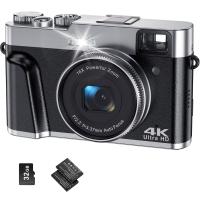
![4K Digital Camera for Photography & Video [Autofocus and Stabilisation] 48MP 16X Digital Zoom 3” 180° Flip Screen Vlog Camera with 32G SD Card, Flash Kentfaith](https://img.kentfaith.de/cache/catalog/products/de/GW41.0065/GW41.0065-1-200x200.jpg "4K Digital Camera for Photography & Video [Autofocus and Stabilisation] 48MP 16X Digital Zoom 3” 180° Flip Screen Vlog Camera with 32G SD Card, Flash Kentfaith")