How To Fix Camera On Tripod Stand?
How to Fix a Camera on a Tripod Stand: A Professional Guide
Tripods are essential tools for photographers and videographers. They provide stability, prevent shaky footage, and enable the capture of high-quality images and videos. Whether you're a professional or hobbyist, knowing how to securely fix your camera on a tripod is fundamental to your craft. Improper setup can result in damaged equipment or compromised results. This article provides step-by-step instructions, tips, and troubleshooting techniques to help you fix your camera on a tripod stand flawlessly.
Why a Proper Setup Matters
Before diving into the instructions, it’s essential to understand why the proper attachment of your camera to the tripod is critical. A secure connection reduces the chances of the camera falling, protects sensitive equipment, and ensures stability during usage. Additionally, effective tripod use enhances your creative freedom in terms of angle selection, exposure control, and long-duration shots.
Step-by-Step Guide to Fixing a Camera on a Tripod Stand
Follow these simple steps to ensure your camera is correctly attached to your tripod stand.
Step 1: Check Your Tripod and Camera Compatibility
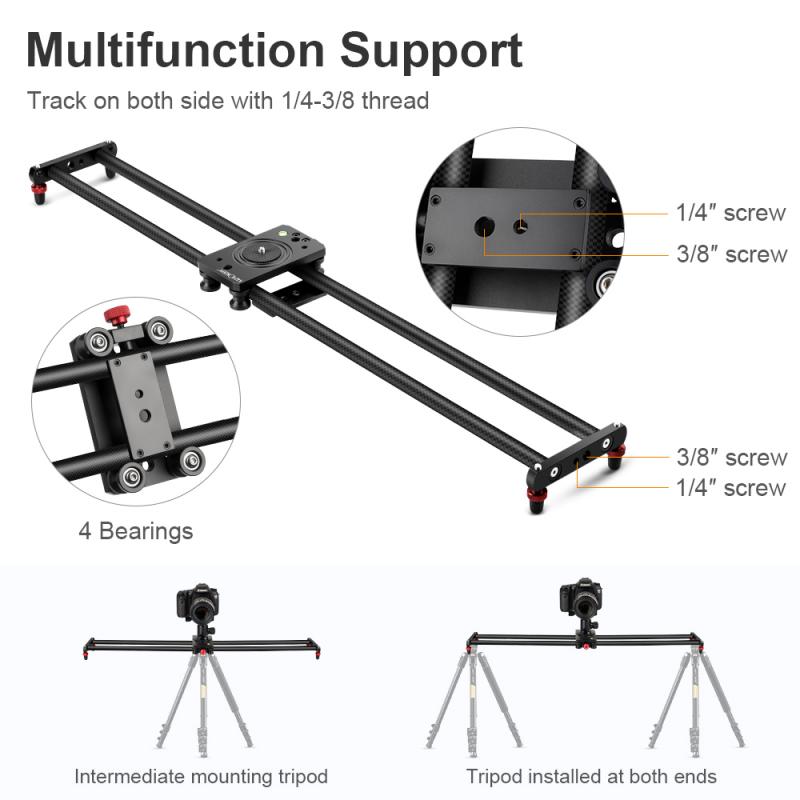
Not all tripods are universal. Tripods come with a mounting plate, head, or screw that may vary depending on the camera type. Many tripods use a standard 1/4"-20 screw thread, but some heavier-duty tripods have a larger 3/8"-16 screw thread. Therefore:
- Check the mounting plate size of your tripod.
- Confirm that your camera has a compatible thread size.
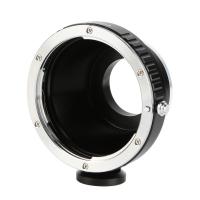
If your camera isn’t compatible, you may need an adapter or a special tripod head.
Step 2: Inspect and Prepare the Equipment
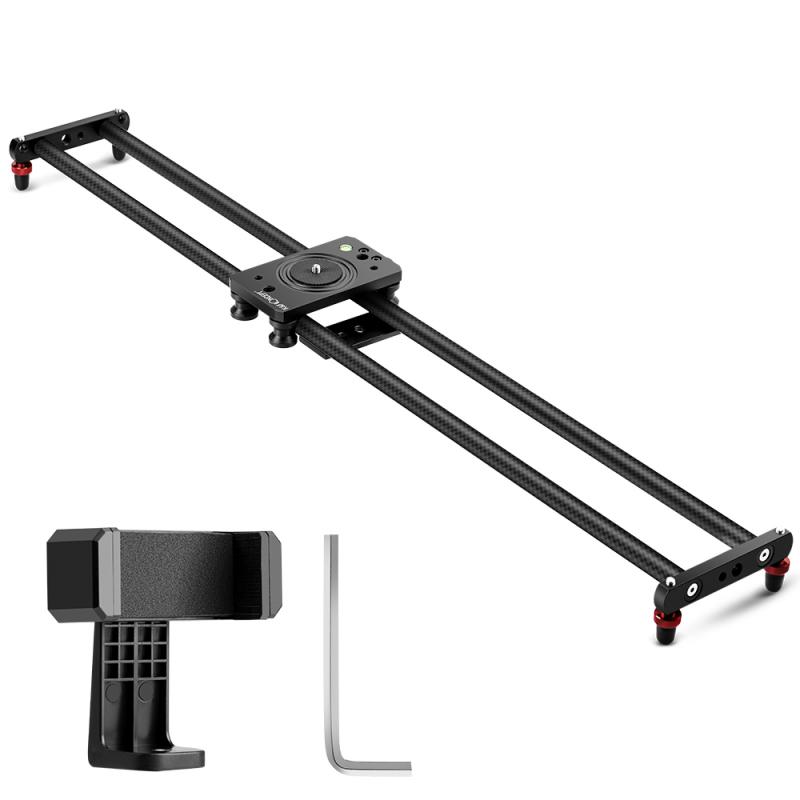
Before attaching your camera to the tripod, inspect the tripod stand, mounting plate, and the camera itself. Tighten any loose screws or knobs on the tripod and ensure the mounting plate is clean and undamaged. Also, check your camera to ensure it has no debris around the mounting thread.
Step 3: Attach the Mounting Plate to the Camera
Most tripods come with a removable mounting plate (also referred to as a quick-release plate). Here’s how to affix it:
1. Turn the mounting plate until you align its screw with your camera’s tripod socket (located at the bottom of the camera).
2. Insert the screw into the socket and tighten it firmly using your fingers or a coin. Avoid overtightening, as that might damage the socket or the mounting plate.
Ensure the mounting plate is flush with the bottom of the camera and has no wiggle room. If it’s loose, the camera might detach during use.
Step 4: Attach the Mounting Plate to the Tripod’s Head
Once the mounting plate is securely fixed to the camera, slide or click the plate into the tripod head. Most tripod heads have a locking mechanism or lever that helps hold the mounting plate in place. Here’s what to do:
1. Align the mounting plate with the tripod head.
2. Slide the plate until it clicks into position or fits securely.
3. Lock the plate in place with the tripod head's locking lever or knob.
Always double-check that the mounting plate is securely fastened and cannot slide or fall off. This is crucial for maintaining stability.
Step 5: Adjust the Tripod Legs and Center Column
With the camera now secured on the tripod, it’s time to adjust the tripod legs and column for stability and the desired shooting angle. Spread the tripod legs as wide as possible for optimal balance, especially on uneven terrain. Extend the center column only when necessary, as raising it too high reduces stability.
Step 6: Tighten All Knobs and Levers
Before proceeding to shoot, ensure every knob, lever, and screw on the tripod has been securely tightened. This includes the pan and tilt locks, as well as any leg adjustments.
Step 7: Test for Stability
After setting everything up, gently shake the camera and tripod to test its stability. If you notice wobbling, double-check the mounting plate, legs, and center column to ensure they’ve been properly secured.
Troubleshooting: Common Issues and Solutions
Issue 1: Mounting Plate Doesn't Fit
If your mounting plate doesn’t fit your camera or tripod:
- Use a universal mounting plate.
- Consider purchasing a compatible tripod or mounting plate.
Issue 2: Camera Wobbles on Tripod
If the camera feels loose or wobbly:
- Ensure the screw on the mounting plate has been tightened securely.
- Check the tripod’s build quality; cheap tripods often lead to instability.
Issue 3: Tripod Legs Slip or Collapse
If your tripod legs don’t stay in place:
- Tighten the leg locks or clamps.
- Avoid using the tripod on slippery surfaces.
Issue 4: Misaligned Camera Angles
If you cannot achieve proper alignment:
- Ensure the tripod head allows for sufficient adjustment. You may need to upgrade to a ball head, pan-and-tilt head, or other advanced options.
- Adjust the placement of the tripod rather than forcing the head.
Advanced Tips to Enhance Your Setup
Tip 1: Use a Spirit Level
Many tripod heads come with a built-in spirit level to ensure the camera is perfectly leveled. If your tripod doesn’t have this feature, you can purchase a small attachable spirit level for your camera.
Tip 2: Invest in a High-Quality Tripod and Head
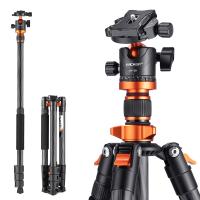
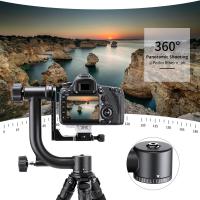
While cheaper tripods may suffice under certain conditions, professional photography or videography demands high-quality equipment. Look for robust materials like aluminum or carbon fiber tripod stands, along with versatile heads such as ball heads, fluid heads, or geared heads.
Tip 3: Add Weight for Stability
In windy conditions or uneven terrain, hang a stabilizing weight, such as a camera bag, from the tripod’s center column hook to add stability and prevent tipping.
Tip 4: Use a Remote Shutter Release
To avoid shaking the camera while operating it, use a remote shutter release or wireless control. This is especially important for long exposure photography.
Tip 5: Regular Maintenance
Regularly clean and inspect your tripod. Remove dirt from the leg clamps and head, lubricate moving parts if necessary, and store your tripod in a protective carrying case to prevent damage.
Frequently Asked Questions
Can I Use Any Camera with Any Tripod?
Not all cameras and tripods are universally compatible. However, most consumer-grade tripods use the standard 1/4"-20 screw thread, which fits most cameras. Heavy-duty equipment may require specialized mounting solutions.
Can I Attach a Smartphone to a Tripod?
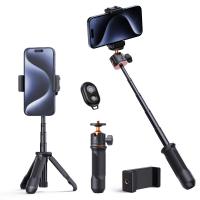
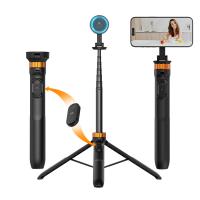
Yes, you can attach smartphones to tripods by using a phone tripod mount adapter. These adapters secure your phone and often allow pan and tilt adjustments similar to standard tripod heads.
Do All Tripods Have Quick-Release Plates?
Not all tripods have quick-release plates. While they are convenient for quick setup and takedown, some basic tripods might require directly screwing the camera onto the tripod head.
What Are the Best Tripod Brands?
High-quality tripod brands include Manfrotto, Gitzo, Benro, Vanguard, and Peak Design. These brands are known for their reliability, durability, and advanced features.
Attaching your camera to a tripod stand may seem like a straightforward task, but doing it properly requires attention to detail and technique. Following the steps outlined in this article ensures that your camera is securely attached and ready for optimal performance. Coupled with troubleshooting solutions and advanced tips, you can confidently enhance your photography and videography experience. Investing in reliable equipment and maintaining it regularly will allow your creative ambitions to flourish without limitation. Whether capturing breathtaking landscapes or steady video footage, mastering the art of tripod setup is a vital skill every enthusiast should possess.