Dash Cam That Records When Vehicle Is Off?
The evolution of automotive technology has paved the way for increasingly sophisticated solutions aimed at enhancing driver convenience and security. Among these is the remarkable dash cam—once a mere tool for recording the occasional highway mishap, now a sophisticated device capable of vigilant surveillance even when your vehicle is off. This feature, commonly referred to as "parking mode," is as close as it gets to giving your car a pair of eyes that never sleep. But how does this functionality work? Is it as useful as it seems? How do you ensure it doesn’t zap your car battery into oblivion? Let us dive deep into the nuts and bolts.
The Engineering Magic Behind Dash Cams That Never Sleep
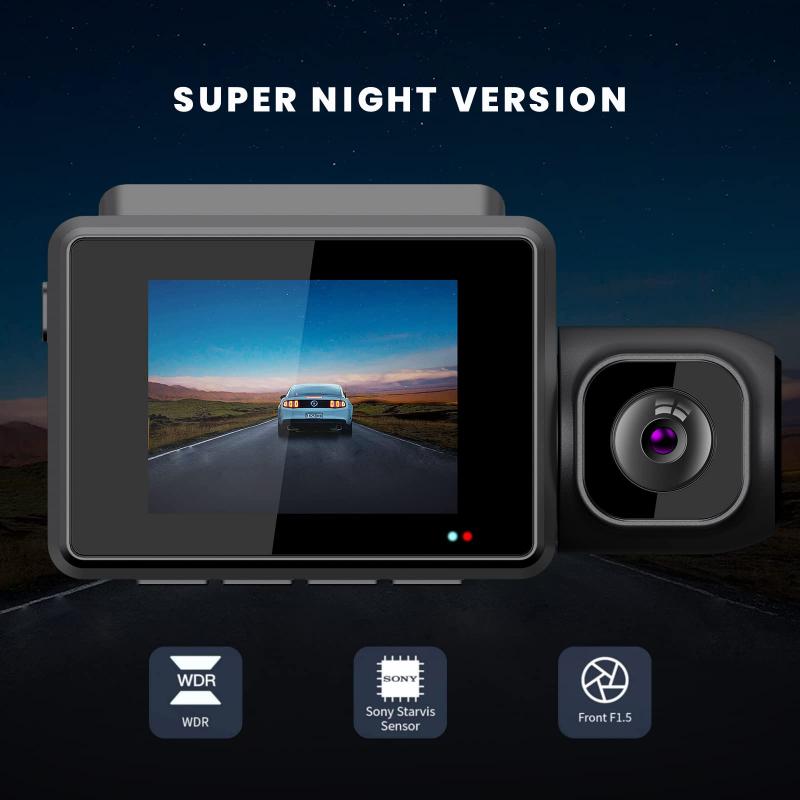
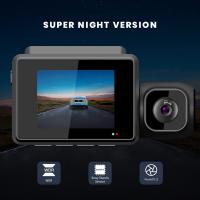
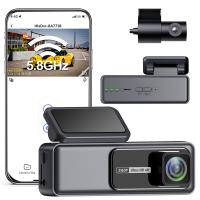
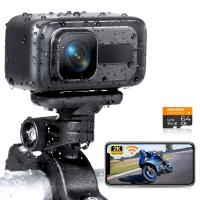
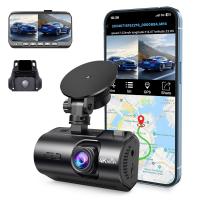
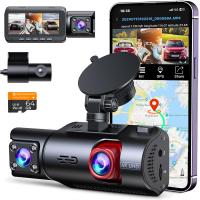
To generate clear footage without putting excessive strain on the car's electric system, dash cams operating in parking mode typically rely on specific power sources or backup mechanisms. When your vehicle is shut off, these devices switch into a low-power mode, reducing unnecessary energy draw while keeping essential components like motion detection, parking incident recording, or time-lapse functionality active.
Most dash cams designed with parking mode use either one or a combination of solutions:
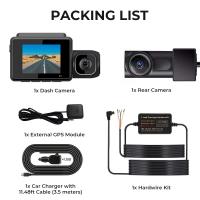
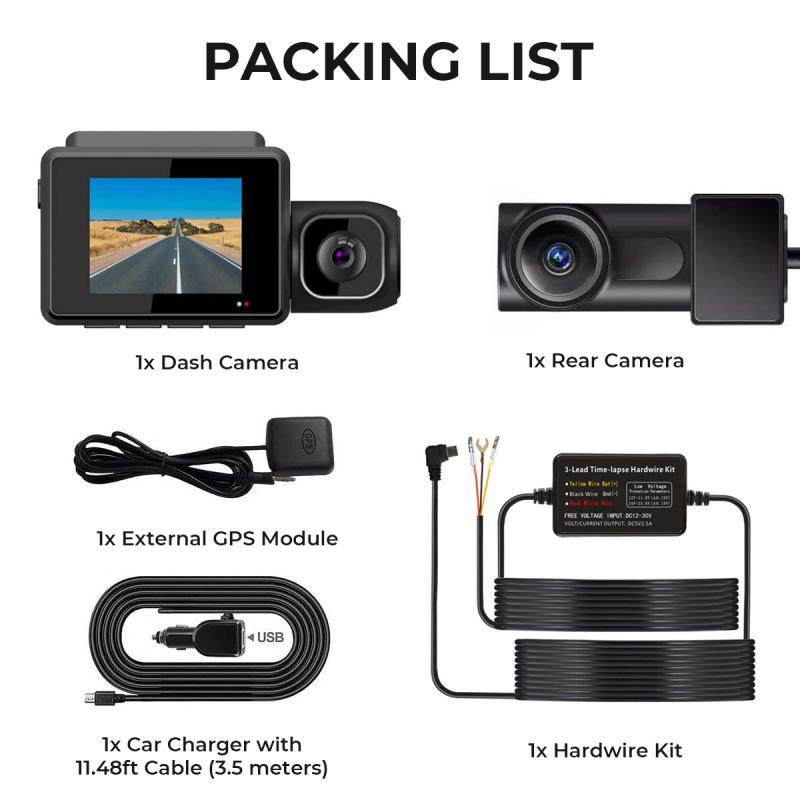
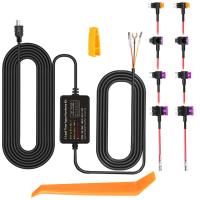
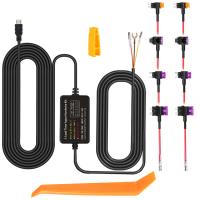
1. Dedicated Hardware Kit: This kit hardwires the dash cam directly to the vehicle's fuse box. It bypasses the ignition system, enabling the dash cam to remain operational even when the engine is powered down.
2. Internal Batteries or Capacitors: Some dash cams come with built-in rechargeable batteries or capacitors, which provide a limited amount of power for recording in short bursts after the car is off.
3. External Battery Packs: Portable battery packs attached to dash cams can provide extended operating hours without draining your car's battery.
4. Smart Trigger Systems: On higher-end models, parking mode activates only when motion or vibrations are detected. This smart approach ensures minimal power usage while remaining ready to record incidents as needed.
The Practical Side: Why You Need Post-Shutdown Recording
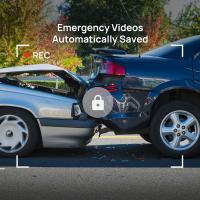
Imagine this: You park your car in a multi-story parking lot while running errands. A careless driver reverses into your car, causing unsightly damage but conveniently neglects to leave contact information. Or worse, someone tries to break into your parked car while you're blissfully unaware. Without a dash cam capable of recording when the vehicle is off, you're left with no evidence or recourse—just a hefty repair bill.
The parking mode functionality addresses these shortcomings. It offers:
Accident-proof evidence: Vandalism, theft, or hit-and-run incidents—all recorded and timestamped.
Peace of mind: Leaving your vehicle in high-risk areas feels less like rolling dice when you know it’s under constant surveillance.
Reliable insurance claims: Submitting evidence, like license plate information of culprits, accelerates the resolution of disputes with insurers.
Battery Drain Worries: A Legitimate Concern (and the Fix)
One of the most prominent concerns surrounding dash cams that remain active post-ignition is battery drainage. The thought of waking up to a dead car battery is enough to worry even the most gadget-hungry driver. Fortunately, modern dash cam technologies, coupled with thoughtful installation techniques, dispense with these fears.
Here’s how you can prevent battery woes:
1. Battery Protection Features: Dash cam kits with hardwire options often come with low-voltage cutoff systems. These systems automatically power down the dash cam if they detect a drop in battery voltage beyond a predetermined threshold, leaving just enough charge for your vehicle to start.
2. Use a Capacitor or External Battery Pack: Dash cams equipped with supercapacitors or external battery packs are less reliant on the car's battery, minimizing stress on the main system.
3. Adjust Run-Time Settings: High-quality dash cams enable users to customize how long parking mode remains active. For example, if you're parking overnight, settings can be tailored to turn off after a certain time frame.
4. Professional Installation: It might be tempting to DIY a hardwire kit, but a professional installer ensures your dash cam is connected properly, avoiding tricky pitfalls like reverse voltage issues.
Motion Sensors and Video Modes: The Essential Features
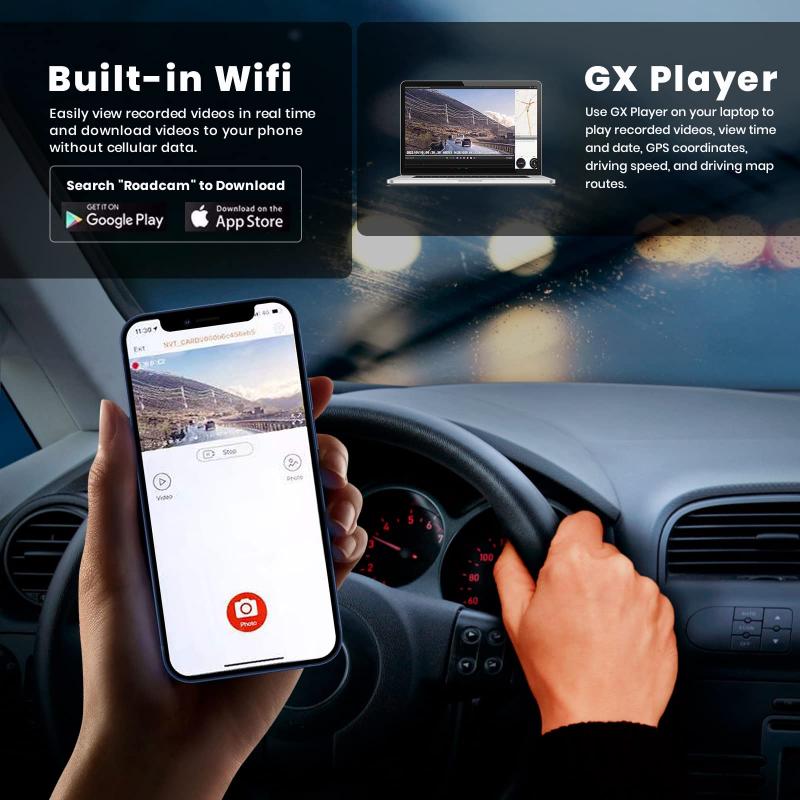
When selecting a dash cam, the mode of operation during parking becomes pivotal. Different manufacturers have developed unique motion and recording methods to fit diverse needs. Here are the top contenders:
Event Detection Mode: The cam wakes up and begins recording if it detects motion nearby or impact to the vehicle. This is ideal for capturing actions like door dings or break-ins.
Time-lapse Mode: Records at frequent intervals (e.g., one frame per second), creating a condensed video overview. This uses less memory space while still monitoring surroundings.
Continuous Recording Mode: Like the name suggests, it records non-stop. While this uses more energy and memory, it ensures comprehensive footage.
Choosing the Right Dash Cam for You
With all these features and possibilities, the question arises—how do you pick the dash cam that best fits your needs? Here’s the checklist to consider:
1. Parking Mode Capabilities: Does it offer event detection, or is time-lapse your ideal format?
2. Energy Management Systems: Is there a low-voltage cutoff feature or seamless integration with external battery packs?
3. Image Quality: Opt for HD resolution (1080p or higher). Many hit-and-run claims hinge on whether you got that license plate number in sharp clarity.
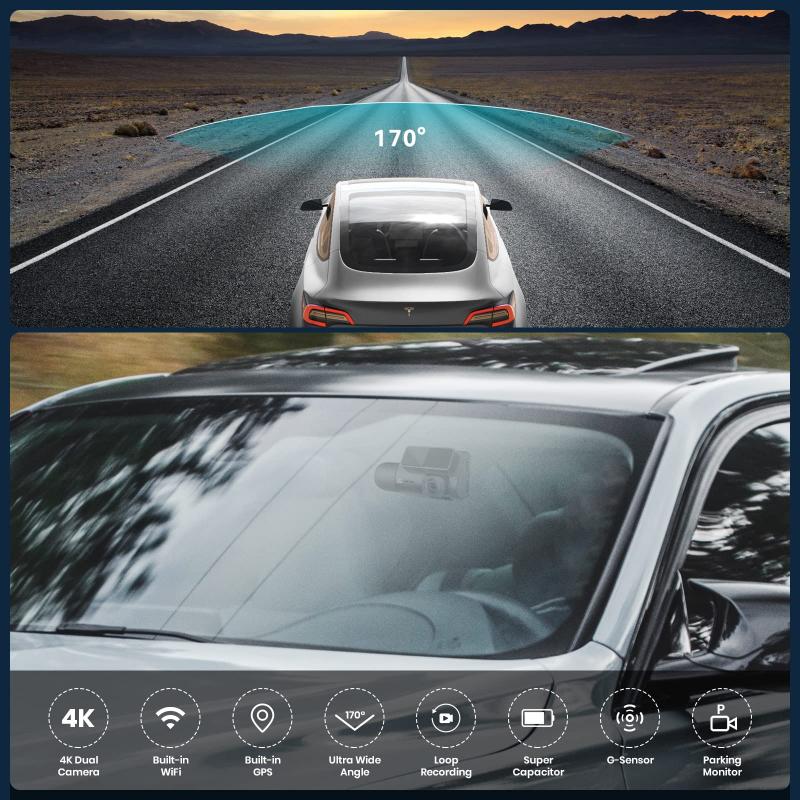
4. Viewing Angle: A wide-angle lens, preferably 140-170°, maxes out coverage.
5. Ease of Installation: If you prefer plug-and-play models, prioritize dash cams that require minimal setup. However, hardwired options are often worth the effort for sustained performance.
The Future of Parking Surveillance
As artificial intelligence integrates further into automotive accessories, dash cams are on the brink of evolving into multi-functional security systems. The next wave may include real-time alerts sent to your smartphone if the cam detects unauthorized activity. Imagine monitoring your vehicle remotely and gaining the ability to talk back through your camera's speaker to shoo away intruders—an automotive equivalent of yelling "Get off my lawn!" from your porch.
Car manufacturers may also start embedding parking mode features directly into onboard systems. Today’s dependency on third-party dash cams could transition toward native systems built seamlessly into infotainment hardware.
Final Thoughts
While dash cams operating in parking mode are undeniably game-changers when it comes to ensuring your vehicle's security, their utility hinges on picking the right model and properly managing power concerns. Once those puzzle pieces fit, you’re not just the owner of a well-monitored vehicle—you’re the savvy captain of a car that’s practically running its own surveillance ops.
So, next time you pull into a crowded parking lot or leave your car outside overnight, take a moment to appreciate the unsung hero sticking to its post. Your dash cam doesn’t sleep—but at least you can, secure in the knowledge that it has your back.
-200x200.jpg "33ft/10m Waterproof Camera 4K 48MP HD Photos & Videos with Dual-Screen for Snorkeling, Surfing, Swimming, Waterproof Camera for Kids, Adults, Includes EVA Storage Case & Tripod, Black")