How Do Wireless Backup Cameras Work?
Wireless backup cameras have revolutionized the way we approach vehicle safety and convenience. These devices are no longer just luxury accessories for cars; they are becoming essential components for drivers who want to avoid accidents, reduce blind spots, and navigate tight parking spaces with ease. If you're unfamiliar with how wireless backup cameras work, this guide will provide a detailed overview of their technology, functionality, installation, and benefits so that you can make an informed choice.
The Basic Concept of Wireless Backup Cameras
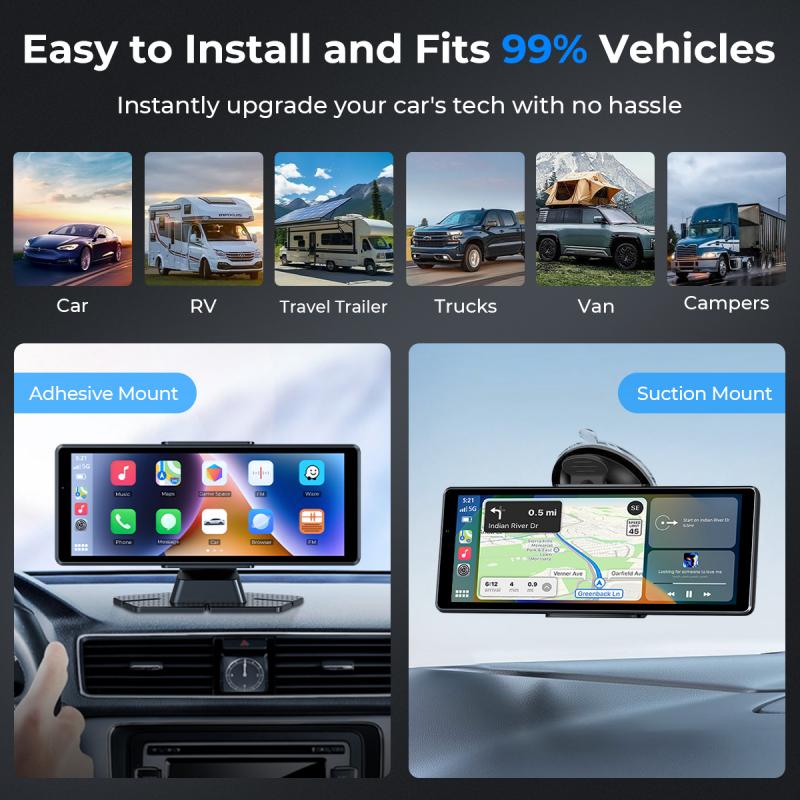
Wireless backup cameras function as an extra pair of eyes for your vehicle, aiding drivers in reversing and parking more safely. Unlike wired systems, which require complex installation processes involving physical connections between the camera and display, wireless backup cameras transmit video signals without cables, relying on wireless technologies like radio frequency (RF) or Wi-Fi.
When the driver puts the car in reverse, the camera mounted at the rear of the vehicle automatically turns on and begins streaming a live video feed to a monitor inside the cabin, enabling the driver to see what's directly behind them. In most cases, the system integrates with the car's dashboard display, a standalone screen, or even a smartphone app.
How Wireless Backup Cameras Work
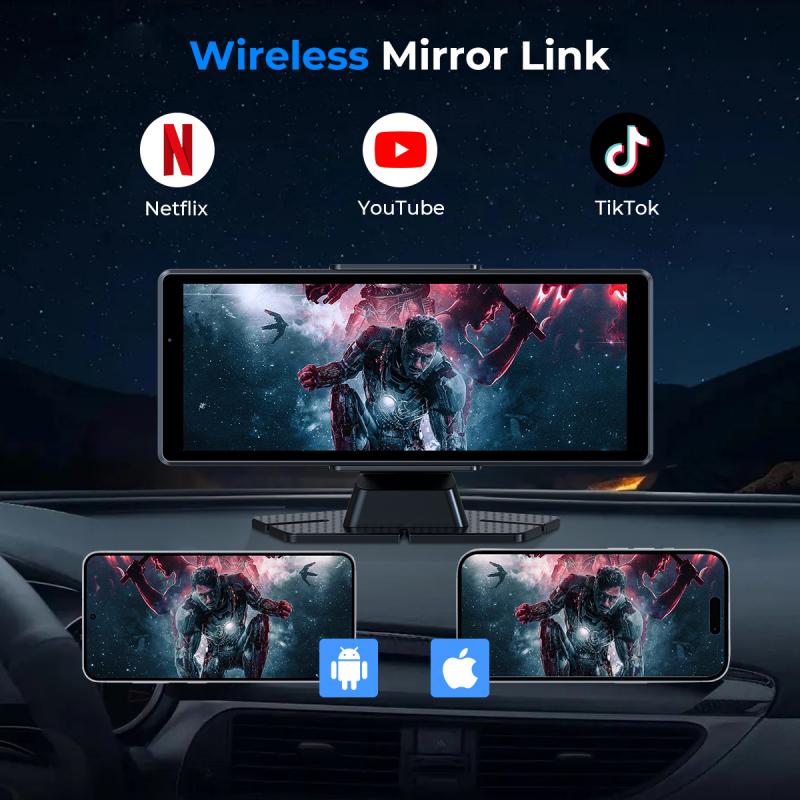
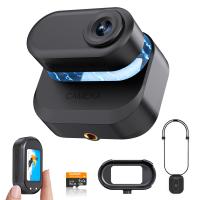
Wireless backup cameras consist of two primary components: the camera module and the receiver (or monitor). Here's a breakdown of the working process:
1. Camera Module:
- This device is mounted on the rear of the vehicle, usually above or near the license plate.
- It captures live video feed of the area behind the vehicle using a wide-angle lens for a broader view.
- For night-time usage, many cameras are equipped with infrared lights or LED lighting to provide clear visibility even in low-light conditions.
- The captured video is converted into a digital signal and transmitted wirelessly to the receiver.
2. Transmission:
- The camera module sends video data over a wireless connection, which could be based on RF signals or Wi-Fi. Older models rely on radio frequency, while more modern versions tend to use Wi-Fi for faster and clearer transmissions.
- Some systems use proprietary wireless technologies to improve security and reduce interference.
3. Receiver/Monitor:
- The receiver picks up the video signal sent by the camera and displays it on a screen inside the vehicle.
- Depending on the system, the monitor can be built into the vehicle’s dashboard infotainment system, mounted separately on the dashboard, integrated into a rearview mirror, or even displayed on a smartphone.
- The display often includes overlayed guidelines to assist drivers with distance perception and navigation while backing up.
4. Power Supply:
- While the camera is technically "wireless" in terms of transmitting data, it still requires a power source. Most wireless cameras are connected to the vehicle’s rear lights wiring system so they automatically turn on when the car is set to reverse mode.
- Some advanced systems come with rechargeable batteries or solar-powered options, eliminating the need to tap into the vehicle’s electrical system.
Features of Wireless Backup Cameras
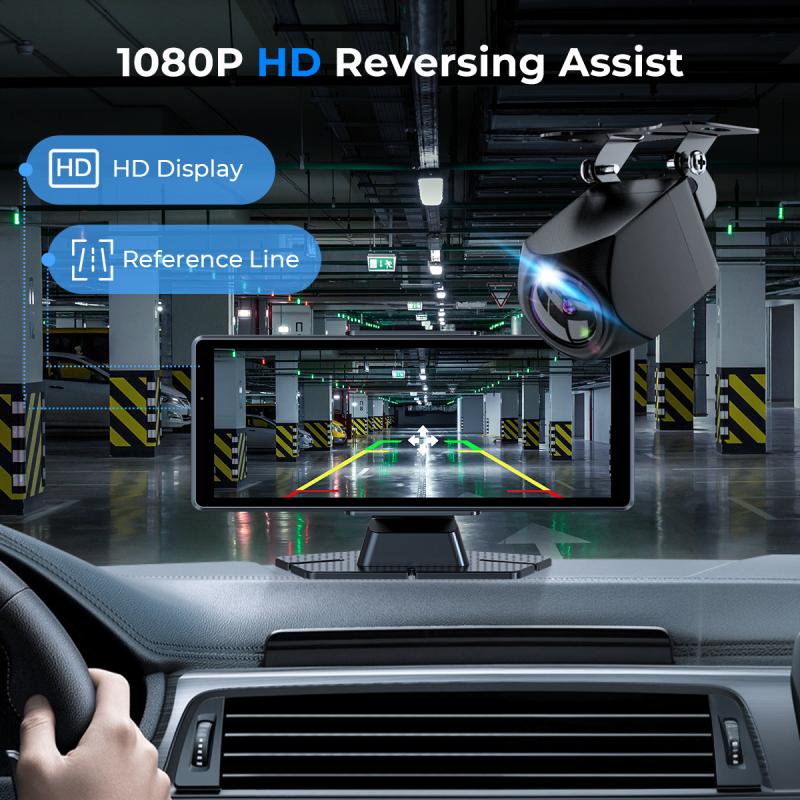
Wireless backup cameras come with several standout features to improve their functionality and user experience:
1. Wide-Angle Views:
Most cameras are equipped with wide-angle lenses to ensure large blind spots are minimized and give the driver a better perspective of the surroundings.
2. Night Vision:
IR or LED illumination allows users to maintain clear visibility even in poorly-lit environments, ensuring safety during nighttime vehicle operation.
3. Parking Assistance:
Many cameras display gridlines or overlays on the monitor to help drivers judge distances and angles while parking or maneuvering.
4. Resolution and Clarity:
Modern cameras support higher video resolutions like 720p or 1080p for better clarity, reducing the likelihood of missing critical details such as small objects or people behind the vehicle.
5. Durability:
Backup cameras are built to withstand harsh weather conditions—rain, snow, heat, and dust—ensuring reliable performance throughout the year.
6. Integration with Smartphones:
Certain systems allow video feeds to be displayed on smartphones via dedicated apps, adding flexibility for users who prefer mobile devices over fixed monitors.
Installation of Wireless Backup Cameras

Installing a wireless backup camera is typically much easier than setting up a wired one, as it eliminates the need to route long cables through the vehicle's interior. Below are the steps involved:
1. Camera Mounting:
Attach the camera to the rear of your vehicle, preferably near the license plate. Most systems come with brackets or adhesive pads for secure mounting.
2. Power Connection:
Connect the camera’s power source to the vehicle’s reversing light circuit, ensuring it powers on automatically when the vehicle is in reverse. Alternatively, use a battery-powered model to skip this step entirely.
3. Receiver Placement:
Place the receiver (monitor) where it is easily visible to the driver. This could be on the dashboard, windshield, or rearview mirror.
4. Pairing:
Once all hardware is installed, turn on the camera and receiver to establish a connection. Many systems pair automatically, while others may require manual configuration.
Advantages of Wireless Backup Cameras
1. Enhanced Safety:
Wireless backup cameras reduce the risk of accidents by providing a clear view of the rear area, minimizing blind spots and ensuring the driver can see obstacles, small children, or pets that might be out of view.
2. Ease of Installation:
Unlike wired systems, wireless cameras don’t involve complicated cable routing, making them suitable for DIY enthusiasts.
3. Flexibility:
Wireless systems often integrate with multiple devices and dashboards, providing greater compatibility and convenience.
4. Cost-Effectiveness:
While slightly more expensive than basic wired cameras, wireless backup cameras offer robust performance and convenience that justify the cost in the long run.
5. Portability:
Many wireless cameras are detachable and can be used across different vehicles, making them ideal for temporary installations or rented cars.
Practical Considerations and Challenges
Although wireless backup cameras have multiple benefits, there are some challenges:
1. Signal Interference:
In areas congested with wireless networks, signals can sometimes be weak or interrupted. Premium models mitigate this issue with more advanced transmission technologies.
2. Battery Dependency:
For battery-operated systems, users must monitor charge levels regularly to avoid power disruptions.
3. Resolution and Sync Lag:
Budget models may offer lower-quality video or slight delays in transmission, which could hinder real-time backup assistance.
4. Installation Complexity for Certain Models:
While generally easier to install than wired counterparts, systems requiring power supply integration still involve some expertise.
Choosing the Right Wireless Backup Camera
Selecting the ideal camera system depends on your vehicle and personal preferences. Here's what to prioritize:
Image Quality: Opt for high-resolution cameras for clear views.
Ease of Installation: Choose systems suited to your technical skill level.
Durability: Ensure weatherproofing if you frequently drive in harsh conditions.
Brand Reputation: Pick cameras from reputable manufacturers known for quality and support.
Final Thoughts
Wireless backup cameras are essential tools that enhance driver awareness, improve safety, and simplify parking. Whether you’re a new driver or a seasoned operator, investing in a wireless backup camera is a practical step to protect yourself, your vehicle, and those around you. Prioritize durability, compatibility, and image quality when choosing the camera system that's right for you. While challenges like signal interference or installation nuances may arise, advancements in wireless technology ensure that these cameras continue to deliver reliable performance for years to come.