How to Choose Phone Tripod?
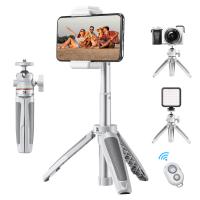
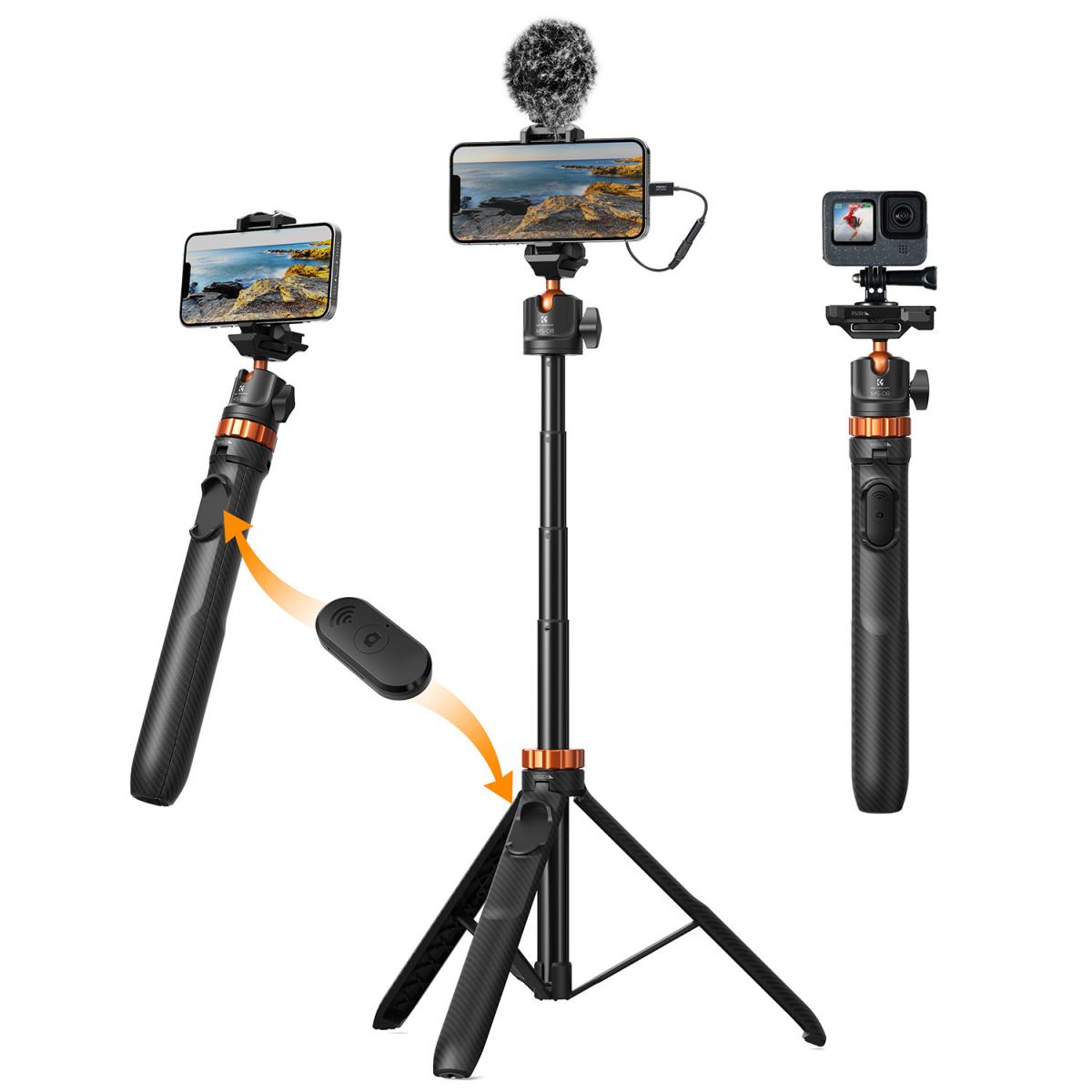
A phone tripod is a portable, three-legged stand designed to hold a smartphone securely, ensuring steady capture of photos and videos. Unlike traditional camera tripods, it tends to be more compact and lightweight, equipped with a specialized clamp or mount to firmly grip a phone. Many models also include extra features such as flexible legs, a remote control, or an integrated selfie stick function. It proves particularly useful for scenarios like low-light photography, time-lapse recordings, group photos, and hands-free video shooting. If you have these photography needs and are unsure how to choose one, this article will help you choose the best mobile phone tripod for your needs.
Why Do You Need a Tripod?
For Long-Exposure Shots
To capture long-exposure shots on your phone, you’ll first need to shoot in manual or pro mode to extend the shutter speed. But, to take truly remarkable long-exposure shots, a smartphone tripod is a must.
As the name suggests, long-exposure shots require the shutter to be open for longer while your phone is entirely steady.
Without a tripod, capturing long exposure photos becomes extremely difficult (if not impossible), often resulting in blurry, out-of-focus images.
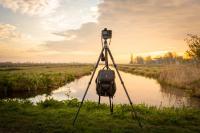
For Night or Low-Light Photos
One of the best ways to capture low-light scenes is by using slower shutter speeds. Slowing down the shutter speed keeps the sensor activated long enough to receive more light, resulting in brighter photos in low-light. However, the problem with a slower shutter speed is that one slight move and the entire shot is ruined.
A tripod for smartphone gives you the confidence to slow down your shutter speed, so your camera’s sensor receives as much light as possible, without the worry of the dreaded camera blur.
For Panoramic Photos
Everyone loves a good panoramic photo. Think dramatic mountainous landscapes, rows upon rows of towering skyscrapers, and sweeping beaches that appear to go on forever.
A panoramic shot can greatly benefit from being taken by a tripod-mounted smartphone. Panoramas require a steady hand to pan across the scene in a perfect horizontal line—and tripods help to facilitate a smooth, easy movement to capture the entire shot.
Similarly, taking rapid photos of fast-moving objects or subjects can also benefit from the smooth, sweeping range of movement made possible on some tripods.
For Time-Lapse Images
Time lapses are achieved by editing together a sequence of photos that are captured after intervals of seconds, minutes, or even hours. These images are then combined into a short video clip.
To achieve the best results, it’s essential to keep your camera steady, as any unwanted camera movements will compromise your time-lapse. For this, a tripod is all you need.
For Self-Portraits
Take your selfie game up a few notches by mounting your phone on a tripod. A tripod makes it possible for you to be the subject and the photographer of your own shoot.
Simply use the timed photo function or a wireless shutter remote to execute a self-portrait photoshoot.
For Better Framing
A tripod encourages you to think more creatively and thoughtfully about the shot, making it possible to stage the photo from various angles, which would otherwise be impractical when holding the device in your hand.
Even setting up the tripod gives you time to think about how you want to frame the scene to capture the most compelling photo.
Types of Phone Tripod
If you decide you need a phone tripod, how do you choose from the many available on the market? There are many types of phone tripods to suit different scenarios. Below is a brief overview of common phone tripod types, typical usage scenarios, and their advantages and disadvantages:
1. Mini Tripod
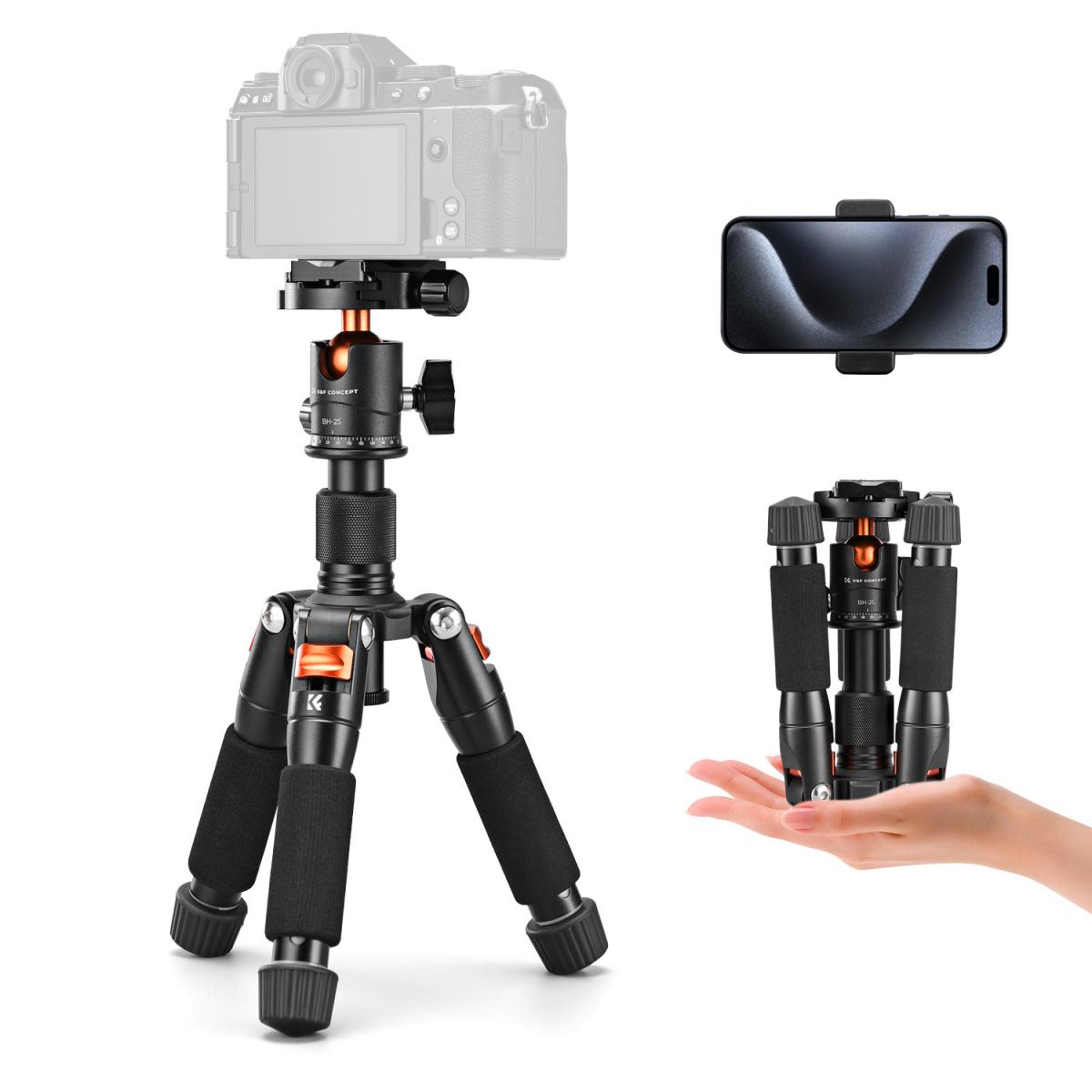
Description:
Small, lightweight tripod that can sit on tables or flat surfaces.
Use cases:
Vlogging or video calls on a desk
Food or product photography
Travel shooting
Pros:
Compact and portable
Easy to set up
Usually affordable
Cons:
Limited height
Less stable on uneven surfaces
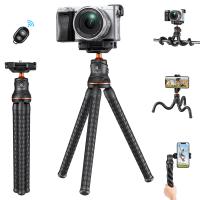
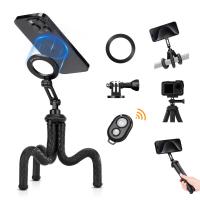
2.Flexible (Octopus) Tripod
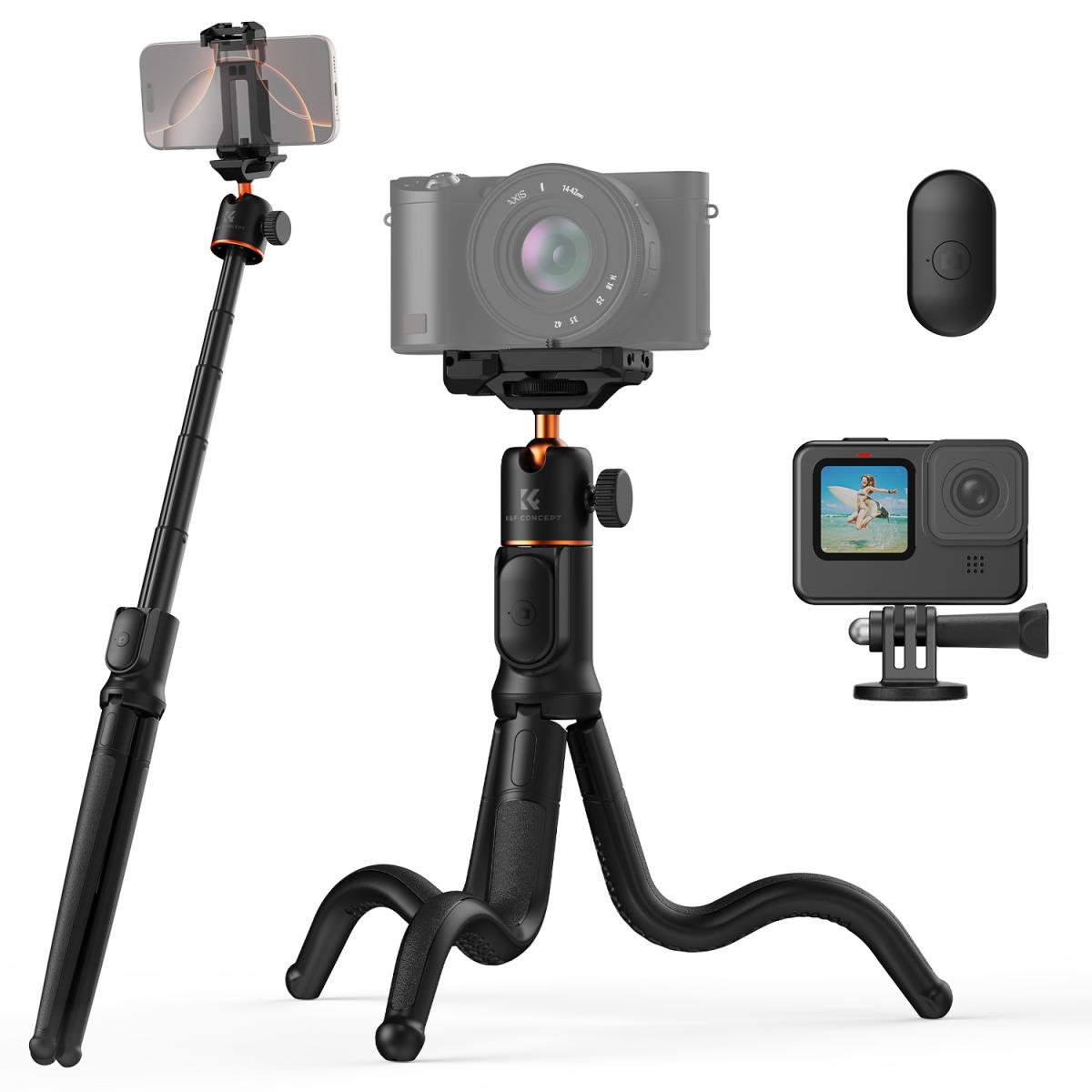
Description:
Features bendable legs that can wrap around poles, railings, or tree branches.
Use cases:
Outdoor vlogging
Action shots in creative angles
Travel and adventure content
Pros:
Highly versatile mounting options
Compact and light
Good for uneven surfaces
Cons:
Legs may loosen or lose grip over time
Limited height for standing shots
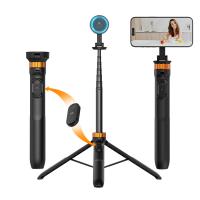
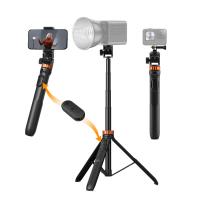
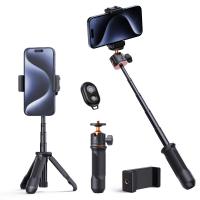
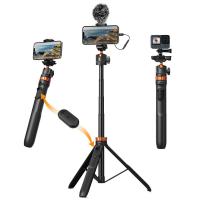
3.Extendable (Selfie Stick + Tripod Combo)
Description:
Combines a selfie stick and tripod; often includes Bluetooth remote control.
Use cases:
Group photos and travel selfies
Livestreaming and social media content
Pros:
Adjustable height and angle
Remote shutter adds convenience
Portable for travel
Cons:
Stability decreases when fully extended
Plastic models may break easily
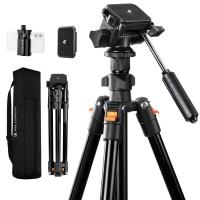
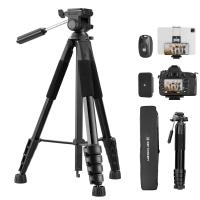
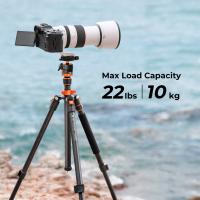
4. Full-Size Tripod
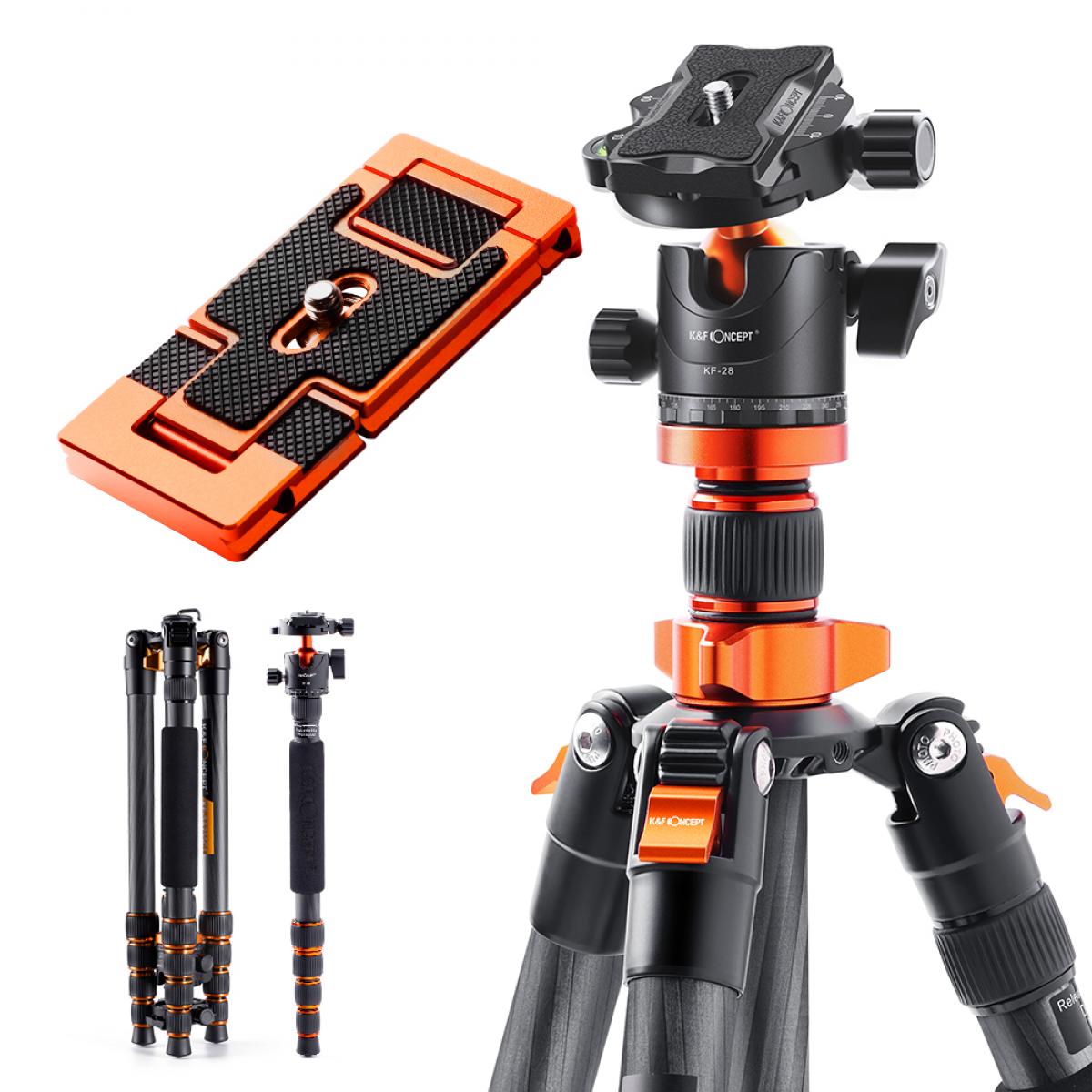
Description:
Standard tripod with adjustable legs and a phone mount adapter.
Use cases:
Professional video recording
Time-lapse or low-light photography
Stationary interviews
Pros
Very stable and height-adjustable
Suitable for professional use
Works with phones and cameras
Cons:
Bulky to carry
Slower setup
5.Gimbal Tripod (Motorized Stabilizer)
Description:
A tripod with built-in electronic stabilization for smooth motion shots.
Use cases:
Cinematic video shooting
Walking or moving shots
Travel vlogs
Pros:
Excellent stabilization
Smooth and professional footage
Often includes smart tracking
Cons:
Expensive
Requires charging and calibration
After choosing a suitable phone tripod, you might feel overwhelmed when you receive it. Below is a general guide to using a phone tripod.
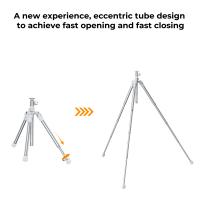
1.Set Up the Tripod
Unfold the legs and adjust them to create a stable base.
Place it on a flat surface or secure it if flexible.
2.Attach the Phone Holder
Fix the phone mount to the tripod screw (usually 1/4 inch).
Make sure it’s tight and stable.
3.Mount Your Phone
Open the holder and place your phone in the center.
Ensure it’s held firmly to avoid slipping.
4.Adjust Angle and Height
Tilt or rotate the head for the desired angle.
Extend legs or pole if adjustable.
5.Connect Accessories (Optional)
Pair a Bluetooth remote or use a timer for hands-free shooting.
6.Start Shooting
Record videos, take photos, or go live with stable framing.
7.Fold and Store
After use, fold the smartphone tripod and store it safely for next time.