How To Install Dash Camera On Car?
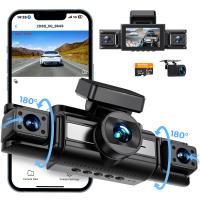
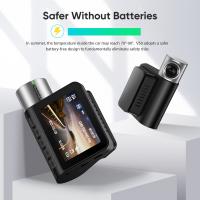
When it comes to safeguarding yourself on the road or capturing those bizarre driving anomalies we all love to watch online, installing a dash camera in your car is a no-brainer. Dash cams have evolved into an essential gadget for drivers, serving as a crucial tool in insurance claims, fraud prevention, and keeping tabs on your teenage driver. But how do you properly install one in your vehicle? Spoiler alert: It's easier than assembling furniture from a certain Swedish brand, but it requires a bit of planning. Let’s dive into the process with the precision of a seasoned craftsman and the occasional splash of humor to keep things rolling.
Step 1: Gather the Tools (Avoid the "Oh-No-I-Forgot" Moment)
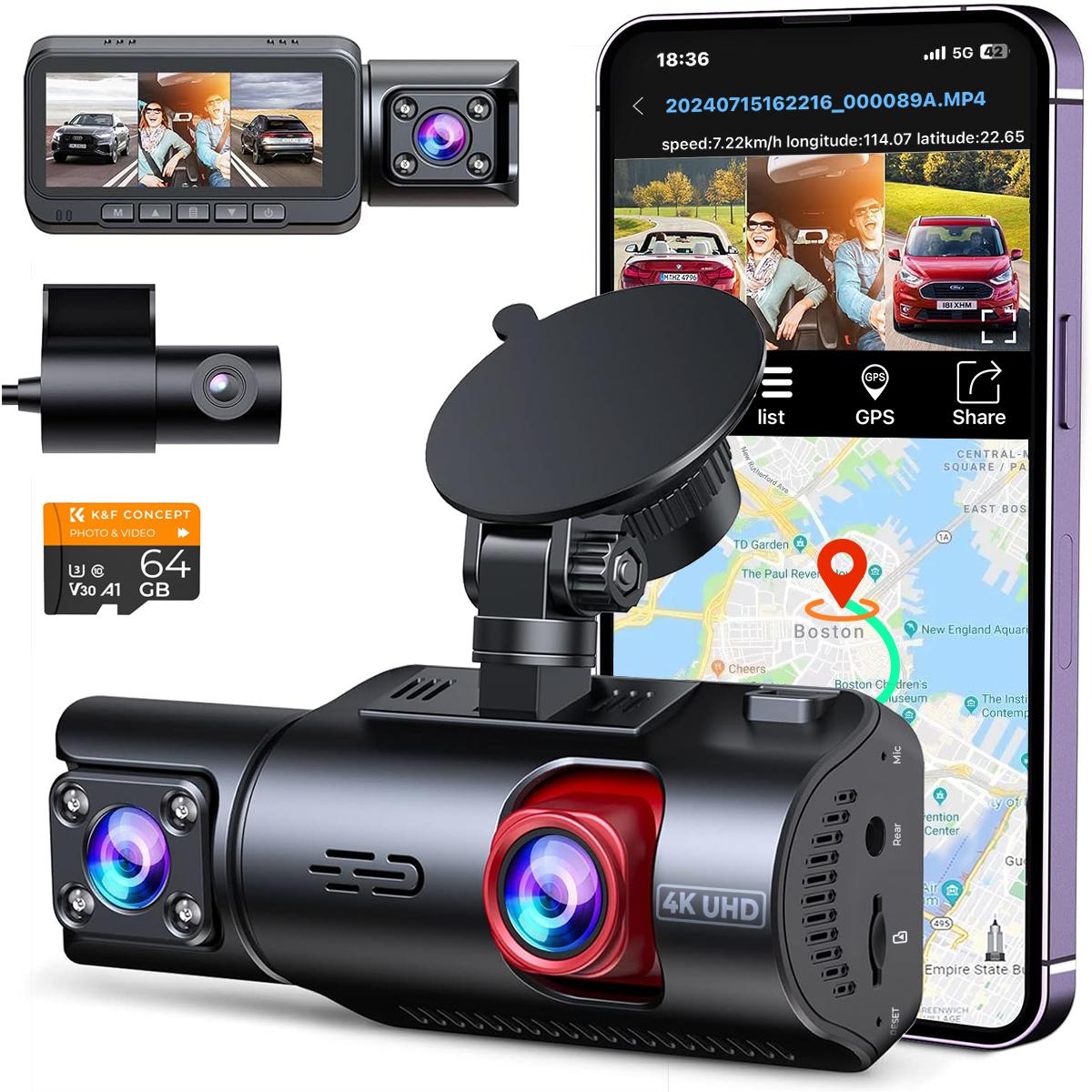
First, take stock of the essentials. Beyond your shiny new dash cam out of the box, gather the following weapons of choice:
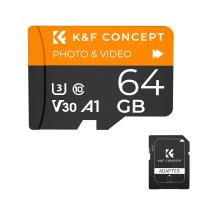
- A microSD card (preferably Class 10 or higher for top-notch video recording)
- The dash cam’s power cable (typically included)
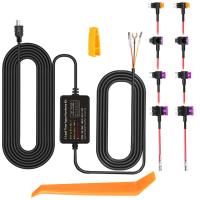
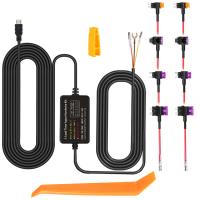
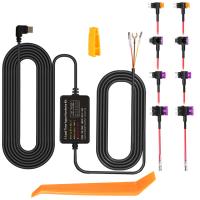
- A power adapter or hardwiring kit (we'll discuss the difference later)
- Optional but handy tools like trim removal tools and sticky cable clips
- A cleaning cloth just in case your windshield looks like a Jackson Pollock piece
Before you unwrap anything, read the manufacturer’s manual. This isn't your cousin telling you how to assemble a LEGO set—this is genuine information you’ll want to follow, as specifics on cable placement and functionalities vary among devices.
Step 2: Choose the Optimal Location (Not Just Any Windshield Space)
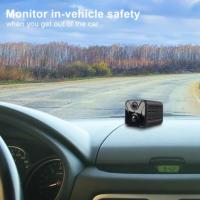
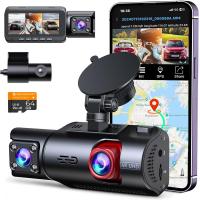
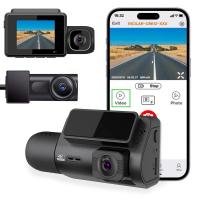
Dash cams aren't GoPros. You don’t want them blocking your view of that incoming roundabout. For the front camera, aim to place it on your windshield just behind your rearview mirror. This location balances an unobstructed view of the road while keeping the cam subtle and sleek.
If your dash cam comes with a rear camera, the back windshield is your obvious choice. Aim for a central position where the camera captures the road clearly without being hindered by the car’s frame or wiper movement. Spend a moment here finding the best location because an incorrect placement could compromise your recordings—contrary to popular belief, you can’t just “fix it in post.”
Step 3: Attach the Dash Camera (Stick It Good)
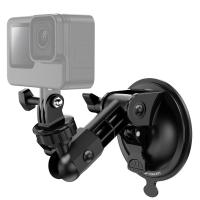
Depending on your dash cam, you'll either have a suction cup mount or an adhesive mount. Both have pros and cons:
Suction Mounts: Repositionable, but can lose grip in fluctuating temperatures.
Adhesive Mounts: Rock-solid foundation, but moving it later requires more elbow grease than you expect.
Wipe the windshield with a cleaning cloth before attaching the mount to ensure the surface is free of dust, grease, or fingerprint residue. Follow this ritual like it’s sacred. Poor adhesion means the camera could one day tumble mid-drive, dramatically capturing only your cupholder.
Once the mount is secure, affix the camera to the mount and double-check its angle. Test it without powering up to confirm it’s centered on the road rather than staring at your car’s dashboard.
Step 4: Manage the Power Supply (Plug and Hide)
Here’s where the game plan diverges depending on your preferences: the cigarette lighter socket (quick and easy) or hardwiring (sleek and professional).
Plug-and-Play Method (Beginner-Friendly)
Use the included power cable to connect your dash cam to your car’s 12-volt power socket (a.k.a., cigarette lighter). It’s simple: plug it in, and you're set. But wait. What about that unsightly cable dangling all over the dashboard?
This is where cable clips, zip ties, or creative cable tucking tactics come into play. Route the power cord along the edge of the windshield and down the panel gaps between the door and dashboard. Shield those wires from view like a Hollywood agent conceals their celebrity’s secrets.
Hardwiring Method (Advanced Option)
If you’d prefer a cleaner, permanent setup (or if you just don’t want to tie up your cigarette lighter), hardwiring is your best bet. This involves connecting your dash cam directly to your car’s electrical system, so the camera powers on and off with the ignition.
You’ll need a hardwiring kit (usually sold separately), a fuse tap, and basic knowledge of your car's fuse box location—it’s usually under the dashboard or in the engine compartment. Check your manual for specific information.
Once located, identify a fuse that’s only powered when the car is on (examples: radio or accessory fuses). Use a fuse tap to piggyback onto this circuit, ground the setup to a bolt nearby, and connect the wires according to the hardwire kit instructions. This method ensures tidy cable routing and also enables features like parking mode, where your cam records even when you're away.
Step 5: Test the Dash Cam (Don’t Skip This!)
Before you pat yourself on the back, fire up the camera with the key in the ignition. Check the following:
1. Is the recording functional? Play back a test video to inspect clarity.
2. Does the camera angle capture the road appropriately?
3. Are there any unwanted reflections or obstructions in the footage?
Adjust as needed. There's no harm in spending an extra few minutes here to fine-tune the details—because nothing’s more disappointing than realizing your dash cam pointed to the sky during your unexpected fender bender.
Step 6: Set the Preferences (Unleash All Features)
Dash cams these days come with more features than your average smartwatch. You'll want to spend some time navigating through the settings and enabling options suited to your specific lifestyle:
Resolution & Frame Rate: Go for the highest settings unless you're running low on storage.
Parking Mode: A must if your street/garage is prone to mystery "dings."
G-Sensor Sensitivity: Fine-tune this to ensure it locks critical files without overwriting them in minor pothole situations.
Wi-Fi Connectivity (Optional): If your camera comes with an app, connect it to your phone. Nobody has time to keep fumbling with memory cards.
Step 7: Perform Regular Maintenance (Don’t Be THAT Person)
Your dash cam is not a set-it-and-forget-it device. Regularly check your microSD card to ensure recordings are being saved properly, and format it occasionally to keep performance smooth. Replace the card annually or sooner if the camera usage is heavy. Lastly, keep that windshield clean—it doesn’t matter if your camera is 4K UHD if dirt is hogging all the pixels.
Owning a dash cam is like having a tech-savvy co-pilot who’s always watching your six. With your new installation, you’re not just capturing footage—you’re capturing reassurance. Time to hit the road! But remember, if something weird happens, don’t forget to upload that footage. The internet thanks you in advance.