How To Make Hidden Cameras Wireless?
From homes to businesses, hidden cameras provide security and peace of mind when used appropriately. While they can be hardwired into systems for continuous power and video transmission, wireless technology—often seen as the pinnacle of convenience—offers freedom from tangled cords. But where do you begin when it comes to transforming a hidden camera into a wireless device?
It’s all about integrating power, connectivity, and design. Let’s explore step by step.
Putting the "Wireless" in Hidden Cameras

When we talk about wireless cameras, we’re addressing two key aspects: wireless video transmission and untethered power supply. True wireless cameras don't depend on cables for power or data transfer, and this configuration has its own set of technical challenges requiring precision and ingenuity.
Step 1: Wireless Video Transmission

Hidden cameras record footage that needs to be transmitted somewhere for viewing or storage. To make a camera wireless, its video feed must move seamlessly without cables. Here's how:
1. Use a Wi-Fi-enabled Camera Module:
These modules are widely available and affordable. They include pre-configured Wi-Fi transmitters capable of streaming video content to a smartphone, computer, or cloud storage system. Many such modules offer flexibility in terms of resolution and framerate settings.
For instance, ESP32-based camera modules are perfect for DIY enthusiasts looking to transform conventional cameras into wireless ones. They’re compact, programmable, and compatible with various software libraries for tweaking their capabilities.
2. Ensure Encryption & Security:
Video feeds over a wireless network are vulnerable to hacking. To secure your hidden camera, configure encryption protocols like WPA2 for Wi-Fi and use secure storage services with end-to-end encryption. Most modern camera modules will allow for encrypted video streaming within their software settings.
3. Optimize Network Strength:
Place your Wi-Fi transmitter close to the hidden camera for stronger connectivity. Poor signal can lead to video loss, lagging, or inconsistent recording performance.
Step 2: Battery Power Supply
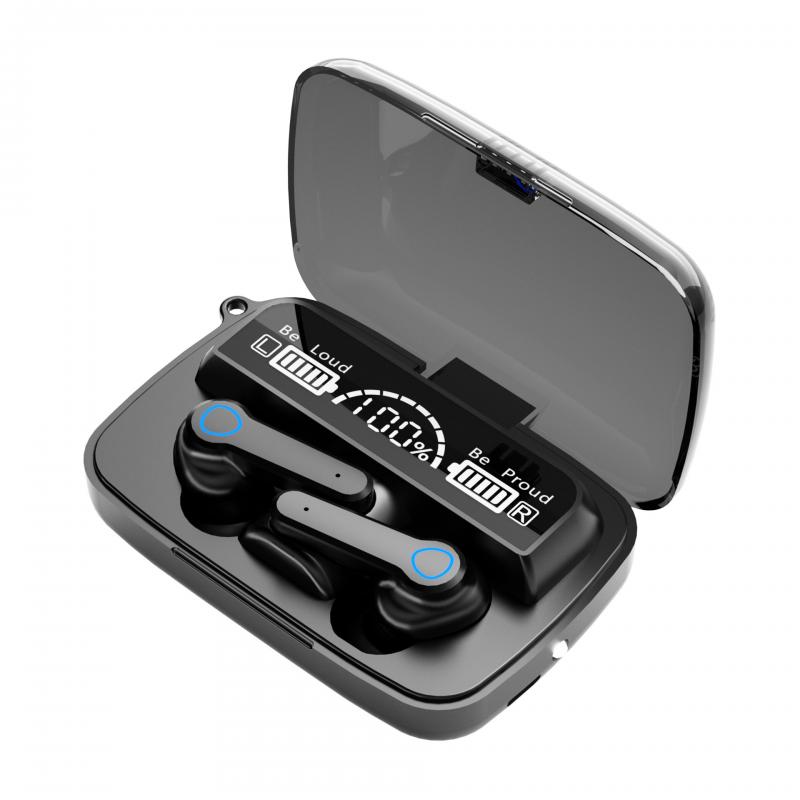
Traditional cameras are often powered by wall outlets, but a truly hidden wireless camera must be battery-operated. However, it's not just a matter of connecting a battery to the camera—it involves design considerations that maintain discretion and optimize battery life.
1. Select a Compact Rechargeable Battery:
Lithium-ion batteries are ideal for this purpose due to their rechargeability and power consistency. The size of the battery should fit seamlessly within or around the hidden camera body without compromising its concealment.
For example, small 3.7V lithium polymer (LiPo) batteries can power microcamera modules for up to several hours, depending on their capacity.
2. Incorporate Power Management:
To avoid frequent recharging, make use of power-saving features in your camera module. Look for components with standby modes or motion-activated recording to conserve energy. Think of it as giving your hidden camera a "nap" until it's actually needed.
3. Include a Battery Indicator:
Hidden cameras are often concealed in places where it's difficult to access them regularly. A low-profile battery indicator—either a small LED or a push notification via Wi-Fi—is vital for keeping track of the device's power levels without needing constant checks.
Step 3: Maintaining Stealth

A camera’s usefulness as a "hidden" device depends entirely on how well it blends into its environment. Creating a wireless setup inherently increases the challenge because you need to conceal not just the camera but also the battery and Wi-Fi components.
1. Choose a Clever Housing:
Everyday objects like clocks, smoke detectors, or decorative items make for excellent camera enclosures. These housings enable natural concealment while providing enough space for Wi-Fi components, batteries, and camera modules.
2. Cable-Free Integration:
Ensure that any wiring between the camera, transmitter, and battery is tucked away securely within the housing. This avoids exposure and keeps everything neat. Interior compartments with foam padding can help stabilize components and reduce noise caused by vibration.
3. Size & Placement:
Your setup should be compact enough for placement in reasonable hiding spots—on shelves, behind furniture, inside electronics, or wherever you deem necessary. Avoid overly cramped enclosures that could cause overheating.
Troubleshooting Common Challenges
Wireless hidden cameras are exciting but hardly foolproof straight out of the box. As you design and deploy your setup, here are common pitfalls you may encounter and quick fixes for overcoming them:
1. Short Battery Life:
If your camera isn’t lasting long enough on battery power, upgrade to a larger-capacity battery or enable motion-activated recording instead of continuous capture.
2. Slow Video Streaming:
Persistent buffering may be due to weak Wi-Fi signal or overcrowded channels. Use a dedicated router for your camera traffic or adjust devices to operate on less congested bands (e.g., 5GHz).
3. Overheating:
Wireless components and batteries clustered in tight spaces can put off excessive heat. Use heat sinks or low-power modules designed for energy efficiency.
4. Camera Connection Dropping Off:
Ensure your Wi-Fi settings are optimized. Sometimes interference from other devices or mismatched firmware can cause instability.
Making It Practical: The DIY Edge
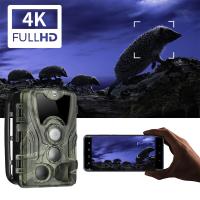
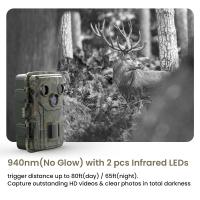
Transforming your hidden camera into a wireless device isn’t just a technical exercise; it’s solving a complex puzzle with modern technology at your fingertips. Beyond safety and security uses, wireless hidden cameras can be employed for clever solutions like monitoring pets, capturing wildlife in their natural habitats, or even videotaping outdoor DIY projects.
Research components thoroughly before buying; buy kits that include Wi-Fi-enabled camera modules with pre-integrated storage options for added convenience. It’s not about just making it work—it’s about making it work well enough to leave no trace.
Ultimately, wireless technology has opened pathways for smarter, subtler security practices. And you, with the right mindset and the sharpest tools, have the opportunity to take stealth and accessibility into your own hands.
Now, what are you waiting for? Dive into the tech pool, bring out your inner innovator, and get those hidden cameras online—sans wires!