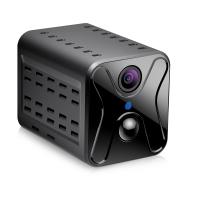
Security Cameras You Can See On Your Phone?
When it comes to security cameras that you can monitor from your phone, one thing is clear: the age of squinting at blurry footage on a grainy monitor bolted to your basement wall is mercifully behind us. We live in a golden era of connectivity, where you can turn your humble pocket computer (AKA your smartphone) into a full-blown command center for your home security. The technology is sleek, reliable, and surprisingly accessible—but like with anything involving gadgets and Wi-Fi, there are a few nuances to iron out. Buckle up, because we’re diving deep into the world of mobile-monitored security cameras, separating the gimmicks from the game-changers.
What Exactly Makes a Security Camera "Phone-Friendly"?
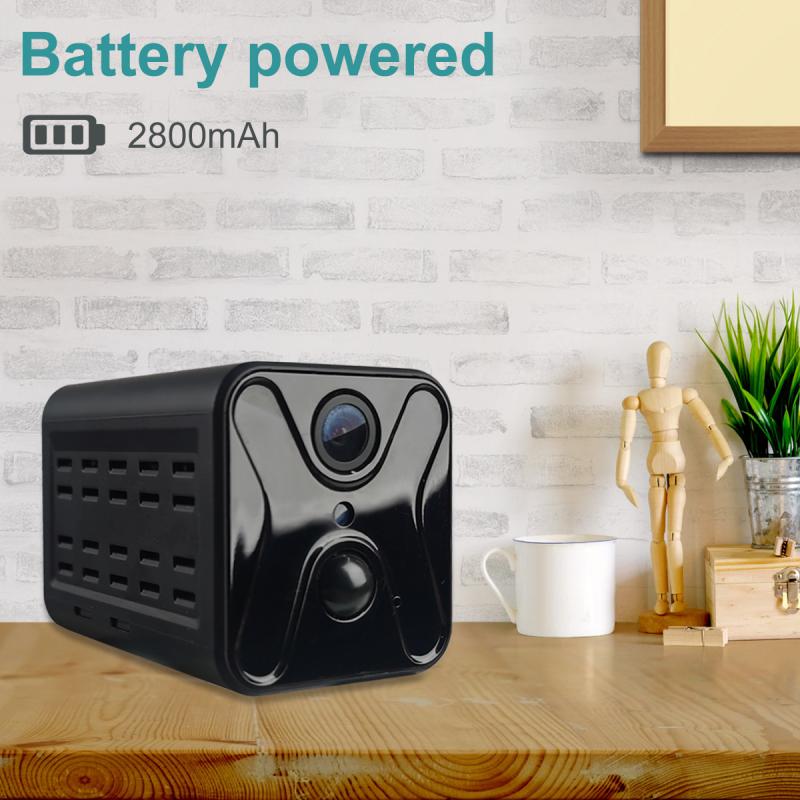
First things first: for a security camera to earn its "phone-friendly" badge, it needs a few core features. We’re talking companion apps, live streaming, motion alerts, and remote access. The camera itself becomes an extension of your connected life, capable of tossing real-time updates your way faster than your group chat can flood you with memes.
Such cameras are typically Wi-Fi or cellular-based, meaning they don’t rely on hardwired connections. With the right app installed on your smartphone, you can tap, swipe, and pinch your way through live footage, past recordings, and even control settings from thousands of miles away. It’s the kind of convenience that feels like magic—but is really just clever engineering combined with dizzying leaps in mobile tech.
Why You Need Mobile-Monitoring Capabilities
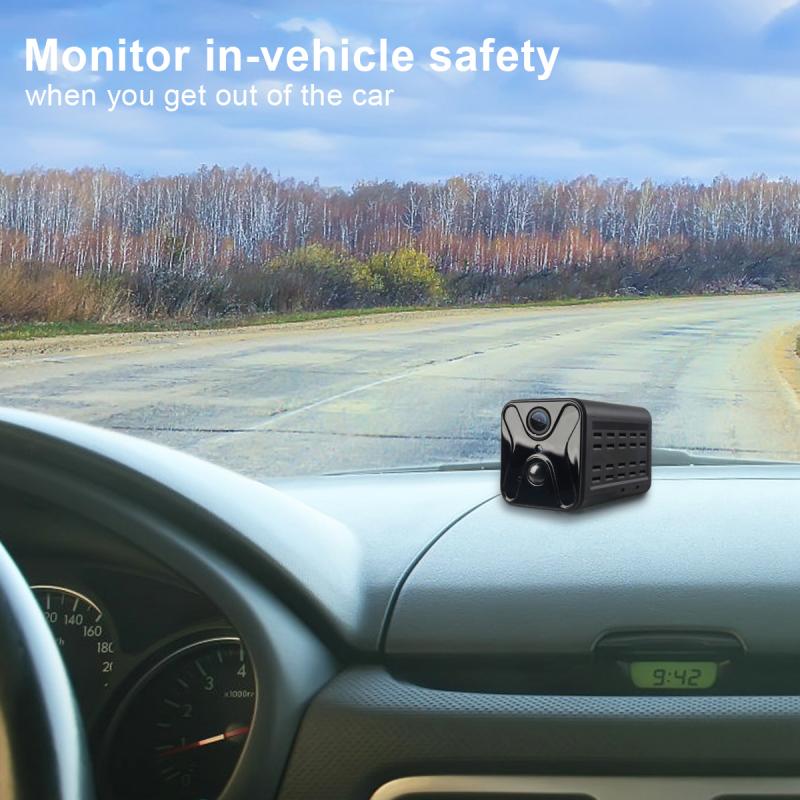
Sure, stationary monitors and traditional CCTV have their place. But let’s be honest—life moves at the speed of your phone. Whether you’re checking your camera on a lunch break, investigating motion alerts while flying to another city, or reassuring yourself at midnight that the "bump in the night" was your cat playing parkour, having access to live footage on your smartphone isn’t just useful—it’s transformative.
Here’s a shortlist of reasons why mobile-enabled security cameras are a no-brainer for the modern household:
1. Real-Time Peace of Mind: Forgot to lock the back gate? Wondering if the package you’re expecting arrived intact? Pull up your camera feed instantly to know for sure.
2. Motion Alerts in Your Pocket: Most modern systems offer highly customizable settings to ping your phone the second movement is detected. Bonus points if the camera lets you differentiate between pets, vehicles, and total strangers.
3. Evidence on Demand: If something goes awry, you’ll have easy access to recorded footage from your phone—all timestamps intact.
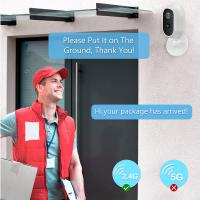
4. Two-Way Audio: Many cameras include microphones and speakers, allowing you to interact with delivery drivers or, let’s hope not, any unwelcome visitors near your home.
5. Remote Control Over Your Habitat: Adjust camera angles, enable night vision, or tweak detection zones—without needing to be anywhere near the camera itself.
The Nuts and Bolts: Essential Features to Look For
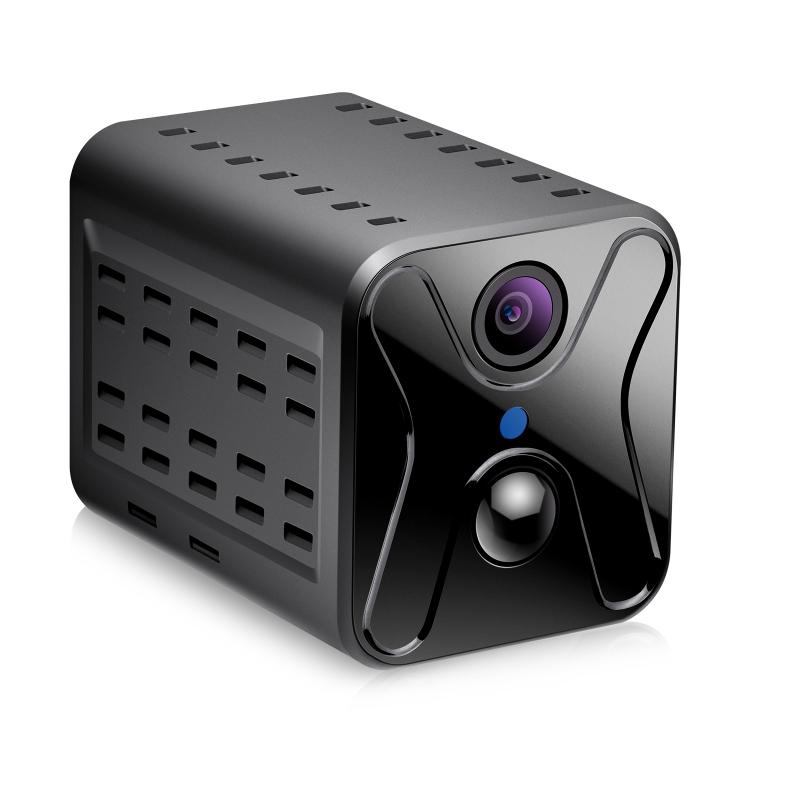
Not all security cameras are created equal. Some are stuffed with features you’ll never use, while others are frustratingly limited. Here’s what to prioritize:
1. Resolution: Look for cameras with at least 1080p resolution—anything less risks looking like footage shot through a foggy windshield. Many systems now push 4K, but keep in mind that higher resolution eats up bandwidth and storage.
2. Field of View (FoV): A wider field of view covers more ground. For example, 130-160 degrees is great for a single room, while narrower fields work fine for focused areas like entryways.
3. Night Vision: Clear nighttime monitoring is non-negotiable. Look for infrared capabilities or color night vision (a newer, surprisingly effective tech).
4. Connectivity: Wi-Fi connectivity is standard, but look for dual-band support (2.4GHz and 5GHz). Some security systems also offer cellular backup in case your Wi-Fi takes an unexpected snooze.
5. Cloud vs. Local Storage: Cloud storage is convenient if you want to access recordings remotely, but make sure the subscription fees don’t turn your budget security camera into a gold-plated mistake. Local storage (via SD cards or external drives) skips monthly fees but comes with its own limitations.
6. Privacy Features: Cameras with geofencing or manual “privacy mode” allow you to disable recording when you’re at home, sparing you those "Why does my living room feel like Big Brother is watching me?" moments.
7. User-Friendly App: A clunky or overly complicated app can ruin an otherwise solid camera experience. Intuitive controls, fast load times, and robust customization options are key.
Top Recommendations: The Heavy Hitters in Mobile Security

Here’s where the rubber meets the road. While there are dozens (hundreds?) of options, a few standout brands consistently raise the bar in phone-accessible monitoring:
1. Arlo Pro Series: Arlo cameras come armed with excellent resolution, two-way audio, and motion detection flexibility—plus their app interface is ridiculously simple. They’re wireless, weatherproof, and compatible with Alexa and Google Assistant.
2. Nest Cam by Google: With sleek designs and smooth app integration (especially if you already live in the Google ecosystem), Nest Cams are a solid choice. Their AI-powered alerts can distinguish between people, animals, and objects.
3. Ring Stick-Up Cam: Ring carved its reputation on doorbell cams but has expanded into all-purpose cameras that deliver impressive performance. The instant connection with your Ring app ensures a seamless experience.
4. Wyze Cam: These budget-friendly champions punch well above their weight. Features like night vision, motion alerts, and onboard storage make Wyze incredibly popular for those who want a no-frills system without draining their savings.
5. EufyCam: Known for local storage options and no monthly fees, Eufy cameras offer crystal-clear resolution, stellar battery life, and privacy-focused features like offline recording.
Installation Nightmares? Not Anymore
One of mobile-enabled security cameras' best perks has nothing to do with their tech and everything to do with their versatility. Most models are designed for DIY installation, meaning you can toss the idea of hiring "Danny the Security Guy" to drill holes into your drywall. Magnetic mounts, sticky pads, and clever design innovations allow cameras to be installed on walls, ceilings, or tabletops in mere minutes. Some battery-operated models skip wires altogether, while others rely on simple USB or power plugs.
Potential Pitfalls (And How to Avoid Them)
No product is flawless, and security cameras are no exception. Here’s a cheat sheet to avoid common headaches:
1. Poor Wi-Fi Performance: Weak router signals can frustrate even the best cameras. Invest in a mesh Wi-Fi system if dead zones are a problem.
2. Subscription Costs: Many brands push pricey cloud storage plans. If the fees seem insane, consider cameras with reliable local storage alternatives.
3. Privacy Concerns: Choose systems with end-to-end encryption to dodge potential hackers peering into your footage.
4. Over-Reliance on Motion Alerts: Too many motion notifications can make you feel like you’re playing virtual whack-a-mole. Adjust sensitivity and detection zones appropriately.
The Final Verdict
Security cameras accessible from your smartphone are more than just tech toys; they're practical tools that merge convenience with peace of mind. Whether you're a homebody or frequent flyer, this kind of system allows you to always keep an eye on what matters. From identifying porch pirates to chatting with unsuspecting visitors (“leave the pizza in plain view, thank you!”), mobile monitoring has transformed home security into something manageable, customizable, and downright empowering.
So, dive into a world of clarity—both visually and psychologically. Your future self, armed with 1080p live streams and painstakingly configured motion zones, will thank you.