How To Charge Wireless Earbuds Without Charging Case?
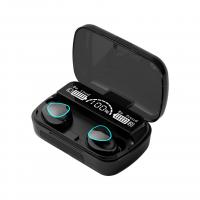
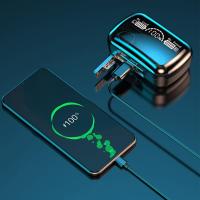
Wireless earbuds are the epitome of modern convenience—tiny, wireless, and packed with sound quality. But what happens when you misplace that all-important charging case or it decides to go on an unplanned vacation? Is it game over for your sonic dreams? Not quite. In this article, we’re diving deep into how to charge wireless earbuds without their proprietary charging case, using a mix of technology hacks, practical solutions, and a sprinkle of innovation.
Let’s start with the not-so-good news: wireless earbuds are designed, often rigidly, to work in unison with their bespoke charging cases. These cases aren’t just glorified battery packs; they form a key part of how your earbuds connect, charge, and stay functional. This means charging them without the case is no walk in the park. But it can be done—here’s how.
Evaluate the Earbud's Charging Contact Design
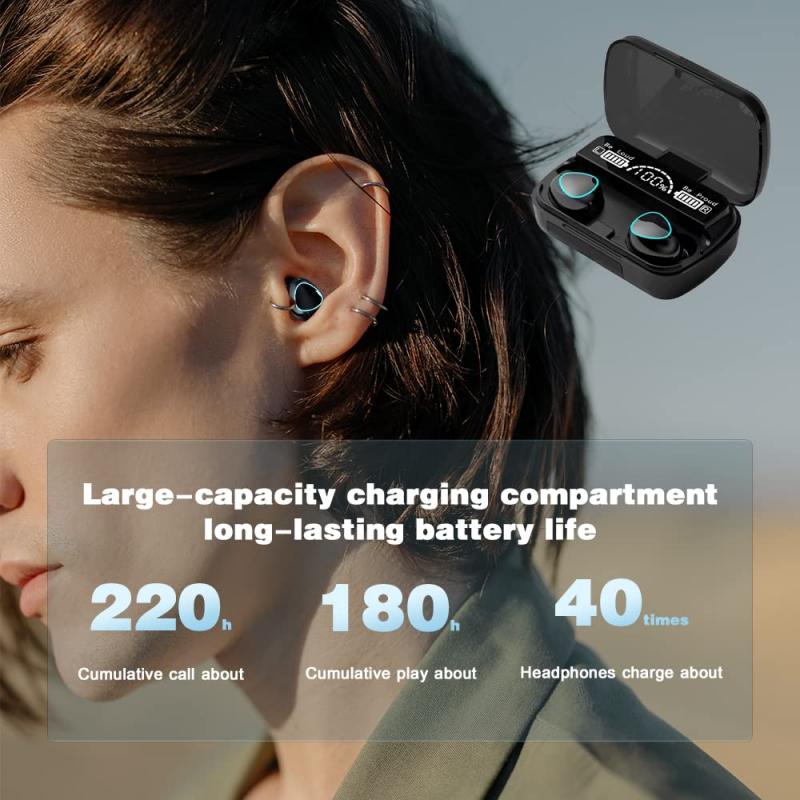
The first step to any solution is understanding the problem. Wireless earbuds typically have small metal contact points, usually at the bottom or side of the earbuds, that align with pins in the charging case when docked. Your challenge is to replicate this charging connection outside of the charging case.
Begin by inspecting these contact points. They’re often two or three small, metallic pins or surfaces near the base of the earbud. These are the keys to bypassing the case and directly charging your earbuds.
Solution 1: DIY Charging Setup
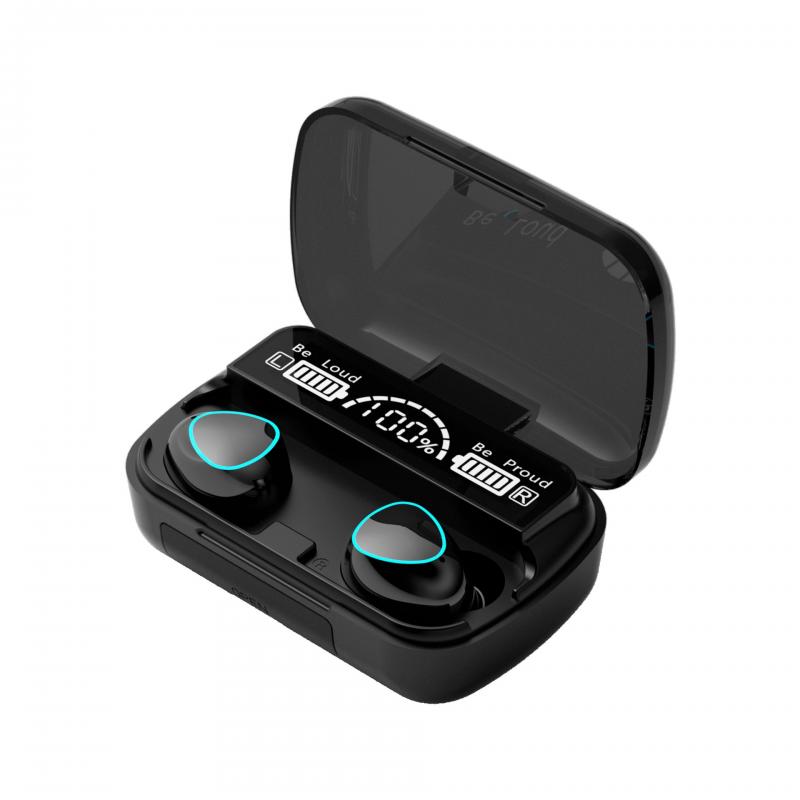
If you’re feeling adventurous and have steady hands (and perhaps the patience of a saint), you can attempt to fashion a DIY charging setup. Here’s the gist of it:
1. Gather Materials: You’ll need a power source (like a USB cable or power bank), some thin wires, and ideally a multimeter to measure voltage.
2. Identify Polarity: Using a multimeter, determine which charging contact points on your earbuds are positive (+) and negative (-). Connecting them incorrectly can short the device, permanently damaging it. Precision here is vital.
3. Connect Power: Strip the ends of your USB cable to reveal its internal wires—red for positive and black for negative. Carefully tape or solder these wires onto the respective charging contact points of your earbuds.
4. Monitor the Process: Plug the USB cable into a power source and watch closely. If everything is connected correctly, your earbuds should slowly begin to charge. Keep in mind that this method runs the risk of overvoltage, so only try this if you’re comfortable with electronics.
Caveat: This solution screams *MacGyver*, but it’s not for everyone. Incorrect wiring or prolonged exposure to DIY charging setups might fry your earbuds. Proceed cautiously.
Solution 2: Universal Charging Dock (Third-Party Accessories)
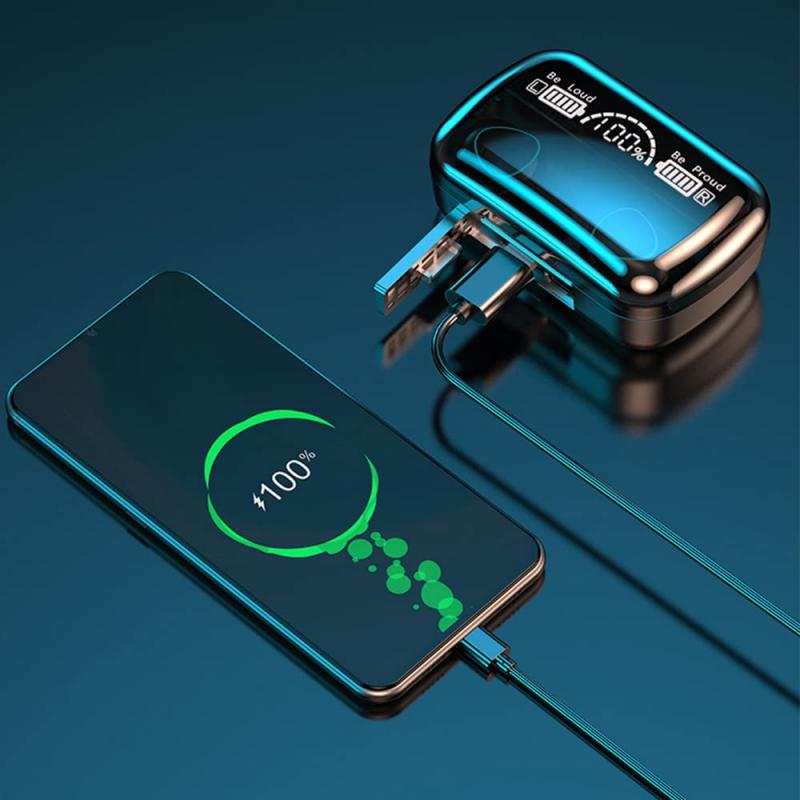
When inventiveness gives way to convenience, third-party accessories step in. Some universal charging docks are designed to accommodate a wide range of wireless earbuds. While these aren’t tailored to a specific brand or model, they often feature adjustable pins to make contact with the metal charging points on your earbuds.
Check online marketplaces for universal charging stations. Ensure you select a product compatible with your earbuds’ shape and size. While not a guaranteed fix, this option generally offers a safer and more reliable approach than the DIY electrical wizardry mentioned earlier.
Solution 3: Through-Device Reverse Charging
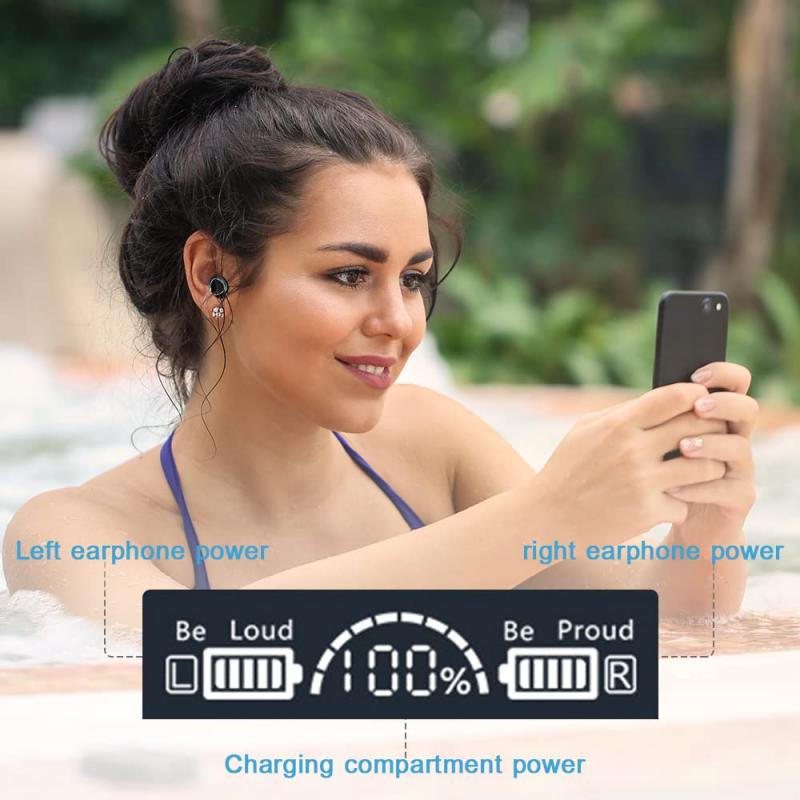
Are your earbuds paired with a smartphone that supports reverse wireless charging? If yes, you might be in luck—assuming your earbuds are compatible with wireless charging (some models have this feature built into the case but not enabled directly on the earbuds themselves).
If this applies, here’s what to do:
1. Enable reverse wireless charging on your smartphone—it’s typically found in the battery or power-sharing settings.
2. Place your earbuds directly onto the back of your smartphone, lining up any visible metal contacts with the phone’s charging area.
3. Wait—some trial and error may be required to find the sweet spot where energy transfer occurs.
This method depends entirely on your specific earbud and smartphone models, so temper your expectations.
Solution 4: Temporary Battery Modifications
This option isn’t for the faint-hearted, as it involves disassembling your earbuds to access their internal battery. This is your last resort and is typically best left to experts, so only consider it for old, out-of-warranty earbuds.
In short, you’d need to:
1. Open the earbuds carefully without damaging their circuitry.
2. Use an external battery charger designed for the type of battery inside your earbuds (likely a tiny Lithium-ion cell).
3. Reassemble them perfectly after charging.
Why is this such a risky maneuver? Because opening modern wireless earbuds can render them permanently non-functional, as they’re often glued shut and designed for zero user-serviceable parts.
Preventive Measures for the Future
Now that you’ve seen how tricky it is to charge wireless earbuds without their case, let’s talk prevention. Here are some practical tips to avoid finding yourself in this sticky situation again:
1. Always Keep the Case in a Designated Spot: Make it a habit to always return your earbuds to their case when not in use.
2. Invest in a Backup Case: Some brands allow users to purchase replacement charging cases. It’s worth checking with the manufacturer or exploring online marketplaces for spare cases compatible with your earbuds.
3. Custom Charging Solutions: If you’re tech-savvy or know someone who is, you could create a custom charging device tailored specifically to your earbuds. While this requires upfront effort, it’ll save you plenty of headaches in the future.
Why Manufacturers Make Charging So Complicated
If you’re wondering why charging earbuds without the case involves so much hassle, the answer lies in design and profit margins. Charging cases are proprietary for a reason—they’re a convenient all-in-one solution, yes, but they also ensure you remain tethered to the brand’s ecosystem. This design not only improves portability but also safeguards the brand’s revenue stream by making additional accessories irreplaceable with generic ones.
The Verdict
Charging wireless earbuds without their charging case is an uphill battle, fraught with potential damage to the fragile device and likely requiring tools, know-how, and a dose of patience. Your best bets are universal charging docks or purchasing a replacement case. While more advanced options like reverse wireless charging or battery modification are possible, they’re often impractical for the average user.
Ultimately, prevention is better than cure. The next time you’re happily grooving to your favorite jam, pause for a moment to ensure that your earbuds and their charging case remain a dynamic duo. It’ll save you from elaborate hacks and MacGyver-level technical exploits later. And who knows? Maybe the simple act of not losing the case will free up your brainpower to focus on more important things—like how to defeat that final boss level in your favorite game or finally figuring out what the heck a “Spotify algorithm” even wants from you!