How To Install Hard Wired Security Cameras?
When it comes to securing your property, hard-wired security cameras are among the most reliable options you can invest in. Unlike wireless cameras, they aren’t vulnerable to Wi-Fi interruptions, and they ensure uninterrupted recording, clear footage, and better cybersecurity. Installing them, though, requires a bit of planning and elbow grease. So, roll up your sleeves, because I’m going to dive into the nuts and bolts of installing hard-wired cameras—with a generous sprinkling of insider tips along the way to make the process smooth and professional.
Step 1: Planning Like a Pro
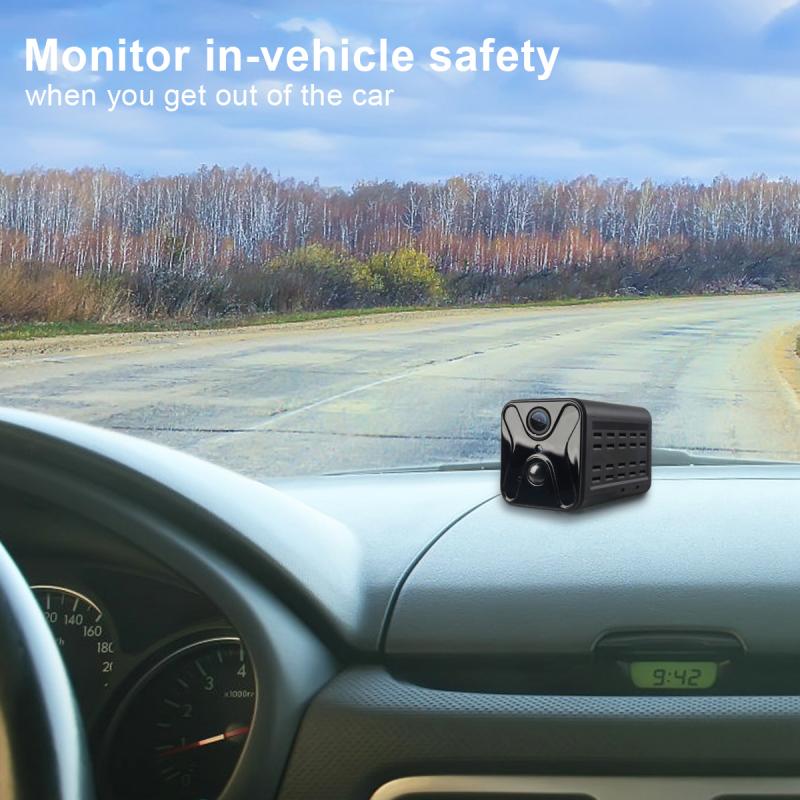
Before you break out the toolbox, take a pause to do some reconnaissance. Walk around your property and identify potential blind spots, high-risk areas, and vantage points. Usually, you’ll want cameras covering these key areas:
- Entry points like front and back doors.
- Windows accessible from the ground floor.
- Driveways and garage interiors.
- Shared outdoor spaces you want monitored.
Once you’ve pinpointed the locations, think about how you’ll route the cables. Hard-wired cameras require two types of wiring:
1. Power supply, unless it's connected via PoE (Power over Ethernet).
2. Data transmission, typically Ethernet cables.
Sketch out a rough wiring plan and decide whether the wires will run through walls, ceilings, or conduits. Getting this step right will save you hours of frustration later. And hey, don’t forget to check building codes if you're drilling holes left and right—laws like these exist for a reason.
Step 2: Choose the Right Equipment
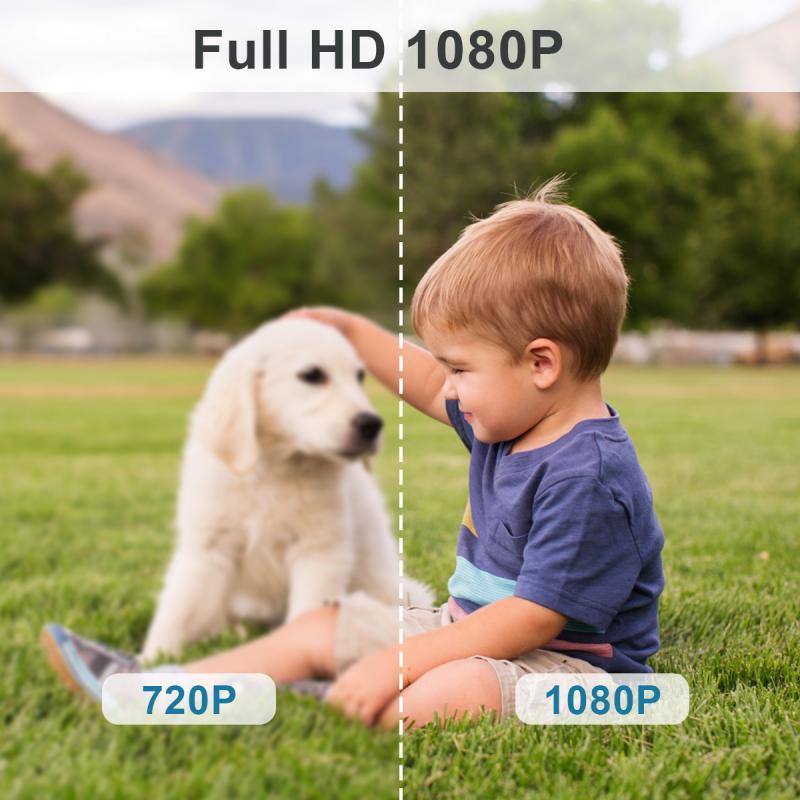
You’re only as good as your tools, and security cameras are no exception. When selecting cameras, aim for models with features that meet your needs, such as night vision, high-definition resolution, wide-angle coverage, and weatherproof construction (if they’ll be installed outside). Make sure they’re compatible with your system's recording device—usually a Digital Video Recorder (DVR) or a Network Video Recorder (NVR).
Also, don’t skimp on cables. While it’s tempting to go cheap, low-quality wiring can lead to signal loss and durability issues. For Ethernet cables, use Cat5e or Cat6—both options are solid for PoE setups. If it’s a non-PoE setup, a separate power adapter will be needed.
Step 3: Mount & Position the Cameras
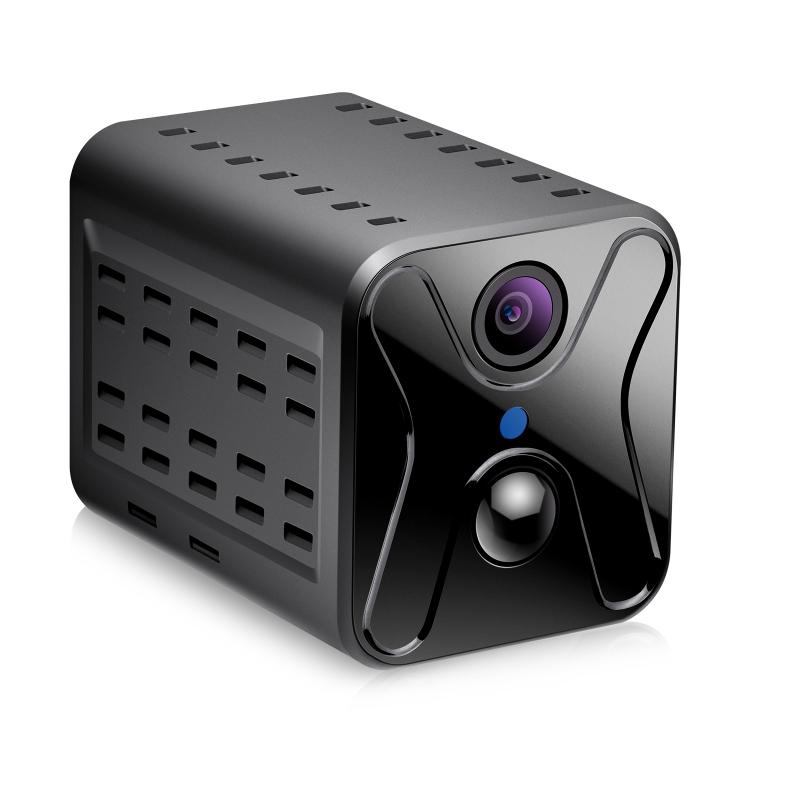
Here’s where things start to get hands-on. Begin by mounting each camera in its designated location. Most cameras come with mounting brackets—use those, and make sure they're secured tightly to prevent wobbling. Here are some mounting tips:
- Fix the camera at a decent height to deter tampering (usually 8–10 feet above ground level).
- Angle cameras towards their target zone while minimizing background clutter.
- Reduce glare by avoiding direct sunlight or reflective surfaces in front of the lens.
Drill small pilot holes where necessary and, if you’re working outdoors, seal the mounting holes with silicone caulk to prevent water damage. Once everything’s secure, it’s time to talk cables.
Step 4: Run the Wiring

Cable management separates amateur installs from professional-grade setups. After all, no one wants their yard or interior looking like a jungle gym of dangling wires. Here’s how to cleanly route your wiring:
1. Plan the Path: Route your cables through interior walls, attic spaces, or under floors. If this isn’t possible, use surface-mounted conduit to keep things tidy.
2. Drill & Fish: Drill holes where needed to pass cables between rooms or floors. To pull cables through tight spaces, use a cable fish tape—it’s a lifesaver.
3. Secure the Lines: Prevent sagging by using cable clips or ties every few feet. Outdoors? Use UV-resistant ties for longevity.
4. Label: If running multiple lines to the same DVR/NVR, label them to avoid confusion later when you’re connecting everything.
Remember, running wires outside? They need weatherproofing. Use protective tubing or conduit and seal connector points to ward off water or critters.
Step 5: Connect & Configure
The toughest part is over—it’s time for wiring up your masterpiece. Follow these steps:
- Plug the camera’s data cable into the DVR/NVR and, if applicable, connect its power supply to an outlet or dedicated circuit.
- For PoE setups, skip the power supply—your Ethernet cable handles both power and data.
- Once everything’s connected, turn the devices on to check the feed.
Next up is the fun part: configuration. Access your DVR/NVR menu and assign channel names or labels for each camera (e.g., “Front Door,” “Garage,” etc.). Adjust settings for motion detection, recording schedules, and resolution. Don't neglect password protection—unauthorized access is a security Achilles heel.
Step 6: Test & Optimize
Congratulations, your system is live—but don’t drop the wrench just yet. Take some time to test:
- Check each camera’s angle and adjust if needed.
- Walk through monitored areas to ensure motion detection triggers as expected.
- Boost recording quality—it’s no good capturing a burglar if their face looks Picasso-esque.
- Review footage playback to confirm proper functioning of your DVR/NVR setup.
If something’s off, troubleshoot systematically. For instance, if a camera shows no feed, check the cable connection points and replace any cuts or exposed wires.
Bonus Tips
Backup Power: Cameras are useless during power outages unless backed by a UPS (Uninterruptible Power Supply). Invest in one if you’re in areas prone to outages.
Exterior Cameras: Use vandal-proof housing for added protection.
Futureproofing: Consider running extra cable; you’d thank yourself later when deciding to add more cameras.
Remote Access: Most DVR/NVRs offer apps that allow remote viewing. Set this up securely to monitor live feeds from your smartphone.
Wrapping Up: Secure and Smart
Installing hard-wired security cameras isn’t rocket science, but it does demand careful planning and precision. By following the steps above, you’re armed to build a surveillance system that’s robust, reliable, and a definitive upgrade to your peace of mind. What’s more, taking the time to do it properly ensures a professional appearance that doesn’t compromise on practicality.
Remember: patience is a virtue—and a skill. While you'll wrestle with tangly wires and maybe wrestle a wall (figuratively speaking), the satisfaction of turning on your system and seeing crisp 1080p footage is worth every drop of sweat. Now go forth and make your fortress impenetrable!