How To Install Security Cameras Outside House?
When it comes to installing security cameras outside your house, it’s not just about drilling holes and plugging in wires—it’s about creating a protective cocoon around your sanctuary while channeling your inner handyman. Installing outdoor security cameras might seem daunting, but with a bit of careful planning and a sprinkle of technical savvy, you can have your surveillance system up and running in no time. Let’s break down the process step-by-step, weaving in some professional tips to make your life easier, whether you’re a DIY enthusiast or an absolute beginner.
## Start with Your Blueprint: Planning and Camera Placement
Before you even unbox your brand-new security camera kit, you need a game plan—a visual blueprint of your property that helps you decide where your cameras should go. The key is to focus on high-traffic and vulnerable areas. That includes:
1. Entry Points: Doors, windows, driveways, and garage entrances are obvious choices.
2. Blind Spots: Areas of your backyard or side yard not visible from the house.
3. Outdoor Pathways: Walkways, access paths, or common routes burglars might use.
Pro Tip: Mount cameras slightly above eye level (8–10 feet is ideal). Too low, and they’ll be susceptible to tampering; too high, and you’ll compromise image quality and key details.
Also, consider lighting conditions. Most outdoor cameras come equipped with infrared or night vision, but shadows, direct sunlight, and nearby streetlights can still interfere with their performance.
## Gear Up: Tools and Equipment You’ll Need
You’ve narrowed down your camera placement. Now, it’s time to gather your tools. Here’s your essential checklist for outdoor security camera installation:
Screwdrivers and drills: For mounting brackets and ensuring secure installation.
Mounting brackets: Most cameras come with these, but ensure you’ve double-checked compatibility.
Extension cords and power tools (if your camera is not battery-powered).
Cable clips or zip ties: To manage those annoying wires and tidy up your setup.
- Optional: Waterproof enclosures for cameras in exposed locations.
Ensure your cameras (and all associated wiring) are rated for outdoor use. Water resistance and durability should be at the top of your criteria list, especially if you live in an area prone to rain, snow, or extreme weather.
## Connectivity Prep: Wired vs. Wireless Systems
At this point, you’ll need to assess your camera system type—wired or wireless—and prepare for installation accordingly.
Wired Systems:
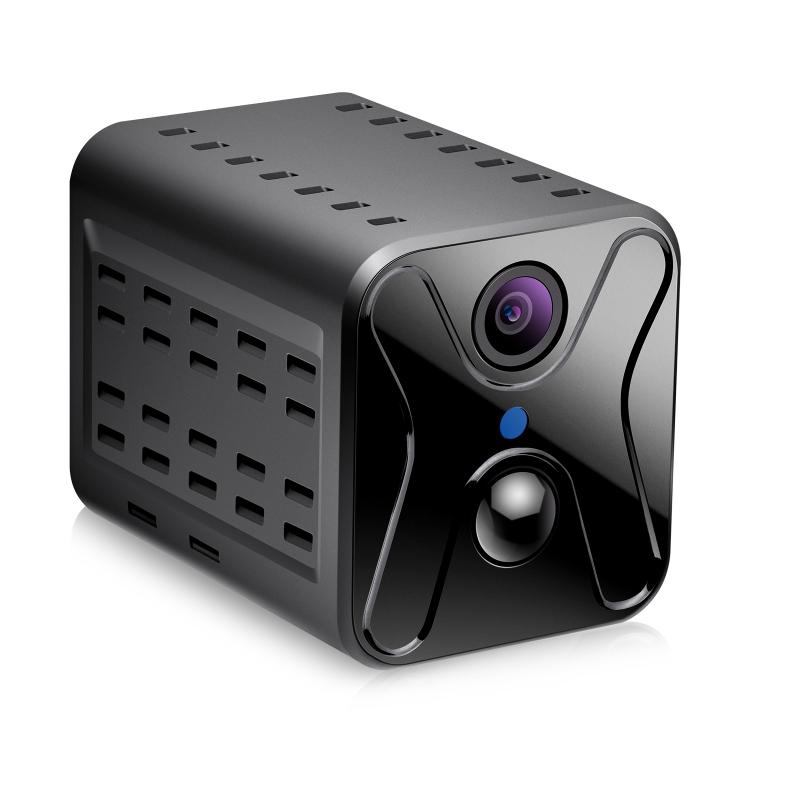
Wired cameras typically provide steady and reliable video quality thanks to their direct connection to a recording device or a home network. However, they require running cables—a process that can involve drilling through walls, managing long wires, and making your cabling look halfway decent afterward.
Pro Tip: If your property requires extensive cabling, it’s easier (and safer) to pre-run the cables through conduits or specific outdoor-friendly tubing. This provides better insulation against weather and pest damage.
Wireless Systems:
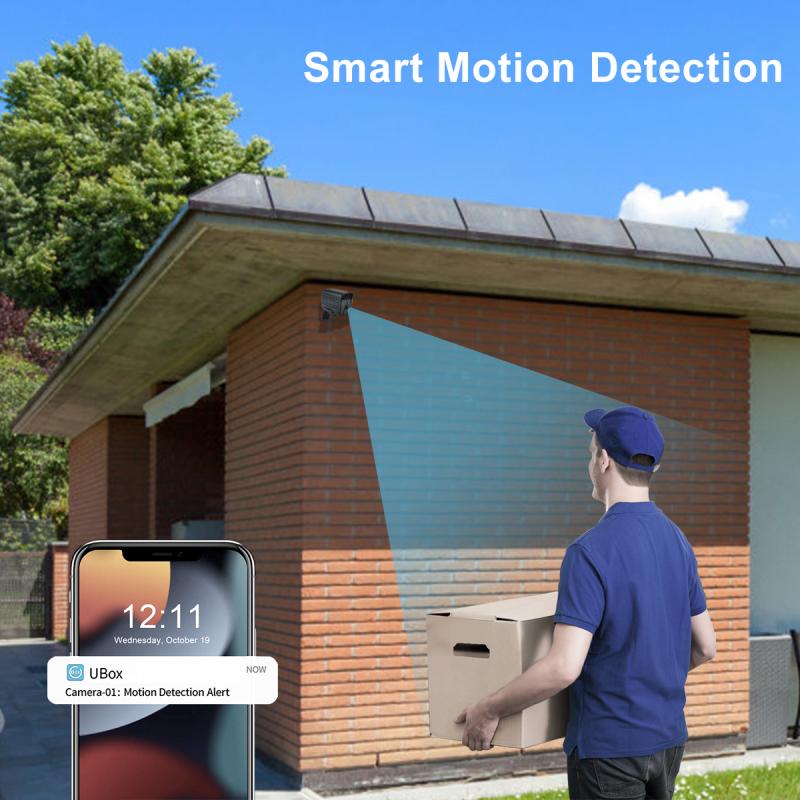
Wireless cameras are a breeze to install since they transmit footage over Wi-Fi or Bluetooth without messy wires. However, the trade-off can come in the form of signal obstruction—think thick concrete walls or Wi-Fi interference from neighboring devices. For better connectivity, invest in a robust router capable of handling multiple devices operating simultaneously.
## Installation: Bring Out Your Inner Engineer
With tools and camera types sorted, now comes the exciting part—actually mounting the cameras.
Step 1: Attach Mounting Hardware

First, secure your mounting bracket to the wall, soffit, or ceiling, following your previously planned placement. If you’re dealing with brick, concrete, or stucco, make sure you’ve got masonry screws and drill bits. Need to mount cameras on a wooden wall or under an eave? Standard screws will do the trick.
Pro Tip: To ensure precision, use a level before tightening the screws. No one wants a crooked view of their doorstep.
Step 2: Connect the Camera to Power
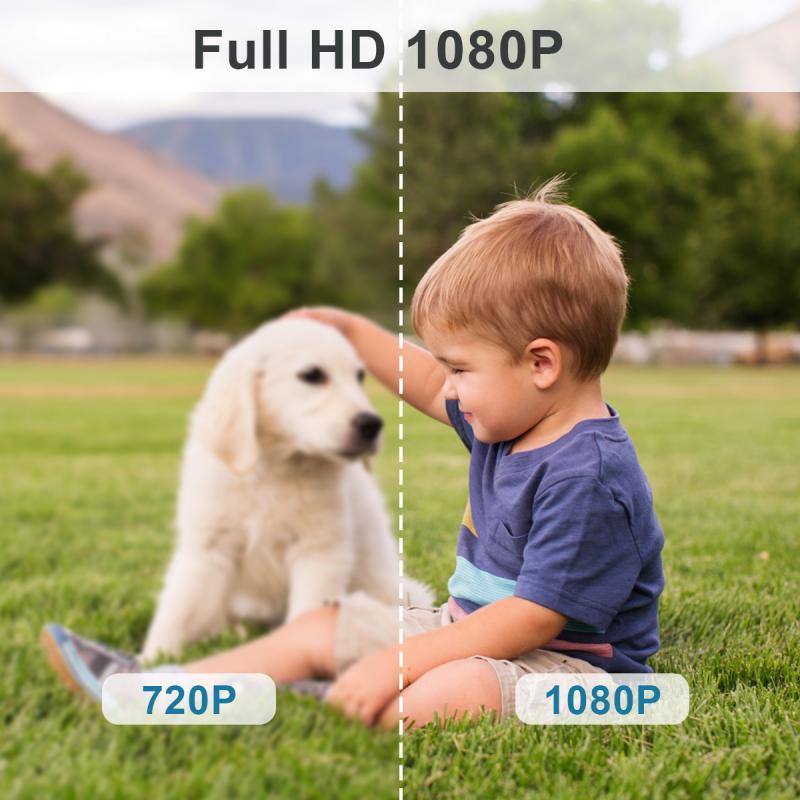
If your cameras are wired, this step involves running the power and video cables to your recording hub or power source. For battery-powered models, simply insert the battery pack according to the manufacturer’s instructions.
Pro Tip: Battery-powered cameras are great for homes with minimal wiring options. But as convenient as they are, they’re also dependent on regular charging or battery replacements. Consider cameras with solar-powered charging options if feasible.
Step 3: Ensure Connectivity
Connect your cameras to your network, whether it’s a wired Ethernet setup or a wireless Wi-Fi connection. Many modern cameras use companion apps for setup, so follow the steps to pair the cameras seamlessly. Test your connection strength before permanently mounting cameras to avoid headaches later.
## Fine-Tuning Your Setup: Test, Adjust, Repeat
Don’t rush past this phase—it’s where you’ll truly measure the success of your installation. Aim to capture clear footage with as much range as possible while minimizing blind spots.
Here’s a small checklist for testing your cameras:
* Angle correction: Adjust the tilt and pan to optimize coverage.
* Motion sensitivity: Modify settings to suit your needs—reduce sensitivity to avoid capturing every leaf blowing past but ensure it’s high enough to spot intruders.
* Image clarity: Test in both daylight and nighttime conditions.
Pro Tip: Let a friend or family member act as a faux intruder while you watch the live feed. You’ll get a better feel for the camera’s field of view and responsiveness.
## Layering Your Strategy: Making Cameras More Effective
Security cameras alone aren’t always enough to deter burglars—your safety strategy should work on multiple fronts. For maximum security, complement your camera system with these enhancements:
1. Floodlights with motion sensors: Bright lights scare off criminals while improving nighttime footage quality.
2. Warning signs: Even if exaggerated (“24/7 surveillance”), they discourage unlawful entry.
3. Security alarms: Combine video recordings with audible deterrents for complete protection.
## Wrapping Up: The Post-Installation Checklist
Congratulations—you’ve just taken your fortress to the next level! But don’t call it a day just yet. Here’s how to ensure your cameras serve you well moving forward:
Maintenance: Inspect your cameras every few months—clean lenses for better image quality and ensure mounting stays solid.
Software updates: Regularly update firmware or apps to maintain performance and patch any security vulnerabilities.
Backup plan: Store footage safely by setting up cloud backups or external hard drives.
Remember, installing security cameras requires patience, planning, and a little elbow grease. But once everything’s in place, you’ll gain peace of mind, knowing your home is securely monitored. The trick is to focus not just on installation but on optimizing the system for real-world conditions—because your cameras are only as effective as the setup behind them. So go ahead, channel your inner engineer, and start making your home as secure as Fort Knox.