How To Make Metal Laser Engraver?
Creating a DIY metal laser engraver is undoubtedly an exciting and ambitious project. It's a blend of engineering, creativity, and patience, and when done correctly, it becomes a testament to your skill. This article covers the components you’ll need, the methodology, and some precautionary measures to take during the process.
The Blueprint: What You’re Venturing Into
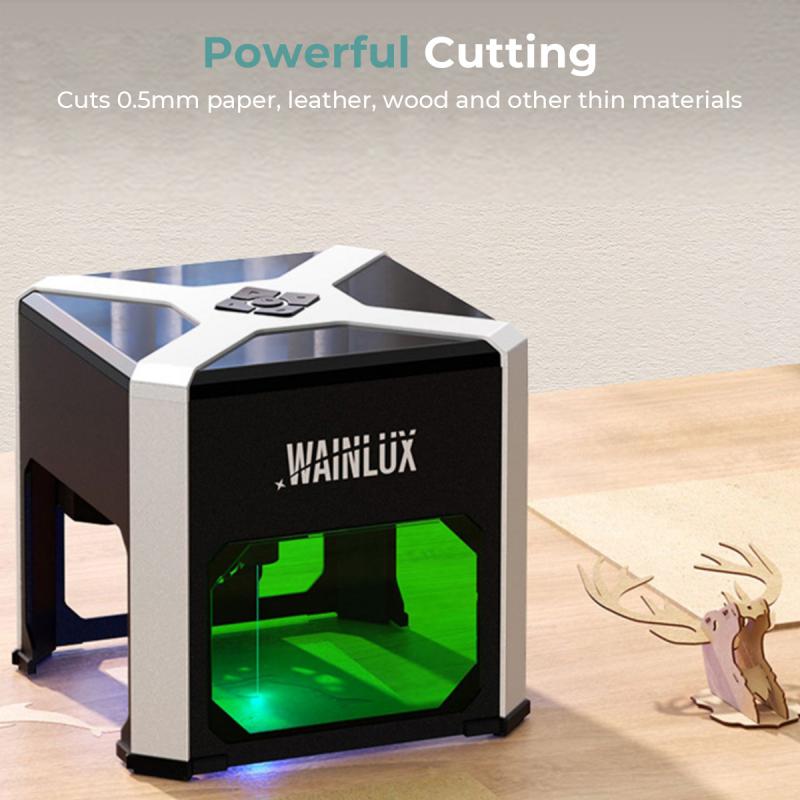
Laser engraving is a form of subtractive machining that vaporizes material with incredible precision. By focusing high-powered light onto metal surfaces, controlled burns generate detailed designs. However, engraving metal requires a considerable amount of power compared to softer materials like wood or acrylic. This makes the project both challenging and rewarding.
Breaking Down the Components
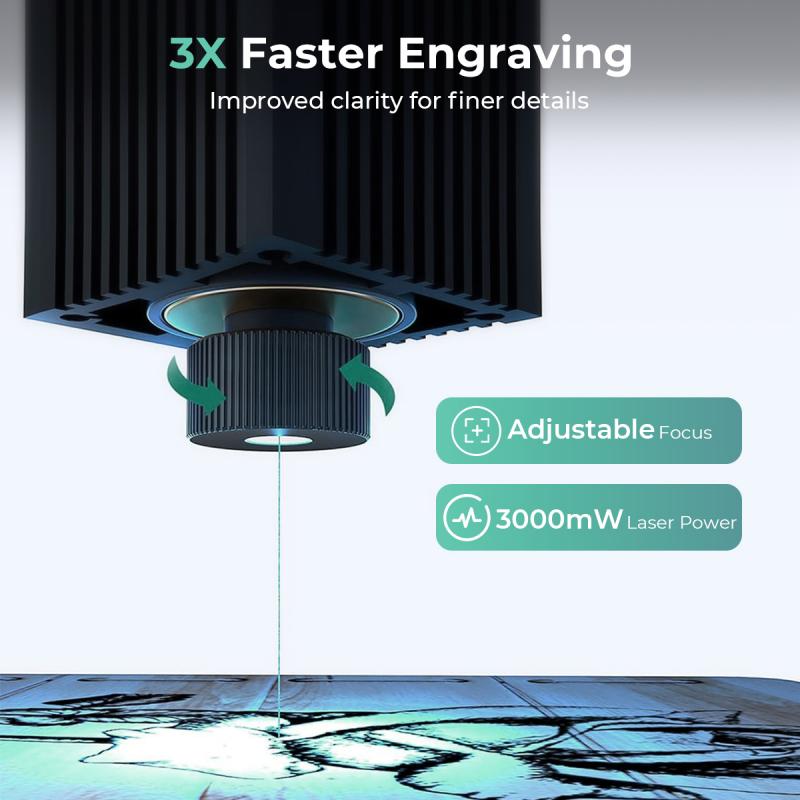
Before we dive into the construction process, here's what you'll need:
1. Laser Module: Since we're engraving metal, start with a fiber laser or a diode-pumped solid-state (DPSS) laser. These are high-powered lasers capable of penetrating metal surfaces. Look for something in the range of 40W–100W for sufficient etching power.
2. Control System: Laser engravers rely on accurate motion and beam control. Stepper motors and linear rails attached to an Arduino or Raspberry Pi controller provide the foundation. Add GRBL firmware to enhance precision and engrave according to CAD designs.
3. Laser Housing: Safety is non-negotiable when dealing with lasers. Enclose the system in a solid metal frame to prevent stray beams from creating unintended damage.
4. Cooling System: High-powered lasers generate extreme heat. You're going to need thermoelectric coolers or water-cooling systems to regulate temperatures and protect sensitive electronic components.
5. Power Supply: A stable DC power source is critical. Opt for one capable of sustaining high amperage without voltage spikes.
6. Software: Grab a CAD/CAM suite. Open-source options include LaserGRBL or Inkscape with laser extension, which offers functionality for designing and transmitting files to your engraver.
7. Safety Gear: Protective eyewear rated for your laser’s wavelength is mandatory. Similarly, a ventilated workspace with laser-rated shields and fans would reduce exposure hazards from fumes and reflections.
Step-by-Step Construction
Step 1: Building the Frame
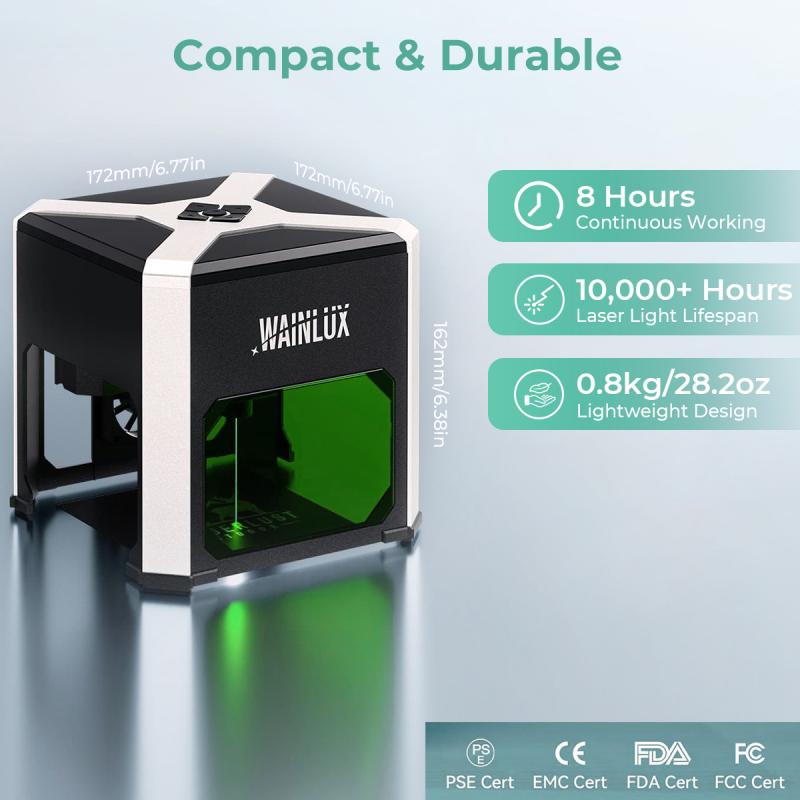
Start by constructing an aluminum or steel chassis to house the engraver components. Ensure the structure is stable and capable of absorbing vibrations; even minor jitters can compromise the precision of your artwork. Slide rails and lead screws should maintain accuracy for linear movements.
Step 2: Mounting the Laser
Attach the laser module securely to a motorized gantry system designed for three axes—X, Y, and Z. This setup lets your engraver move up, down, left, and right while maintaining focus over varied material thickness. Ensure proper alignment of optical components to prevent beam divergence.
Step 3: Installing the Controller
Integrate the control electronics by connecting the stepper motors and laser driver to an Arduino running GRBL software. This creates the communication bridge between your computer designs and the machine itself. Proper cabling and insulation are essential here since loose connections can lead to erratic behaviors.
Step 4: Temperature Management
Place thermoelectric coolers adjacent to the laser housing and couple them to heat sinks. Alternatively, implement water cooling with a pump system and copper tubing to keep temperatures in check during extended operations.
Step 5: Calibration
Power on the machine and begin calibration. Test the laser focus and experiment with different speeds and intensities while engraving a non-metal material, like scrap wood or cardboard. Iterative fine-tuning is key to achieving optimal precision.
Step 6: Trial Run on Metal
Begin with softer metals, such as aluminum, before advancing to steel or titanium. Use various settings to identify your machine's capabilities in terms of depth, speed, and resolution.
The Science Behind It
Lasers produce heat so intense that it vaporizes metal molecules instantly. However, unequal heating can warp or damage metal surfaces, especially without proper configurations. This makes engraving parameters like beam attenuation and pulse duration vital for high-quality designs.
When engraving metal, you work in the realm of light amplification by stimulated emission of radiation—laser physics at its finest. Certain materials respond better to different wavelengths, so understanding your medium will save you headaches during testing.
Troubleshooting: When Things Go Wrong
Problem 1: Beam Scattering
Solution: Check optical alignment. Misaligned lenses scatter light, decreasing engraving efficiency. Use beam testers to measure focal length accuracy.
Problem 2: Overheating
Solution: Install bigger heat sinks or higher-capacity cooling systems. For diode lasers, water cooling tends to be more effective than air cooling.
Problem 3: Poor Resolution
Solution: Perform finer calibration on the CNC system. Adjust feed rates and laser intensity to fit the complexity of your design.
Problem 4: Laser Non-Functionality
Solution: Reassess electrical connections and drivers. A non-responsive laser could mean you’re missing proper voltage ranges.
A Word on Safety
Lasers are not toys—they’re concentrated beams of light capable of damaging eyesight, causing burns, or igniting fires. Protective eyewear isn't just suggested; it’s mandatory. The wavelengths emitted by your laser can permanently damage your retinas if handled irresponsibly.
Moreover, laser engraving emits fumes that could be harmful if inhaled. Metals such as lead or steel alloys spray microscopic particles during vaporization. Ventilation and air filtration systems are non-negotiable for your workspace.
Applications and Final Thoughts
A DIY metal laser engraver can create personalized jewelry, custom car parts, branded tools, or even intricate art installations. But let’s not romanticize the effort; this project involves learning advanced electrical systems, manufacturing processes, and CAD—a trifecta that’s not for the faint of heart.
You'll fail repeatedly at first. Designs may misalign, lasers might not fire properly, and the sheer weight of troubleshooting might leave you regretting why you ever started. But once you achieve a working prototype and engrave your first masterpiece on metal, the satisfaction will outweigh any initial frustrations.
And hey, you’re not just building a machine here—you’re flexing your inventive spirit while taking control over the ways technology enriches your world. Who can argue with that level of badassery?
Ready to spark some metal magic? Welding goggles, a techie mindset, and a dash of patience are all you need to triumph.