How To Fit A Dash And Rear Camera?
In today’s fast-paced world, having a dash and rear camera on your vehicle has gone from being a luxury to a necessity. Whether you're interested in enhancing your security, capturing breathtaking road-trip moments, or proving your innocence in fender bender situations, a well-installed camera system can be a lifesaver. But while many people think installing these devices is complicated, I’m here to tell you that it's absolutely doable—even for a tech novice. So buckle up; let’s demystify the process step by step.
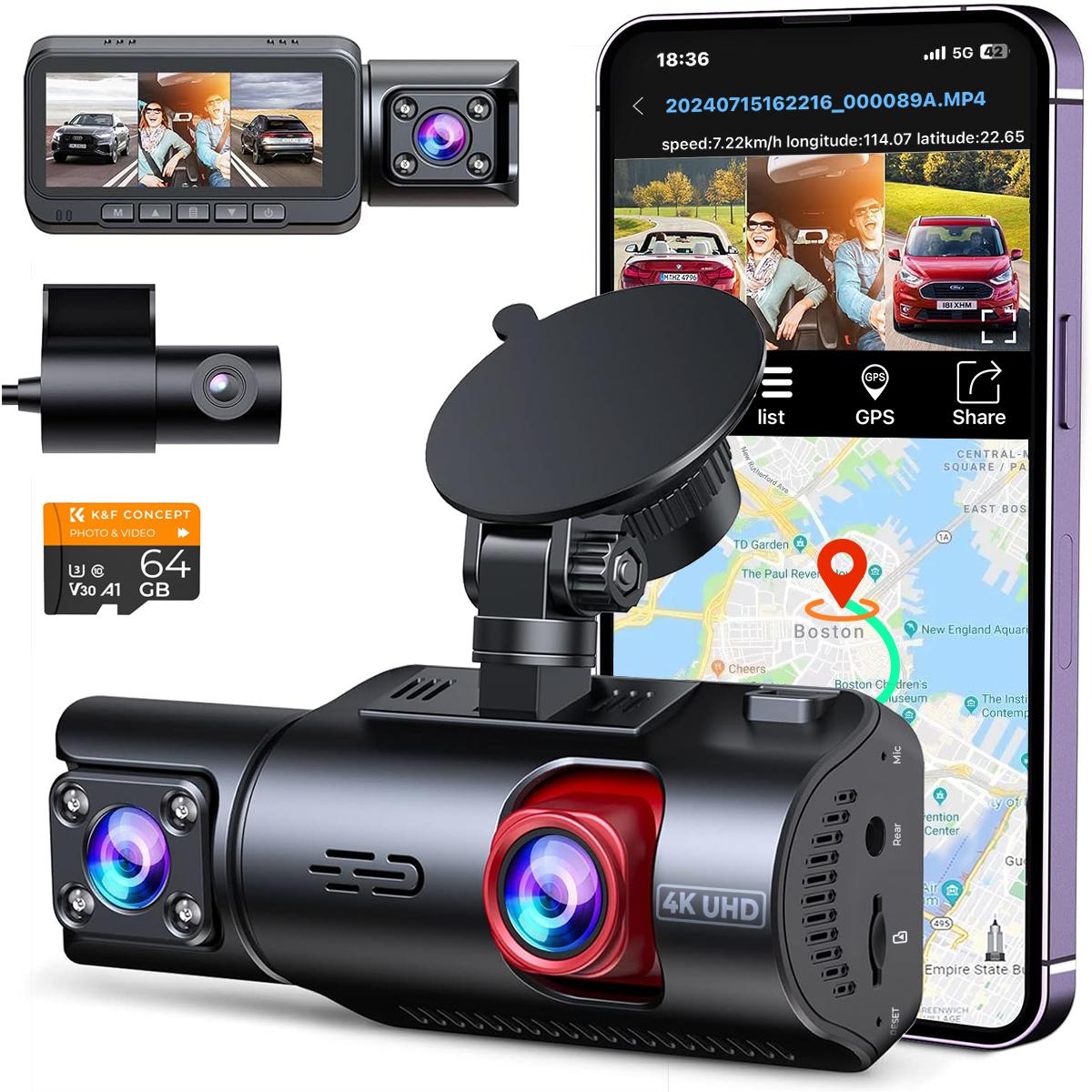
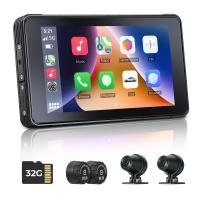
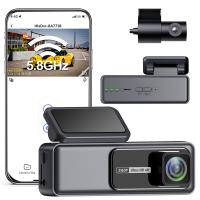
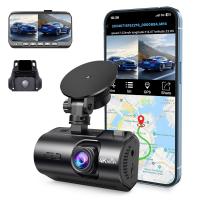
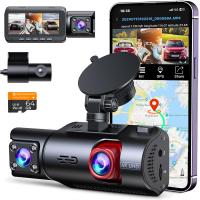
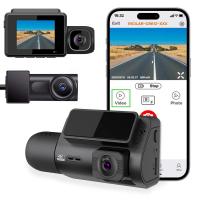
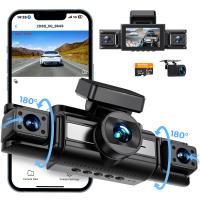
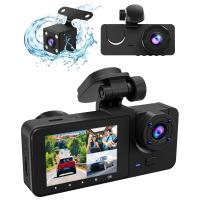
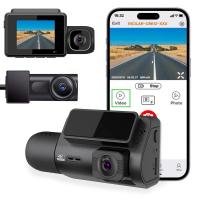
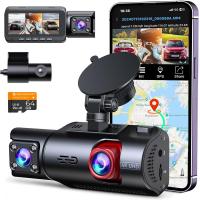
First things first: choosing your gear. Dash and rear cameras come in various shapes and sizes, offering diverse functionalities ranging from 1080p video resolution to built-in GPS tracking. Some models come as an integrated dual-camera system, meaning the dash and rear camera are part of the same kit. Others allow you to purchase the cameras individually. The installation principles I'm about to share apply broadly, so make sure you’ve read your manufacturer’s instructions carefully before diving in.
Prep Work: Know Thy Car and Camera
Before you begin, take inventory of the following tools and materials:
Screwdrivers (usually Phillips or flathead, depending on your car design)
Panel popper tools (for safely removing trim without damaging your interior)
Wire cutters and strippers (if additional wiring is required)
Cable ties or adhesive clips (to secure loose wiring neatly)
Electrical tape (for extra insulation and safety)
Multimeter (to identify power sources, especially for the rear camera)
Your owner's manual (still gathering dust in your glove compartment? Time to dust it off!)
Next, scout your vehicle for:
1. The fuse box location: This is where many camera systems draw power from, especially those requiring permanent installation.
2. A route from front to back: You'll need this path to thread the wires from your dash camera to the rear camera or any other power connection.
3. A suitable mounting spot: Ensure the dash camera doesn’t obstruct your view while driving, while the rear camera should offer a clear panoramic view without putting your bumper in the frame.
It’s essential to think of this project like playing a giant game of life-sized Lego—everything snaps together if you follow the right steps.
Step 1: Mount the Dash Camera
Let’s start with the star of the show—your dash camera. Most cameras come with a suction cup mount, adhesive tape, or a clip-on mechanism. Decide where you'd like your camera: ideally, the top-middle section of your windshield just below the rearview mirror. This placement gives the camera a direct forward perspective while staying unobtrusive.
A Word on Adhesion:
Before slapping the adhesive on your windshield, make sure the glass is squeaky clean. Use rubbing alcohol or a glass cleaner to remove dust and oil buildup. Trust me; you don’t want to find your camera dangling by its cord after driving over a speed bump.
Secure the camera in place and check the field of view through the attached display or mobile app (depending on your model). Adjust angles until you’re satisfied.
Step 2: Choose Your Power Source
Dash cameras typically require either:
Auxiliary power from the cigarette lighter socket: Pros—easy setup, no drilling wires. Cons—not permanent, and it might clutter your dashboard with cables.
Permanent wiring via fuse box: Pros—cleaner and always powered. Cons—requires technical know-how (but nothing you can't handle if you keep reading).
If you go with the fuse-box method, you’ll need to use a “add-a-circuit” fuse tap. Locate a fuse slot designated for an accessory, like your car’s stereo system. Use your multimeter to confirm it’s delivering 12V when the car is on. Connect the dash cam’s power adapter wire to the fuse tap, ensuring polarity is correct, and ground the wire using a bare metal surface nearby.
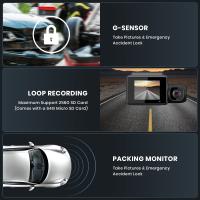
Note: If your camera supports parking mode (recording even when the car is parked), you may need to identify a fuse that delivers constant power.
Step 3: Rear Camera Placement
Ah, the rear camera—the unsung hero of reversing safety! Placement is pivotal. Typically, rear cameras go on the license plate or just above the license plate frame. If your car has a slight lip at the rear (common on hatchbacks and SUVs), that's a perfect mounting spot.
Wiring the Rear Camera:
Rear cameras often come with a lengthy cable that needs to be routed through your car’s interior trim. Starting from the rear location, route the cable down along the edge of the trunk, into the cabin, and up toward your dash camera or fuse box.
Take care to hide the cable beneath trim panels for a professional, factory-installed look. Use your panel popper tools to ease open trim sections gently. Once the cable is inside the vehicle, threading it under the passenger-side mat and through any pre-existing cable channels in your car is a safe bet.
Step 4: Power and Syncing
If your rear camera is part of a dual-camera kit, connect its cable to the designated input on the dash camera. Make sure the O-ring connectors sit snugly in place; nobody wants sporadic outages due to loose cables.
Standalone rear cameras often come with their own power source—usually a reverse light wire. To find this wire, head to your vehicle's tail-light harness assembly. Identify the reverse light’s power wire using a multimeter—this is typically a color-coded guide that’s indicated in your car’s manual. Splice the rear camera’s power wire into this reverse light wire by stripping the insulation and twisting them together firmly. Cover the connection with electrical tape or heat-shrink tubing to ensure durability. Be specific, folks—don’t mix up wires unless you enjoy troubleshooting headaches.
Step 5: Test and Tidy
The moment of truth has arrived—it’s time to power up the system. Start your car and confirm everything runs smoothly. Your dash camera should flash to life, and if the rear camera is wired correctly, it should trigger a display (or start recording) whenever you shift into reverse. Adjust the angle of both cameras as needed.
Finally, tackle aesthetics. Nobody wants a jungle of dangling cables in their car. Use zip ties or adhesive clips to fasten loose wiring to interior surfaces. Pay attention to the dashboard and trim edges for a clean look.
Common Troubleshooting Tips
1. No power? Double-check your fuse connection or lighter socket.
2. Distorted video quality? Review the cable connections—loose or bent pins may compromise clarity.
3. Rear camera isn’t activating with reverse? Travel back in time to Step 4 and confirm the splice job.
4. Signal loss on dual-camera systems? This often results from interference—you might need to shield the cables better using ferrite cores.
And there you have it—a crash course in dash and rear camera installation that didn’t require a specialist degree. Installing these systems not only improves your driving experience but also saves you money otherwise spent on professional installers. Next time someone asks how you acquired James Bond-level tech in your car, just give them a knowing smile—you’ve joined an elite club of DIY road warriors. Safe travels!