Can I Use Wireless Camera Without Internet Outside?
When it comes to deploying a wireless camera outdoors, one of the first questions people ask is whether it’s possible to operate such a device without depending on an internet connection. After all, not every location has Wi-Fi coverage or cellular connectivity, and in many cases, you just want something simple and autonomous to keep an eye on things. The answer? Yes, you can use wireless cameras without an internet connection outside. However, it comes with its own set of technical considerations, operational peculiarities, and limitations.
Let’s walk through the essentials and unravel everything you need to know about making the most of a wireless camera in offline mode, outside.
The Myth of "Wireless" Explained
First, let’s talk about wireless cameras themselves. Contrary to what the term might suggest, “wireless” doesn’t necessarily mean “internet-based.” A wireless camera simply operates without a physical cable connecting it to a monitoring device or a recording system. What’s crucial here is that “wireless” can mean either one of two things: Wi-Fi-based cameras or point-to-point wireless (non-internet reliant) cameras like those using local radio waves or Bluetooth.
If you're ditching the internet, you're not throwing away *all* connectivity. In most setups, the camera still uses some medium for communication—whether it's local storage, direct pairing with a receiver, or a local area network (LAN) that doesn't link to the wider internet.
How Does Offline Operation Work?
Wireless cameras in offline mode generally use one of the following methods:
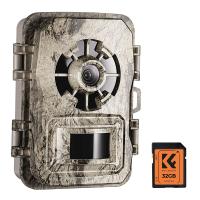
1. Local Storage: Some cameras come equipped with SD card slots or internal storage that lets them record video directly on the device. They operate autonomously and store footage locally without needing internet access. This is ideal if you want a simple “plug and forget” setup.
2. Local Wireless Pairing: Certain camera systems come paired with a dedicated receiver or a base station that connects to the cameras via radio frequencies or Bluetooth. These receivers store footage locally, allowing you to access recordings without needing the internet.
3. Closed Wi-Fi Network: Even without internet access, you can set up the camera with a closed Wi-Fi network. The camera will connect to your device (smartphone or tablet) through a local access point created by the camera itself. This lets you view live feeds, adjust settings, and retrieve recordings straight from your wireless camera without needing a remote server or cloud support.
Essentials for Outdoor Setup: The Non-Internet Notes
Let’s move on to the technical checklist to ensure your wireless camera thrives offline in an outdoor environment.
1. Power Source
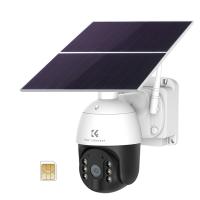
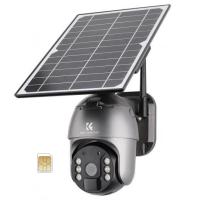
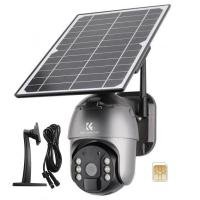
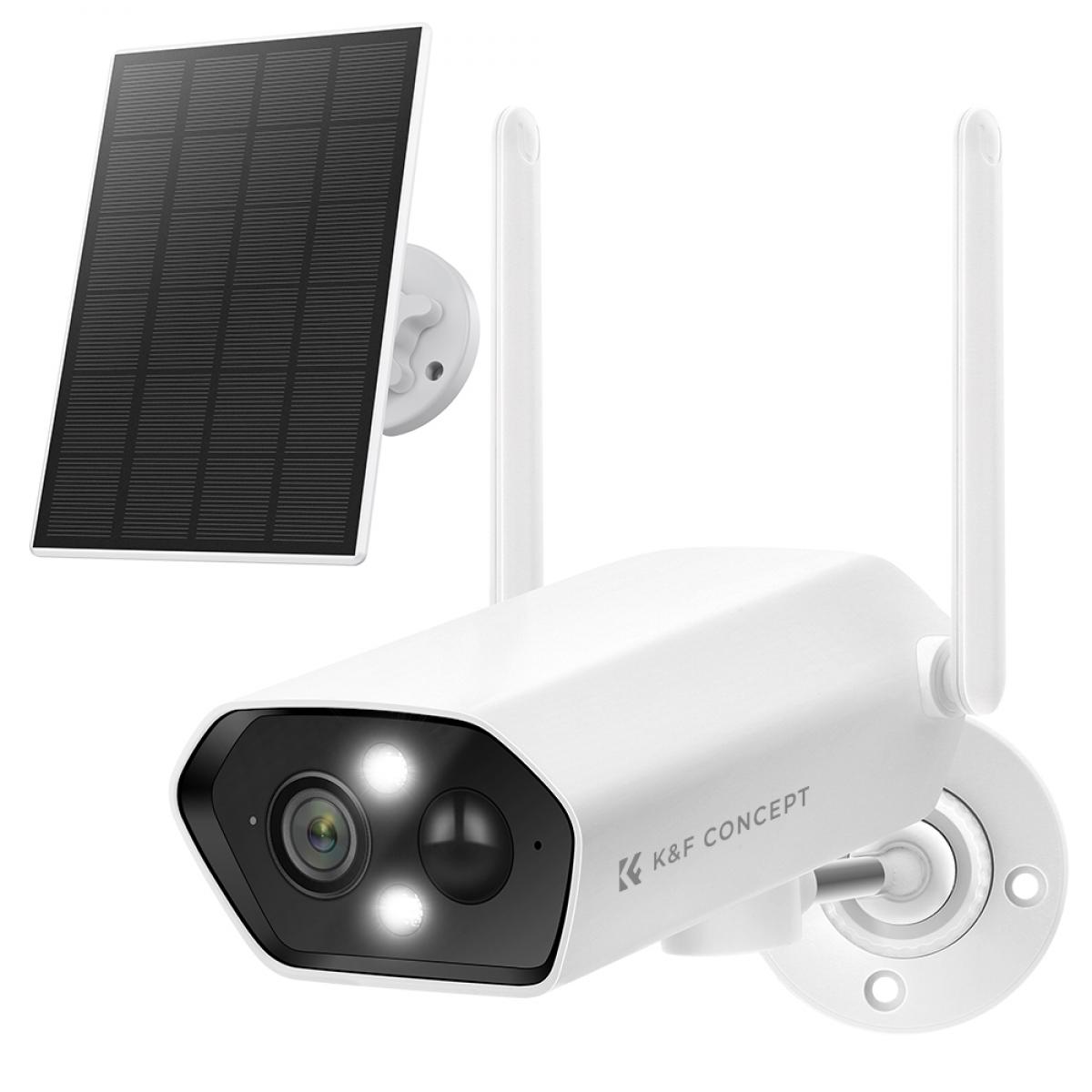
Battery-powered cameras are your go-to option for an offline setup. You’re likely to opt for areas without easy access to a power outlet, so a camera with a long-lasting rechargeable battery or even a solar-powered option becomes your best friend. Just double-check the battery life; depending on how much recording the camera does, it could drain faster than expected.
2. Weatherproofing
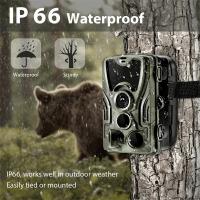
Outdoor environments are unpredictable. Whether it’s pelting rain, blistering sun, or harsh winds, your camera needs a robust build that can handle it all. Look for devices with IP65 or higher weatherproof ratings to ensure longevity. Offline or not, you don’t want to troubleshoot broke gear in subzero temperatures.
3. Storage Capacity
If you’re using local storage, you need an SD card with sufficient capacity, or you may risk running out mid-recording. For higher resolutions like 1080p or 4K, larger storage cards—128GB or higher—are advisable. Bonus tip: Some cameras overwrite older footage automatically when storage fills up. If you want to maintain crucial records, ensure the device has options to prevent overwriting specific chunks of data.
4. Motion Detection and Recording Options
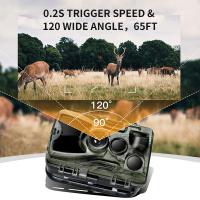
Most offline cameras default to continuous recording, which eats up both battery life and storage unless managed efficiently. Consider cameras with motion detection or heat-triggered recordings since these help conserve resources while still capturing crucial moments.
5. Accessing Footage
Need to retrieve recordings? If the camera has an SD card, you’ll have to remove it and slot it into a computer or a card reader. Alternatively, devices with USB ports or local Wi-Fi pairing let you download footage directly without any fuss. Just remember, the absence of cloud storage means your hands-on involvement will be more frequent.
What Can’t a Non-Internet Camera Do?
Going internet-free comes with trade-offs. Offline wireless cameras undoubtedly offer independence and simplicity, but they lack certain functionalities:
1. Real-Time Remote Monitoring: Without internet access, you’ll be unable to monitor your camera feed remotely while sipping coffee at a café 20 miles away. You’ll need to be physically near the camera or its receiver to view footage or access live streams.
2. Cloud Storage: Internet-connected cameras often store footage in the cloud. Without internet, the only options are local storage devices, which may need extra maintenance.
3. Notifications: Many connected cameras send alerts when triggered by motion. Without internet connectivity, you won't be notified in real time about strange activities. Offline systems often rely on you manually checking recordings.
4. AI Features and Updates: Internet-reliant cameras often offer advanced features like facial recognition or pattern-based alerts, leveraging cloud-based AI. With an offline-only system, you’ll generally miss out on such intelligence capabilities.
Best Use Cases for an Offline Wireless Camera Outside
So, why would anyone want a wireless camera that doesn’t rely on the internet? Here are some scenarios where such cameras shine:
Remote Cabins or Vacation Homes: If you want simple monitoring to detect wildlife activity or unauthorized visitors, local recording is enough, and internet coverage might be nonexistent anyway.
Construction Sites: Internet access often isn’t feasible, but keeping a rolling log of activity ensures better security for expensive materials and tools.
Wildlife Observation: Cameras designed for long battery life and offline operation are often used to monitor animal behavior in remote areas where connectivity is unavailable.
Temporary Security: Temporary setups, such as outdoor events or campsites, benefit from wireless offline cameras without requiring infrastructure investment.
Recommendations for Offline Cameras
Several brands cater specifically to the offline crowd, and a few are noteworthy for their reliability and ease of use:
Reolink Argus Series: These battery-powered, weatherproof cameras offer local storage and optional solar charging. Many models have motion-activated recording that saves both power and storage.
Arlo Go (if using LTE): While it supports cellular connectivity, it also allows local recording through an SD card when offline.
Blink Outdoor: Compact and efficient, Blink Outdoor cameras offer wireless operation and local storage options, perfect for short-term gigs.
With all that said, the decision to go offline ultimately hinges on your priorities. Whether you’re aiming for low-maintenance security in a far-flung location or simply nixing monthly subscription fees for cloud storage, wireless cameras can absolutely function outside without the internet. You simply need to align your expectations with the right setup.
So go forth, cut the cord (figuratively and literally), and set your wireless camera free in the wild—just don’t forget to pack an extra SD card.