What Is The Input Of A Digital Camera?
Ah, digital cameras—a modern marvel of technology that have transformed how we capture fleeting moments, immortalize grandeur, and, let’s face it, document our daily lives for social media. Today, we'll delve deep into the mechanics behind these image-capturing devices, discussing not just *what* the input of a digital camera is but *how* these inputs function to produce instant snapshots of life as never before. From pixels to photons and processors to button presses—I'll explain the nuts and bolts (with electronics, not literally bolts) while sprinkling in insights that might just make you say, “Aha, so that’s how my selfies exist!”
The Mechanics of Inputs: What Does a Digital Camera Really Absorb?

A digital camera’s input essentially refers to the sensory data it "receives" in order to create digital images. Put simply, there are three primary layers of input: light, user commands, and data programming. Let’s look at each one in depth, so next time you pick up your camera, you can geek out over what’s actually happening inside.
1. The God Particle of Photography: Light
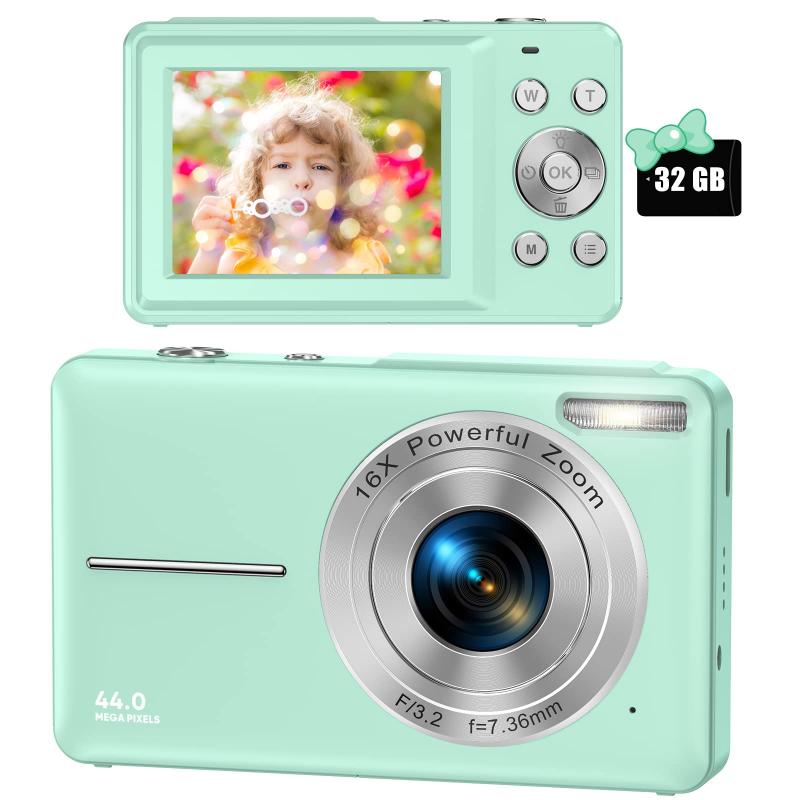
At its core, a camera is a glorified light receptor. The foremost and most critical input for a digital camera is *natural or artificial light.* However, to truly grasp why light matters, you need to understand the partner in crime that processes this input—the image sensor. There are two common types of image sensors making headlines: CCD (Charge-Coupled Device) and CMOS (Complementary Metal-Oxide Semiconductor).
Here’s the drill:
When light enters through the lens (another input framework we’ll cover later), it strikes the sensor, which is essentially a grid of millions of tiny photosites (think of them like mini buckets that collect photons—particles of light). These photosites absorb the incoming light and convert its intensity into electronic charges. Voilà! Those charges are then used to reproduce the varying shades and colors of the scene in front of the camera. Your "input" of light is now well on its way to becoming an image—minus the filters you’re itching to slap on top.
Why Is Light Such a Diva?
If there’s too little light, the camera struggles to produce detailed images—cue the dreaded grainy "low-light photos" problem. On the other hand, excessive light turns everything glaringly white, a phenomenon known as "blown highlights" (where your friend’s wedding dress looks like it’s straight out of a sci-fi movie). The digital camera relies heavily on balanced light inputs, typically fine-tuned via settings such as aperture, shutter speed, and ISO sensitivity.
2. The Human Element: User Commands

Let’s move beyond photons for a moment to focus on another vital input mechanism: user commands. When a photographer interacts with the camera, they’re essentially telling it how to process incoming light and other data. This interaction comes through both hardware settings and software interfaces.
*Hardware Inputs*
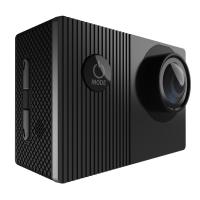
Every physical button and dial you see on a camera—whether it’s the shutter button, mode dial (Manual? Auto? Aperture Priority? My life is falling apart Priority?), or menu navigation arrows—all count as inputs. These tactile commands instruct the camera to adjust settings like exposure, focus, zoom, or even when to snap the photo itself. Ever wondered what happens when you press the big shiny button? That’s you telling the camera, “Hey, process all those inputs and give me my masterpiece right now!”
*Software Inputs*
Modern cameras, especially DSLRs and mirrorless models, have advanced software interfaces displayed on touchscreen LCDs or electronic viewfinders. These menus let users fiddle with more nuanced parameters such as white balance, color profiles (Adobe RGB vs. sRGB), and file format (RAW? JPEG? Oh, the dilemma). Importantly, advanced users may also upload external software presets via USB or Wi-Fi for customized post-processing automation built directly into the RAW image workflow.
So if light is the raw ingredient, you, the user, are the chef managing the recipe.
3. Bits, Algorithms, and Firmware: Computational Inputs
You thought photography was *just* about light and user interaction? Nope! The third essential input comes from data, programming, and pre-installed algorithms embedded within the camera’s firmware.
*Automatic Scene Detection*
AI has revolutionized how digital cameras interpret scenes. Many modern models now utilize advanced scene-detection algorithms as input tools. For example, your camera doesn’t just passively digest light hitting the sensor; it actively analyzes it to identify whether you’re shooting in daylight, at night, against a sunset, or ironically under fluorescent office lighting. It uses this predefined data to adjust focus, exposure, and color rendering without you needing to lift more than a finger.
*Image Stabilization Systems*
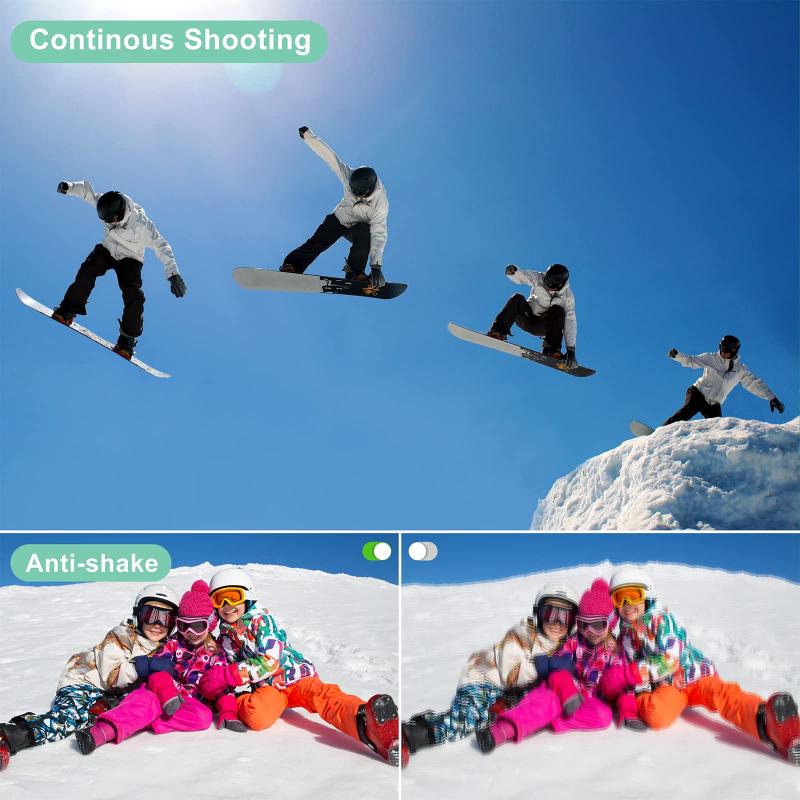
If you’re shooting hand-held or while casually dangling from a tree branch, there’s a good chance your camera’s stabilization system is hard at work. Optical stabilization (base-level hardware) combined with sensor-based calculations (digital inputs) ensures that your shaky hands don’t ruin the light inputs on an image frame. Thanks, science.
*Machine Learning for Autofocus*
Autofocus systems today leverage machine learning to anticipate movement and adjust in milliseconds. Inputs such as object speed, trajectory, and face/eye detection come into play, giving your camera the ability to "predict" where focus should be nailed down.
Wrapping It All Together: The Chain of Inputs and Outputs
To summarize, here’s how inputs feed each step of the imaging process in your digital camera:
1. Light enters via the lens and guides the raw data captured by the sensor.
2. Hardware and software inputs (user commands) refine how the camera should capture, interpret, and store that light information.
3. AI, algorithms, and preset computational inputs analyze the incoming light and user-driven parameters for optimal rendering.
4. All of these inputs are then combined and processed—quite literally—by the camera’s processor chip (commonly referred to as the DSP, or Digital Signal Processor).
In mere milliseconds, the cumulative result is an output image: the digital file you see on the screen or via your camera’s preview mode. Of course, an external memory card serves as the next port for exporting this masterpiece into your broader digital world.
Why Knowing Your Inputs Matters
Whether you’re a novice stumbling through auto mode or a seasoned professional tweaking ISO values manually, understanding camera inputs gives you a strategic edge. Mastering the interplay between light, user commands, and firmware algorithms is like becoming fluent in the language of your creative tool. After all, it’s not about the camera; it’s about who wields it—armed with knowledge and maybe a little taste for adventure.
So next time your finger hovers over that shutter button, remember: You're not just creating an image—you’re orchestrating light, intuition, and silicon magic. And let’s be honest, that’s downright cool.
Now go take some pictures—your camera has been waiting patiently.