How To Record Audio Without Camera?
In the realm of content creation, recording high-quality audio is often perceived as the loyal sidekick to video. But what happens when the camera is removed from the equation? Audiophiles, podcasters, and musicians have long known the power of audio as a standalone entity. Whether you're launching a podcast, recording a voice-over, or simply capturing sounds for creative projects, understanding how to record audio without involving a camera requires a fine-tuned strategy.
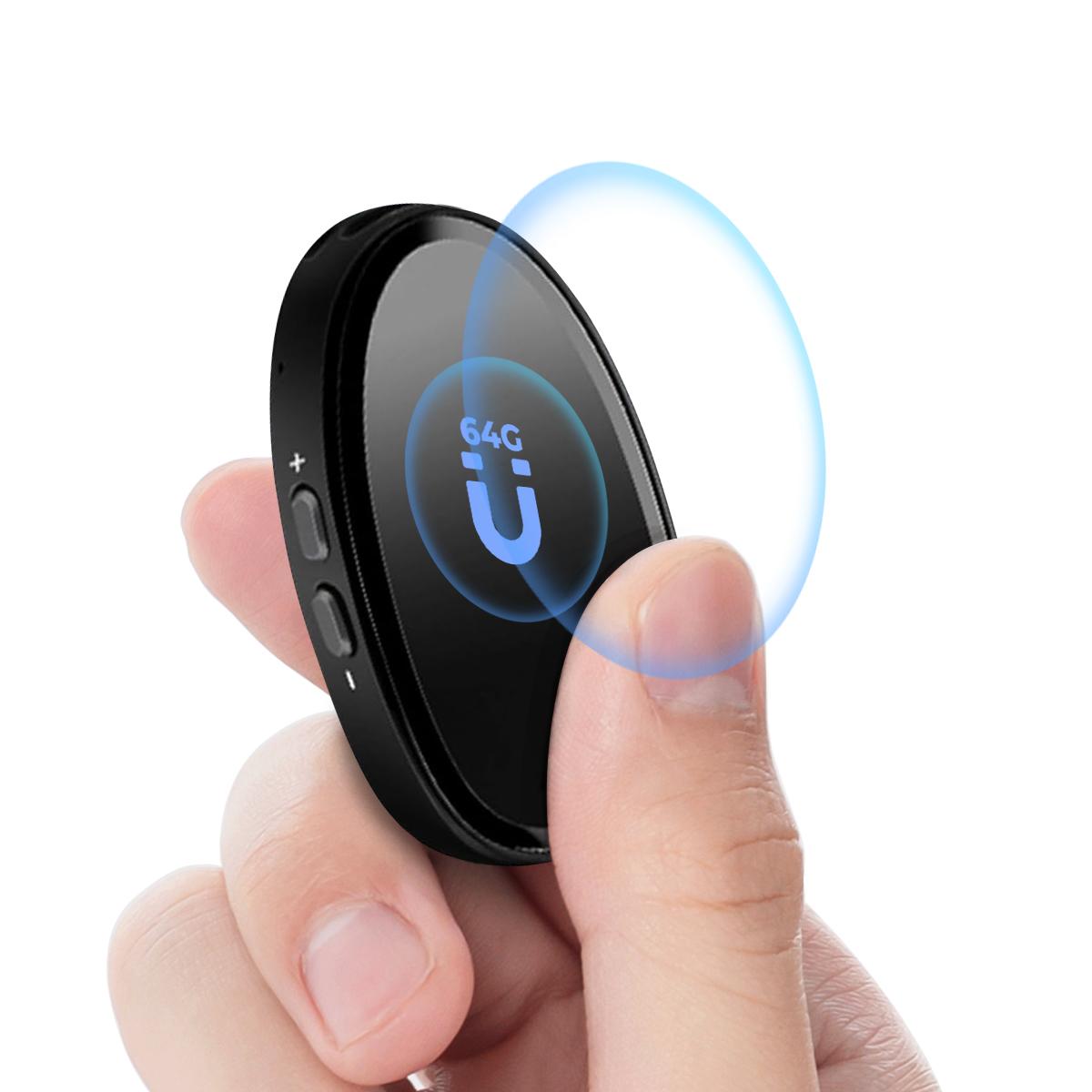
Let’s break down the essentials.
The Right Tool for the Job: Say Hello to Microphones
When video isn’t involved, your microphone becomes the undisputed star of the show. Choosing the right microphone for your needs can make or break your recording. There are several different types to consider:
Dynamic Microphones: These are durable, versatile beasts of the audio world. Perfect for recording in environments with less-than-ideal acoustics as they reject background noise effectively. Think podcasting or live performances.
Condenser Microphones: Known for their sensitivity and warmth. They excel in quieter environments such as studios, capturing rich, detailed audio. If you're recording vocals or instruments, this is the way to go.
USB Microphones: Plug-and-play champions, ideal for beginners or casual recording. While they might lack the sophistication of XLR mics, their ease of use makes them great for creating online content.
The microphone you choose inherently depends on what you're recording and the environment you're working in. If you aim for pristine sound quality but ignore room acoustics, you're essentially trying to boil water without turning on the stove.
Location, Location, Location
Let’s talk about your recording space. Believe it or not, no microphone—regardless of its price tag—can magically solve the problem of bad acoustics. If you're recording in a space that sounds like an echo chamber or seems to amplify every dog bark and neighboring car honk, it'll reflect directly in your recordings.
Here's how you fix it:
Cover Hard Surfaces: Bare walls and open floors bounce sound waves like crazy. Throw curtains or blankets over reflective surfaces and consider using a carpet to deaden floor reflections.
Use Acoustic Panels: If you're planning to become a full-time audio wizard, investing in foam panels that absorb sound is worthwhile. You can strategically place these on the walls surrounding your recording area.
DIY Solutions: Don't have the budget for professional panels? Try placing bookshelves with books at varying heights around the area. Shelves filled with irregularly spaced objects are surprisingly effective at diffusing sound.
Remember, the goal is to control the chaos of sound waves so your microphone captures only what you intend.
Gear Setup: It’s More Than Just the Microphone
While the microphone steals the spotlight, your overall gear setup is still part of the supporting cast. Here’s a quick checklist:
Audio Interface: If you’re using an XLR microphone, an audio interface allows you to connect it to your computer. It ensures clean, high-res digital audio and offers control options like gain adjustments.
Pop Filter: This sits between your mic and your mouth, catching plosives (those pesky bursts of air from letters like “P” and “B”) so your recording doesn’t overload.
Shock Mount: If your microphone is prone to vibrations from surfaces or nearby movement, a shock mount will isolate the mic from these disruptions. Think of it as a security system for sound purity.
Cables: Don't skimp on quality. A flimsy cable can ruin your recording experience faster than you can say “technical glitch.”
Headphones: Monitoring your sound is crucial, and a good pair of studio headphones can be the difference between catching issues during recording versus having to fix them in post-production. No, your Bluetooth earbuds don’t count.
So, How Do You Record This Thing?
At this point, you’re ready to hit the record button—but on what device? Cameras might be out of the question, but modern tools offer plenty of alternatives:
1. Dedicated Audio Recorders: Portable audio recorders like the Zoom H4n Pro or Tascam DR-series provide high-quality recording in a device designed specifically for audio. They're reliable and don’t require external hardware like computers.
2. Your Computer: With an audio interface connected to your microphone, you can use software like Audacity (free!) or Adobe Audition to record directly to your machine. Computers offer the advantage of easy editing and layering once recording is done.
3. Smartphones: Believe it or not, your smartphone can double as a quick audio recorder if paired with the right equipment. Invest in an external microphone compatible with your device and use apps like Dolby On or Voice Record Pro for enhanced functionality.
4. Recording Devices for Musicians: If you’re an active musician, you might already have gear like drum machines or loop stations that offer audio recording options.
Editing Magic: Post-Production Secrets
Congratulations! You've captured your audio. But unless you're recording chirping birds for an ambient sound project, the next step is cleaning it up in post-production. Here are a few must-dos:
Remove Noise: Edge out background hums or random interference using tools like the “noise reduction” feature in editing software.
Equalization (EQ): Shape the tonal balance of your audio. You might want to boost lower frequencies for a warmer sound or slightly cut the high-end to avoid harshness.
Compression: Level out your audio gain so louder parts don’t overpower quieter ones but still retain your dynamic range. Over-compression, however, will suck the life out of your recording.
Add Reverb (Optional): Want that slightly ethereal tone? Reverb can add depth and dimension to your audio tracks.
Test Your Final Audio: Play it back on different devices (headphones, speakers, smartphones) to ensure it sounds optimal everywhere. If it's good enough for your uncle's dusty car stereo, you're golden.
Mistakes Beginners Make
Time for a candid chat—audio recording isn't for the faint-hearted, but with the right steps, you can avoid rookie errors like:
- Overlooking gain staging, which can cause clipping.
- Ignoring room acoustics, expecting your mic to "fix everything."
- Using improper editing tools and ending up with over-processed audio that sounds like a robot trapped underwater.
- Neglecting backup strategies. Always record multiple takes when possible.
Whether you’re crafting a narrative masterpiece or just capturing your thoughts, recording audio without a camera doesn’t mean compromising on quality. With the right microphone, acoustic setup, and editing polish, your audience won’t miss the visuals—they’ll be too busy wrapping themselves in the rich textures of sound. And isn’t that the ultimate goal?