How to Choose a Tripod for Phone?
2025-09-18 09:35:29
0 Comments
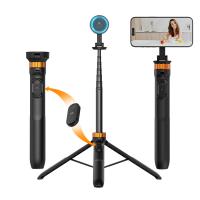
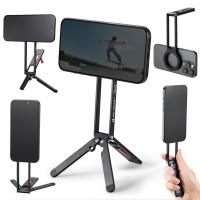
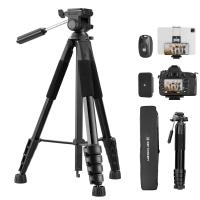
To pick the best phone holder for tripod for daily use, start by thinking about how you’ll use it most often. Maybe you need it for video calls, recording short clips for social media, or snapping steady photos indoors. Look for a tripod that’s compact enough to fit on your desk or shelf, yet sturdy enough to hold your phone in place without slipping. A simple, lightweight design with quick setup will make it easy to grab whenever inspiration strikes.
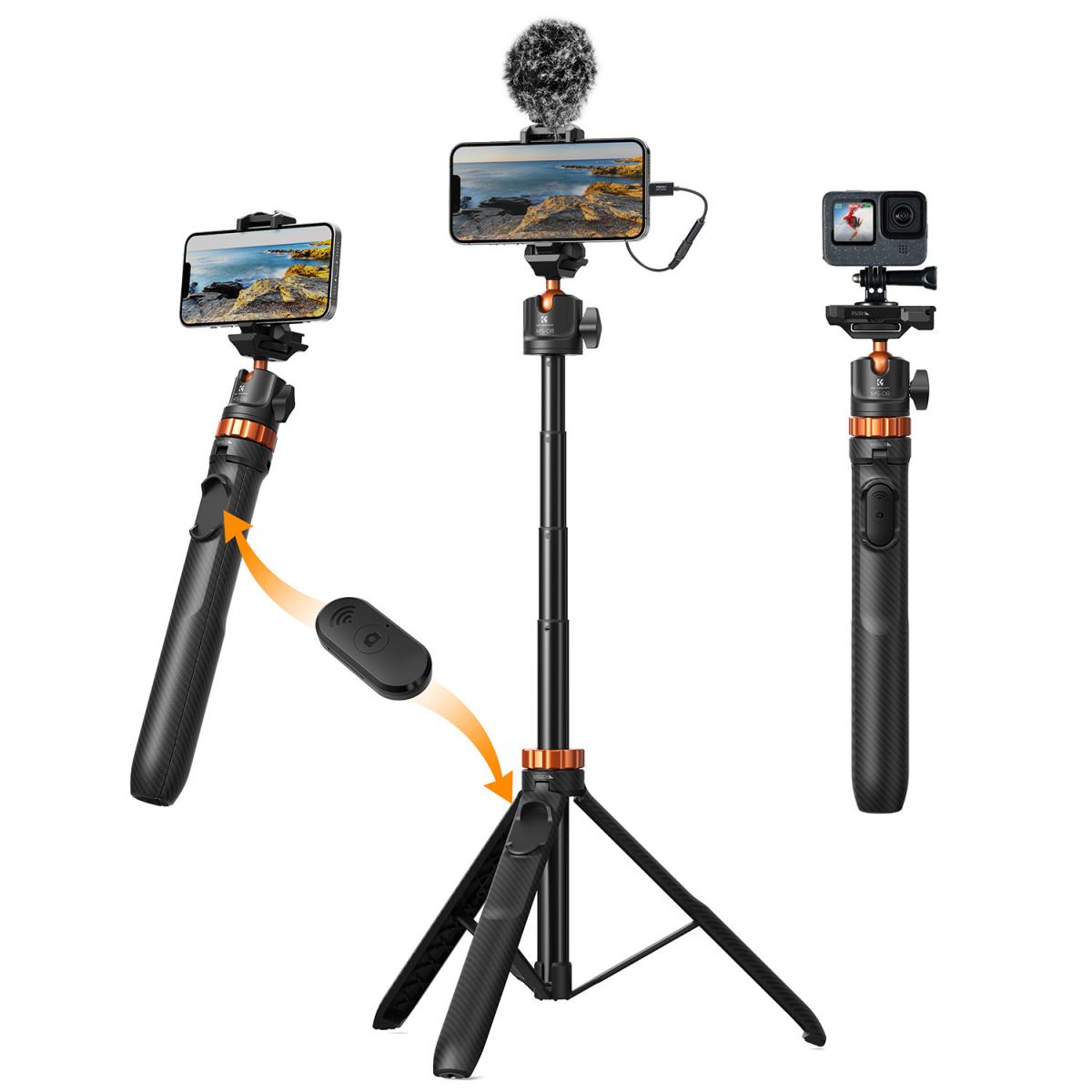
Imagine you’re cooking dinner and want to film a recipe tutorial, or maybe you’re working from home and need a stable setup for long video meetings. Without a tripod, you’re left propping your phone against books or cups, which can be frustrating and unstable. A reliable daily-use phone tripod removes that hassle, giving you steady shots, hands-free convenience, and better framing every time. Selecting and purchasing a good tripod is a small investment that makes everyday tasks smoother and more enjoyable.
What Is a Good Tripod for Phones?
Not all tripods are designed equally, and choosing the wrong one can limit your photography or videography. Here are the key qualities that define the best phone tripod:
1. Stability Above All
The number one feature to look for is stability. A wobbly tripod will ruin your shots, especially in long-exposure photography, low-light shooting, or time-lapse videos. Tripods made from aluminum or carbon fiber usually provide the best balance between strength and weight.
2. Secure Phone Mount
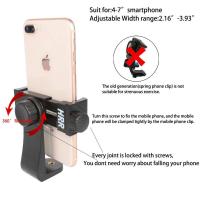
A great tripod for smartphones should include a reliable phone holder. Look for:
① Adjustable width to fit different phone sizes.
② Strong grip that won’t scratch your device.
③ Ability to rotate for both portrait and landscape
3. Portability and Weight
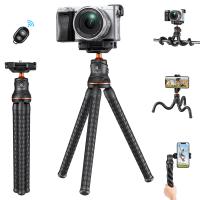
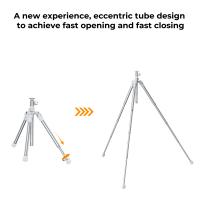
If you’re into travel photography or vlogging, a lightweight, foldable tripod is a must. Mini tripods and flexible tripods (like GorillaPods) are popular because they can be tossed into a backpack and used anywhere.
4. Flexibility in Angles
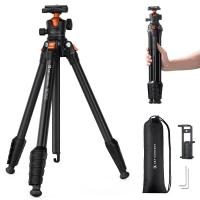
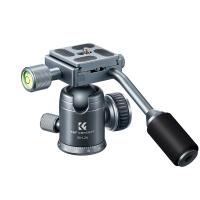
Creative photography often requires unique angles. Flexible legs or a ball head mount let you shoot from overhead, low to the ground, or even wrap your tripod around objects like fences or tree branches.
5. Load Capacity
Most phone tripods can handle smartphones easily, but if you plan to attach extra accessories like microphones, LED lights, or external lenses, choose a tripod with a higher weight capacity.
6. Extra Features
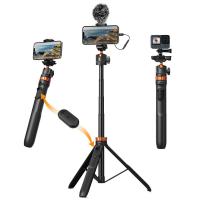
- The best tripods for vlogging and content creation often come with handy extras:
- Bluetooth remote shutters for hands-free photos.
- Cold shoe mounts for microphones or lights.
- Built-in bubble levels for precise framing.
In summary, the best tripod for phone photography is one that’s stable, portable, and versatile enough to fit your creative style.
How Tall Should Your Phone Tripod Be?
Tripods come in various sizes, and choosing the right height depends on how you plan to use it.
Mini Tripods (Under 20 inches / 50 cm)
Best for tabletop videos, desk vlogging, and product photography. Their compact size makes them ultra-portable, but they require a raised surface for full-body shots.
Mid-Sized Tripods (20–50 inches / 50–127 cm)
Ideal for seated videos, portrait photography, or waist-up framing. These are a solid choice for casual vloggers and creators who want versatility without bulk.
Full-Sized Tripods (50–70+ inches / 127–180 cm)
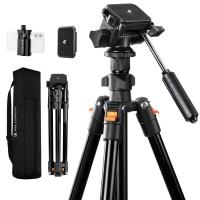
If you need a tripod for vlogging or recording standing videos, a full-sized tripod is the best option. Eye-level tripods also make landscape photography and group photos easier.
Adjustability Is Key
Instead of focusing only on maximum height, look for tripods with adjustable legs and center columns. This flexibility allows you to shoot from low to high angles without buying multiple tripods.
Pro tip: For comfort and natural framing, choose a tripod that reaches your eye level when fully extended.
How to Use a Phone Tripod?
Once you’ve chosen your tripod, it’s time to maximize its potential. Here’s a quick guide on how to use it properly:
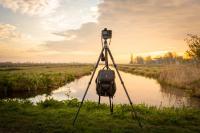
1. Set Up the Legs for Stability
- Spread legs wide for a stable base.
- Extend thicker leg sections first for better balance.
- Adjust legs individually on uneven ground.
2. Securely Mount Your Phone
Ensure your phone is centered and locked in the mount. Avoid pressing side buttons accidentally (volume/power). For vertical videos, rotate the mount to portrait orientation.
3. Frame Your Shot
- For portraits, set the tripod at eye level.
- For flat-lay shots, position it directly overhead.
- Experiment with angles to add creativity to your shots.
4. Use Remote Controls or Timers
To avoid shake, use:
- A Bluetooth shutter remote (many phone tripods for vlogging include one).
- Your smartphone’s built-in timer.
- This is especially important for long exposures or group selfies.
5. Explore Creative Angles
- Don’t just stick to eye-level shots. Try:
- Low angles for dramatic effects.
- High angles for unique perspectives.
- Side tilts for storytelling compositions.
6. Maintain Your Tripod
Keep it clean, dry, and properly folded when not in use. Regularly check screws and joints to ensure lasting performance.
Final Thoughts
A smartphone photography tripod isn’t just an accessory — it’s a tool that unlocks stability, creativity, and freedom in your shots.
- A good tripod is stable, portable, and secure.
- The right height depends on whether you’re shooting tabletop, seated, or standing videos.
- Learning how to use a tripod for smartphones properly ensures professional-looking results every time.
Whether you’re a casual creator, a traveler, or a vlogger aiming for professional-quality content, investing in the best tripod for your phone will completely transform your photography and videography.
Leave your comment
Note: HTML is not translated!