How To Fit Bluetooth Headset In Helmet?
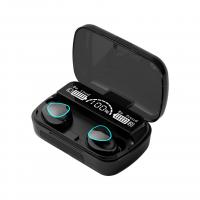
Bluetooth headsets are indispensable accessories for modern riders who yearn for hands-free communication, immersive music, and GPS guidance without compromising safety. But fitting a Bluetooth headset into your helmet isn’t always straightforward. Improper setups can lead to discomfort, poor audio quality, or risks during your rides. Let’s sculpt out the precise steps and principles for integrating your headset seamlessly into your helmet—no shortcuts, no compromises.
The Key to Success Lies in Compatibility
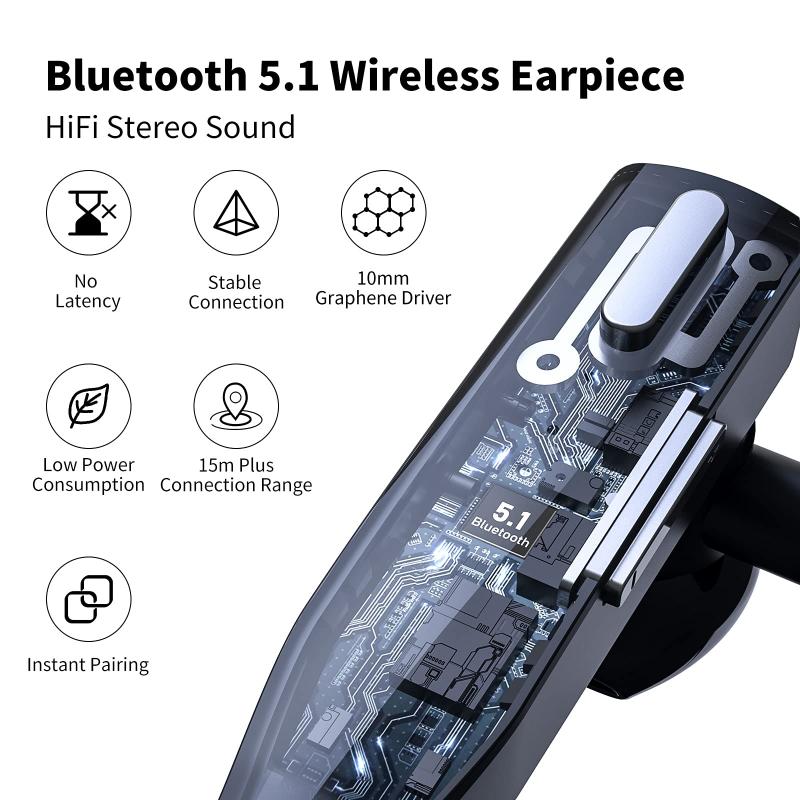
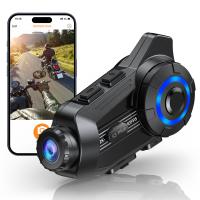
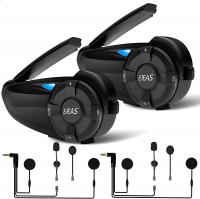
Before you even think of installation, start with the basics: the right gear. Not all helmets and Bluetooth systems are universally compatible. Helmets can be full-face, modular, open-face, or half-shell, and each design poses unique challenges for housing your headset. Meanwhile, Bluetooth systems vary in form factor; some include slim speakers and an unobtrusive control unit, while others bulk up with external modules, exposed wiring, or oversized microphones.
When choosing your Bluetooth device, prioritize systems designed specifically for motorcycling helmets. Brands like Sena, Cardo, and Interphone have refined their designs with the dimensions and acoustics of motorcycle helmets in mind. They fit snugly, often with minimal compromise on helmet padding and comfort.
Assemble Your Tools and Prepare

Here’s where it gets fun—or at least methodical. You’ll need:
- Your Bluetooth headset and its corresponding installation kit.
- A helmet with removable padding (most modern helmets allow this).
- A fine-tipped screwdriver or other tools you’ll need for removal.
- Adhesive Velcro or small mounting brackets (often included in the kit).
- Patience—with an optional side of trial and error.
Consistency is king. Ensure there’s no dirt or oil inside your helmet where the adhesive will be mounted; a small alcohol wipe clears the way to lasting bonds.
Step-by-Step Installation Guide
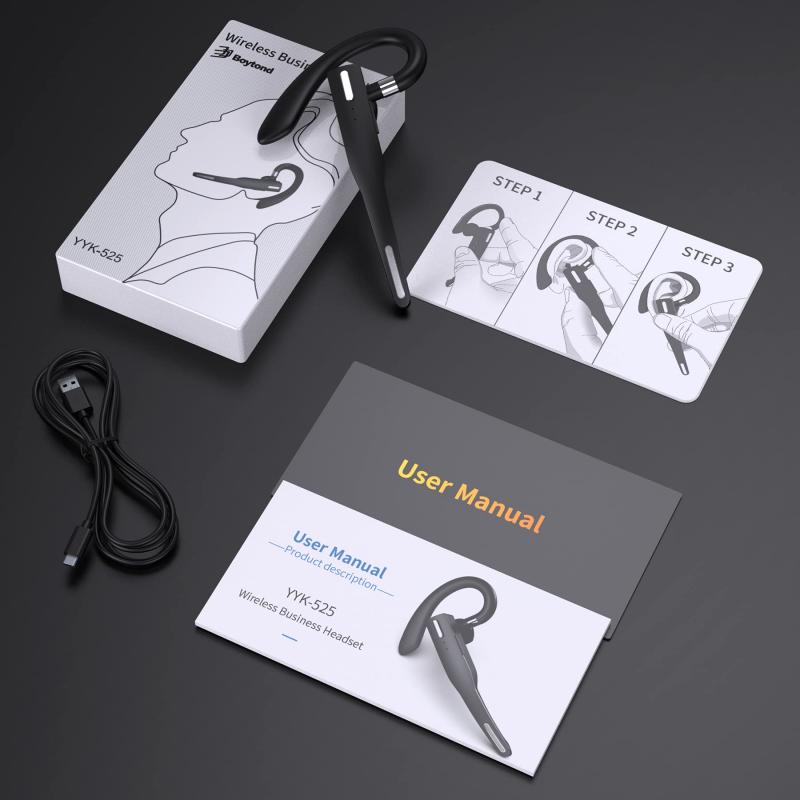
Step 1: Removing Helmet Padding

Begin by carefully removing the interior padding of your helmet—the cheek pads, liner, or other removable parts. This gives you access to the helmet shell where speakers and wiring will go. For full-face or modular helmets, prioritize accessibility in the ear region and near the chin strap.
Step 2: Locating Speaker Pockets
Examine your helmet for speaker pockets—small recessed areas near your ears. Many helmets feature these specifically for Bluetooth headsets. If your helmet lacks preexisting pockets, you’ll need to be more creative: use adhesive Velcro to secure the speakers in a location that aligns with your ear canal. Too high or too low, and you’ll find yourself scrunching uncomfortably during rides.
Step 3: Securing the Speakers
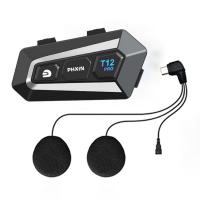
Bluetooth headset kits generally include slim speakers that integrate easily into helmet designs. Insert these into the speaker pockets, ensuring they face inward toward your ears. Adjust positions carefully; even millimeters can affect audio clarity. Some riders swear by tapping their favorite playlist during installation—music functions as a test for speaker alignment more accurately than guesswork alone.
Step 4: Routing the Wires
Clever cable management makes for cleaner installation and avoids irritation later. Tuck wires under the padding or along helmet contours. Some helmets feature small grooved pathways for cables; these are an installation dream. Avoid letting cables cross into areas with direct rider contact—they're as irritating mid-ride as sand in your boots. Once properly routed, secure the cables with adhesive or small ties.
Step 5: Mounting the Control Unit
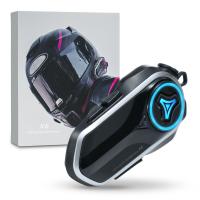
Wireless isn’t precisely "wireless" in the world of motorcycle headsets; even Bluetooth devices come with external control units for functionality. Choose a part of the helmet shell where the controls won’t snag clothing or interfere with helmet aerodynamics. Modular helmets often have slim side areas perfect for mounting. Align the module flush to prevent unnecessary bulk and use the adhesive pad or brackets provided in the kit.
Step 6: Positioning the Microphone
For clear communication on highways, microphones are best positioned near your mouth without touching it. In full-face helmets, mount the microphone inside the chin bar using the supplied boom or adhesive mount. Modular helmet users can place the microphone slightly to the side to accommodate the flip-up design. Test the mic periodically after placement; static or muffled audio often demands re-adjustments.
Finishing Up
Now that all components are positioned, carefully replace your helmet padding. Ensure there's no bulge or awkward routing that could compromise comfort—this is where the extra care you took earlier pays off. Test the fit extensively before heading out for a ride. A poorly installed setup doesn’t just reduce audio quality; it’s also a safety hazard if you become distracted by loose wires or discomfort.
Once your helmet feels snug and balanced again, turn on the Bluetooth device. Pair it with your phone and perform a functionality test. Call a friend, play some music, or engage Google Maps voice navigation. Loud environments, like a room with a TV on, can simulate the road noise to test call clarity.
Advanced Tips for Customization
Noise-canceling technologies: Consider upgrading your Bluetooth to models with active noise cancelation. These are lifesavers during highway riding when wind and engine noise are pervasive.
Padding Modifications: For riders who feel the speakers press into their ears, integrate additional foam or padding between the speakers and the helmet shell without compromising audio directionality.
Speaker Ducting: Audiophile riders can experiment with DIY ducts inside the helmet, creating a cleaner, more focused audio path. A simple paper prototype duct sealed with light adhesive can be shockingly effective.
Common Problems and Solutions
Loose Wires: Reinspect the wiring path. Use adhesive clips to secure loose sections.
Poor Audio Quality: Double-check speaker alignment. Even tiny misalignments can degrade sound clarity.
Helmet Fit Issues: If the padding feels tight after installation, consider removing non-essential helmet foam or using thinner Velcro layers. Never compromise structural integrity.
___
Riding with a properly installed Bluetooth headset can transform the motorcycling experience. Whether you’re relocating to a new city, challenging mountain curves, or cruising for leisure, integrating this technology into your helmet adds a dimension of convenience, safety, and entertainment. It’s not just a tech upgrade; it’s a lifestyle upgrade. So take this weekend—not *next* weekend—to perfect that setup. Future You will remember it fondly when riding through crisp morning winds, with music so sharp you forget the world.